
Scan your iOS build before App Review, from the terminal
Point the CLI at a build and it reads the details App Review cares about: Info.plist, entitlements, privacy manifests and frameworks. The binary stays on your Mac.
Start in under a minute
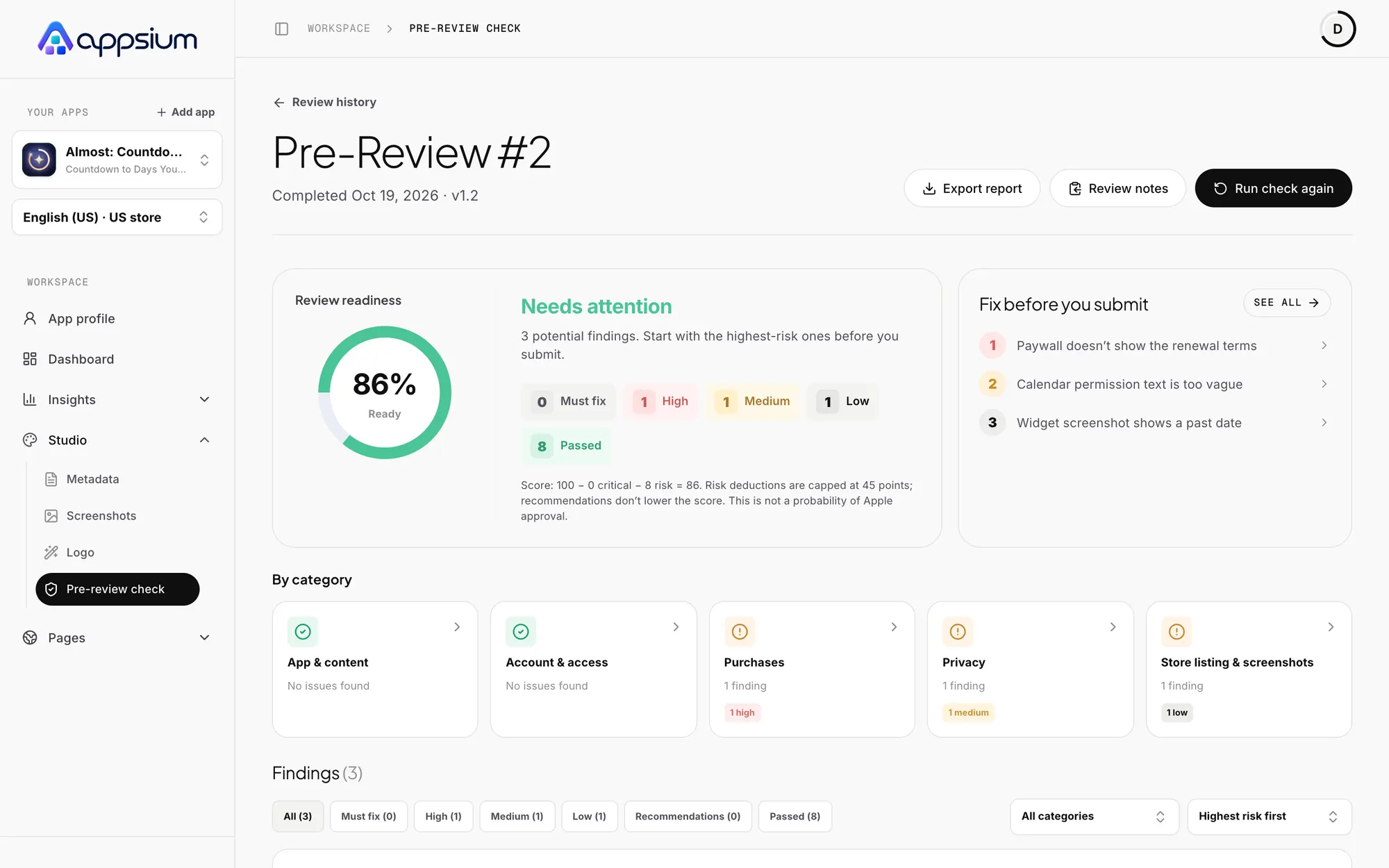
Install it, sign in through your browser, and point it at a build. The review opens in the portal with answers already filled in from your build.
- macOS, with your token kept in the Keychain
- Needs a connected App Store Connect account
- Bundle ID is checked against your team
# install
npm i -g appsium

# sign in through your browser
appsium login

# scan a build
appsium review ./YourApp.ipa
Block a release on real problems
Add it to CI with a token and fail the job when a finding reaches the severity you choose.
- Exit code 1 at or above your threshold
- --json for machine-readable output
- Revoke tokens from Settings
# in your pipeline
APPSIUM_TOKEN=aps_… appsium review \
  build/App.ipa \
  --analyze --yes \
  --fail-on must_fix

# exit codes
# 0 ok, 1 finding, 2 error
Frequently asked questions
Does my app binary get uploaded?
No. The build is read on your Mac and only the extracted details are sent to Appsium.
Does it use credits?
Scanning and opening the review in the portal does not. Running the analysis uses your normal Pre-Review Check credits.
Is there an MCP server?
Yes. The Appsium MCP server is separate from the CLI and connects with a browser sign-in. See the MCP server page.
What do I need?
An Appsium account and a connected App Store Connect account, which proves the bundle ID belongs to your team.
Find it before App Review does.
Install the CLI and scan your next build.
Works with
MCP server
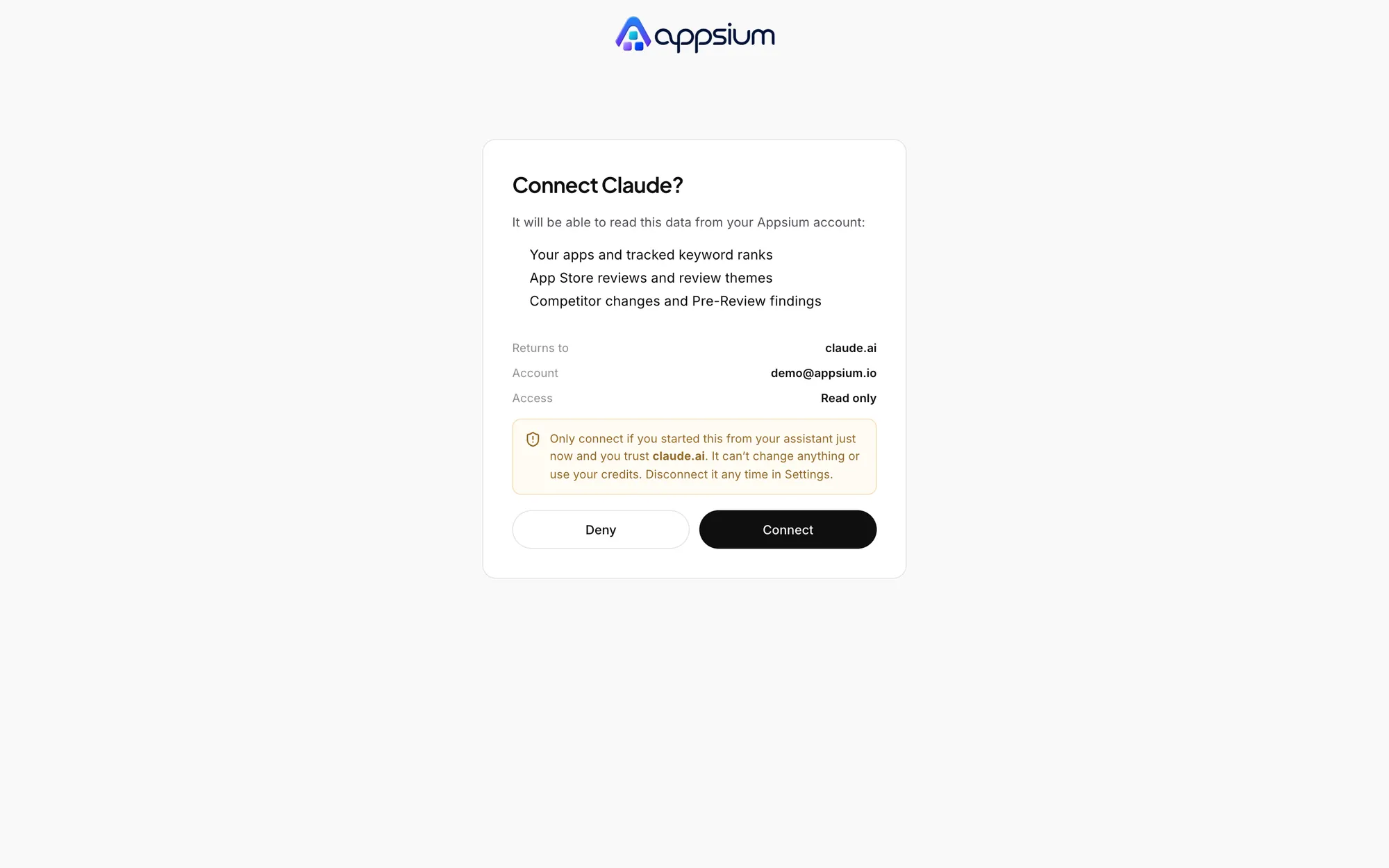
Ask Claude or Cursor about your ranks, reviews and competitors. Read only, with a browser sign-in.
Pre-Review Check
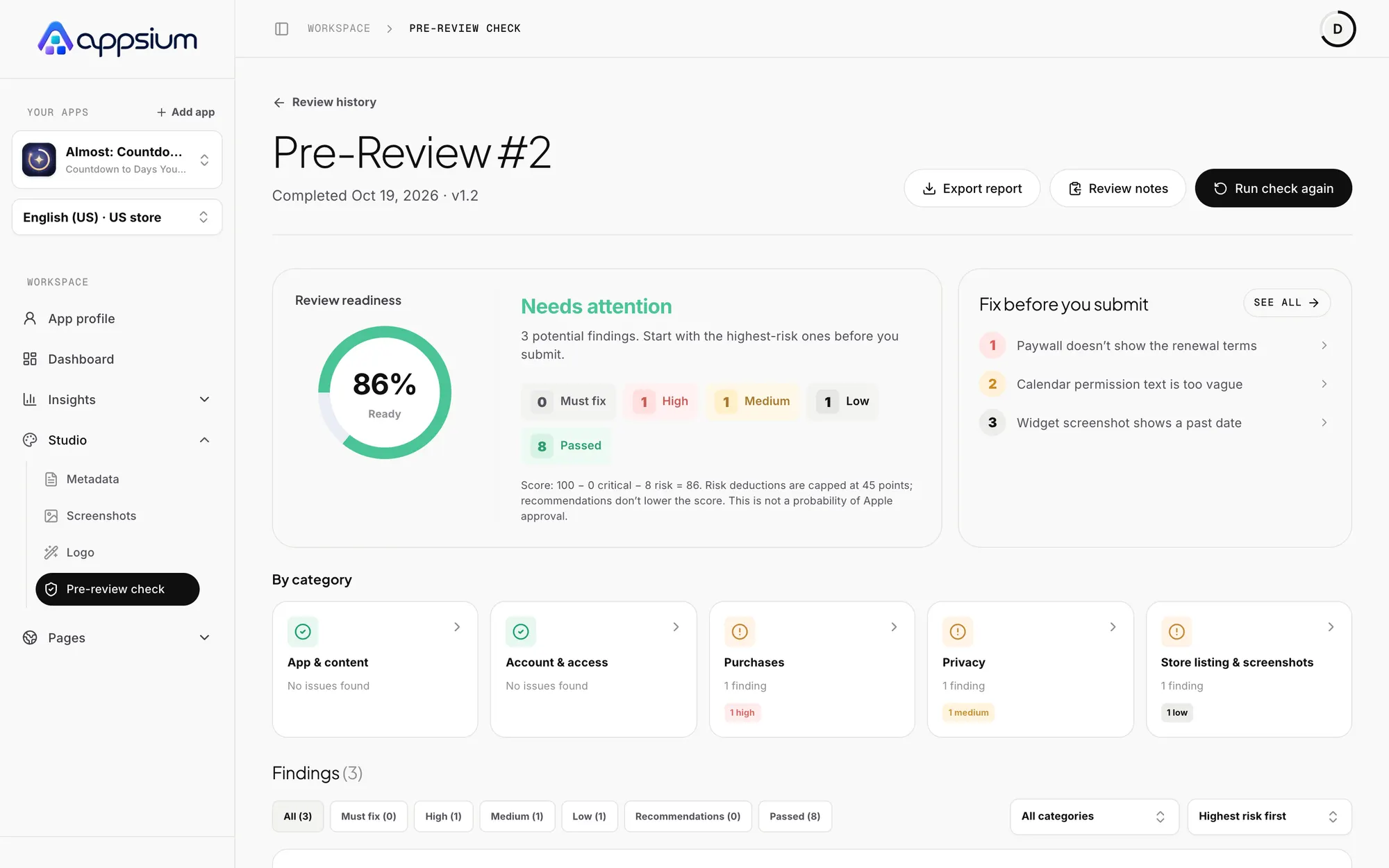
Find App Review rejection risks before you submit, with the exact fix for each one.
Metadata and localization
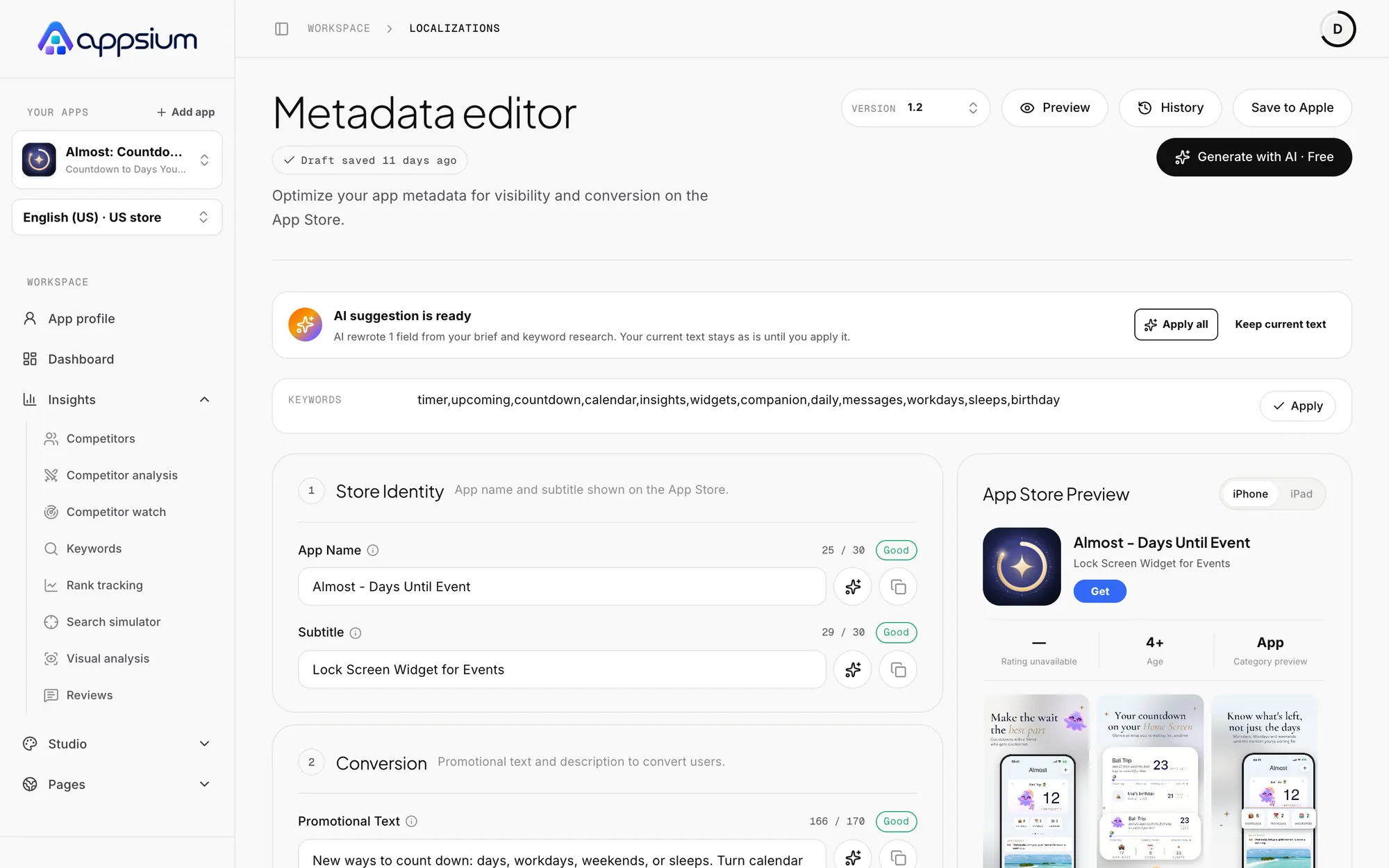
Title, subtitle, keywords, promo text and description per language, always inside Apple's limits.
Learn the craft
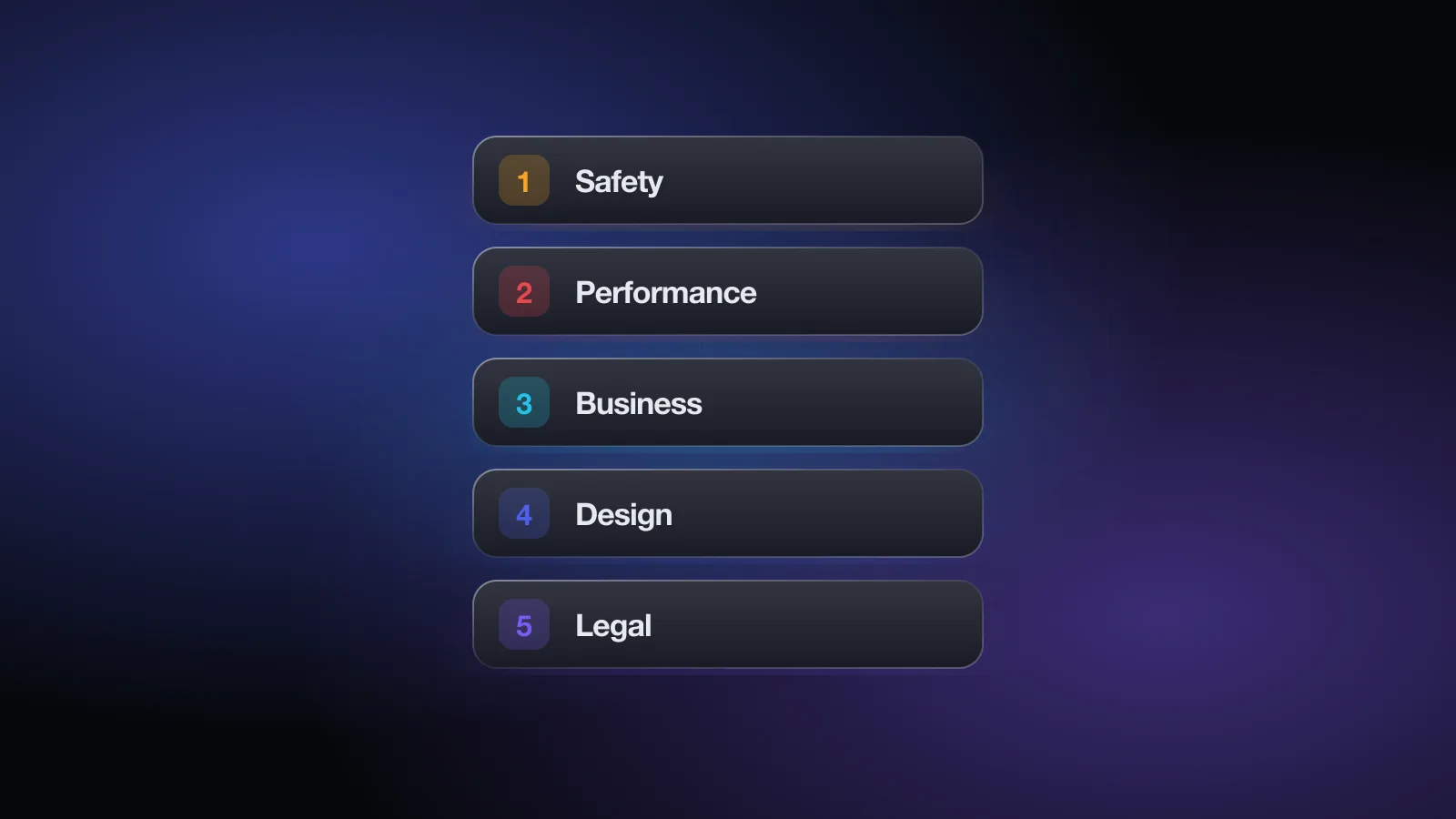
The App Store Review Guidelines, explained in plain English
A plain-English walkthrough of Apple's App Store Review Guidelines: all five sections, the rules behind most rejections, and a quick-reference table.
The most common App Store rejections and how to avoid them
Why apps get rejected in App Review: guidelines 2.1, 2.3, 4.2, 4.3, 5.1.1, 3.1.1 and 2.5, plus privacy manifests, review notes, replies and appeals.
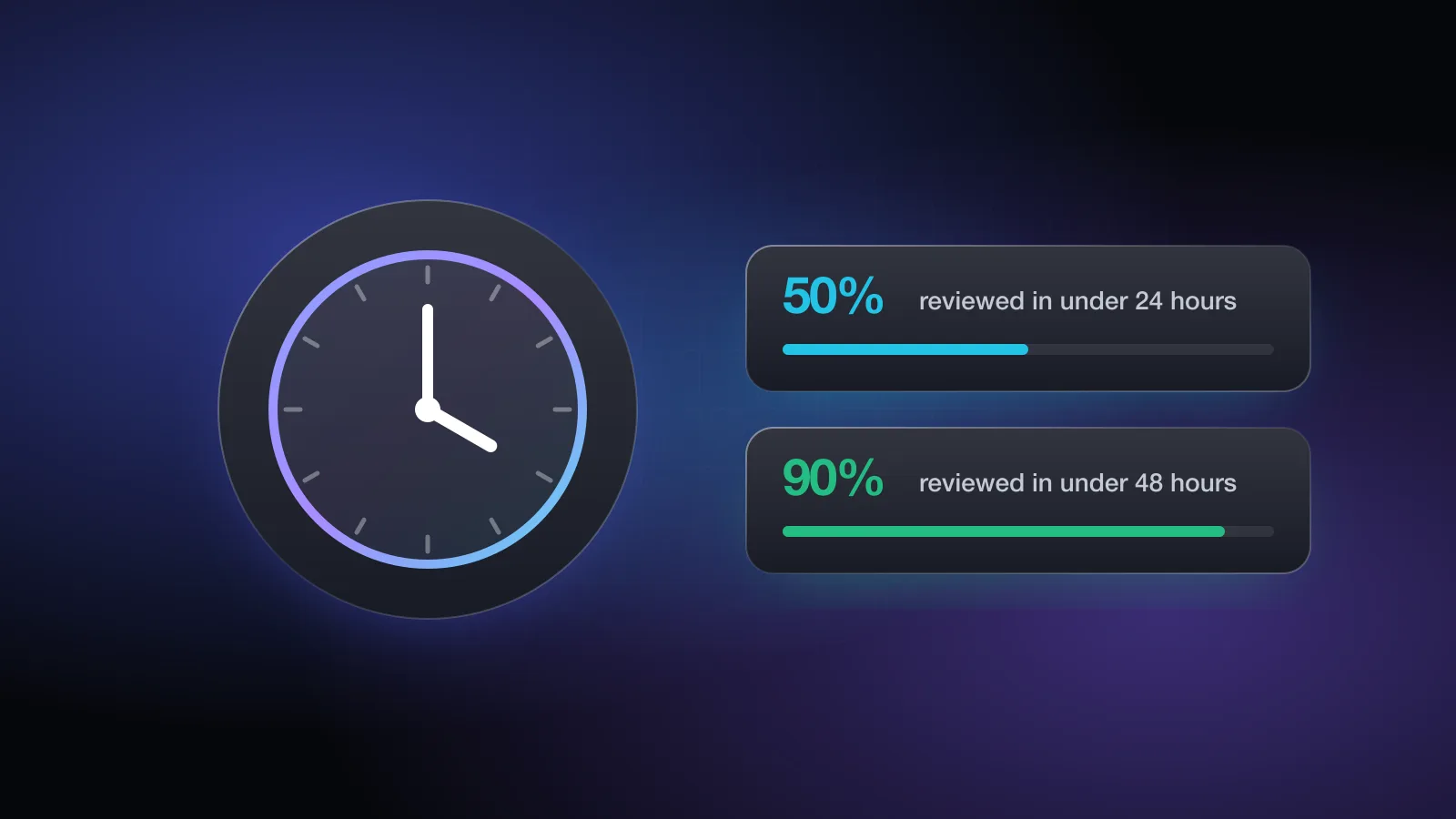
How long does App Store review take?
Apple's stated App Store review times, what each App Store Connect status means, what slows a review down, expedited reviews and how to release faster.