
Ask your AI assistant about your App Store data
Connect Appsium to your AI assistant and ask questions in your own words. It reads your ranks, reviews, competitor changes and Pre-Review findings, and it can never change anything.
Ask the questions a dashboard makes you dig for
Your assistant picks the right data and combines it, so one question can cover ranks, reviews and rivals together.
- Works in the conversation you already have open
- Combine Appsium data with your own notes
- Follow up without opening another screen
# Ask in your own words
"Which keywords moved most this week,
 and did a rival change its page?"

"Summarize this month's 1-star reviews
 and what they have in common."

"What should I fix before I submit
 version 2.4?"
Connect it in a minute
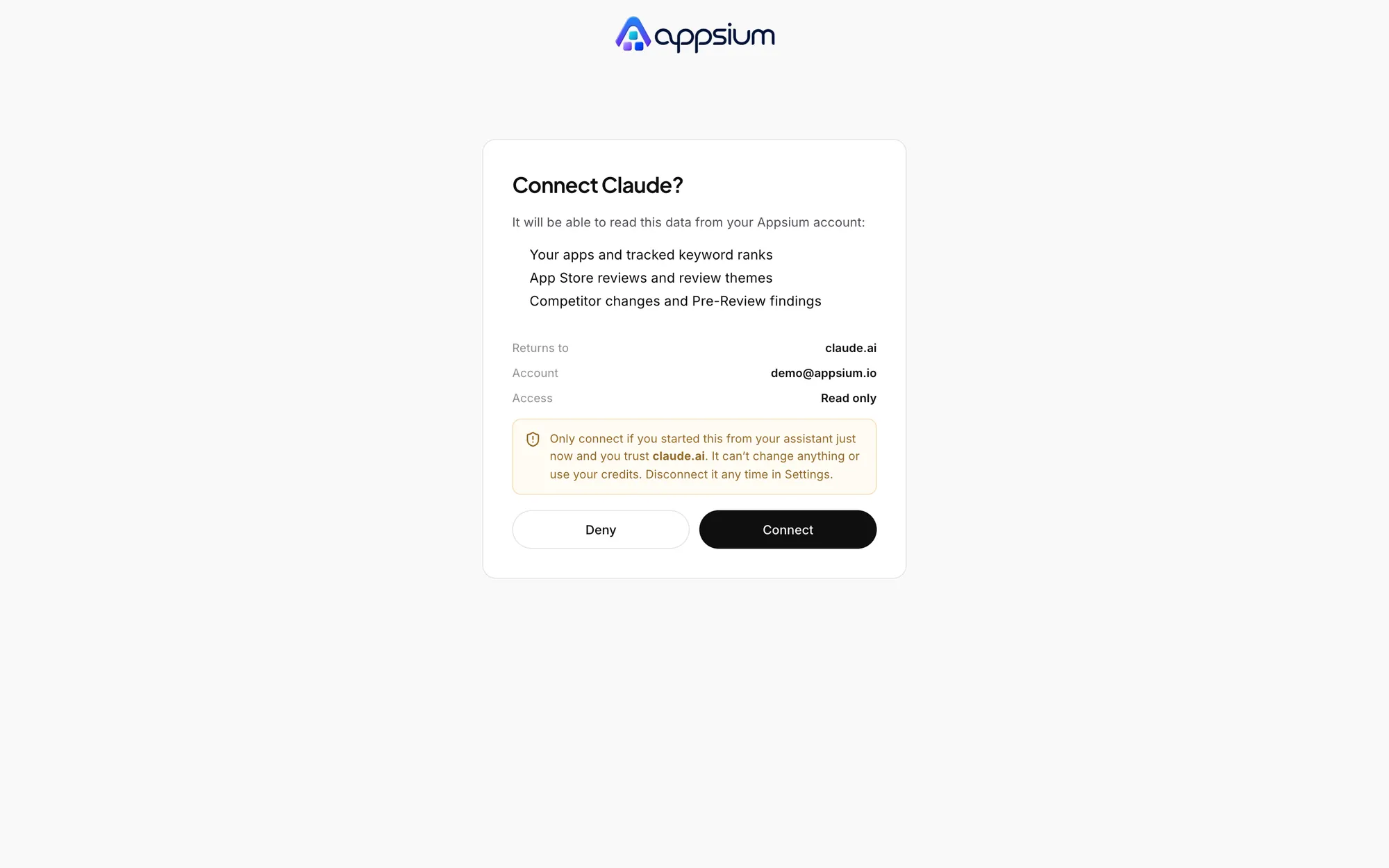
Add one URL to your assistant, sign in to Appsium in the browser and approve the connection. There is no API key to create or paste.
- Works with MCP clients that support OAuth
- You see exactly what it can read before approving
- Available on every plan, including Free
# Claude: Settings, Connectors, add custom
https://app.appsium.io/mcp

# Claude Code
claude mcp add --transport http \
  appsium https://app.appsium.io/mcp

# Cursor: mcp.json
{ "mcpServers": { "appsium": {
    "url":
      "https://app.appsium.io/mcp"
} } }
Read only, by design
There are six tools and all of them only read. An assistant cannot edit your listing, reply to a review or spend your credits, even if someone asks it to.
- Tokens expire after an hour and rotate
- App Store Connect keys are never exposed
- Reviewer demo accounts stay in the portal
# What an assistant can call
list_apps
get_keyword_ranks
get_reviews
get_review_themes
get_competitor_changes
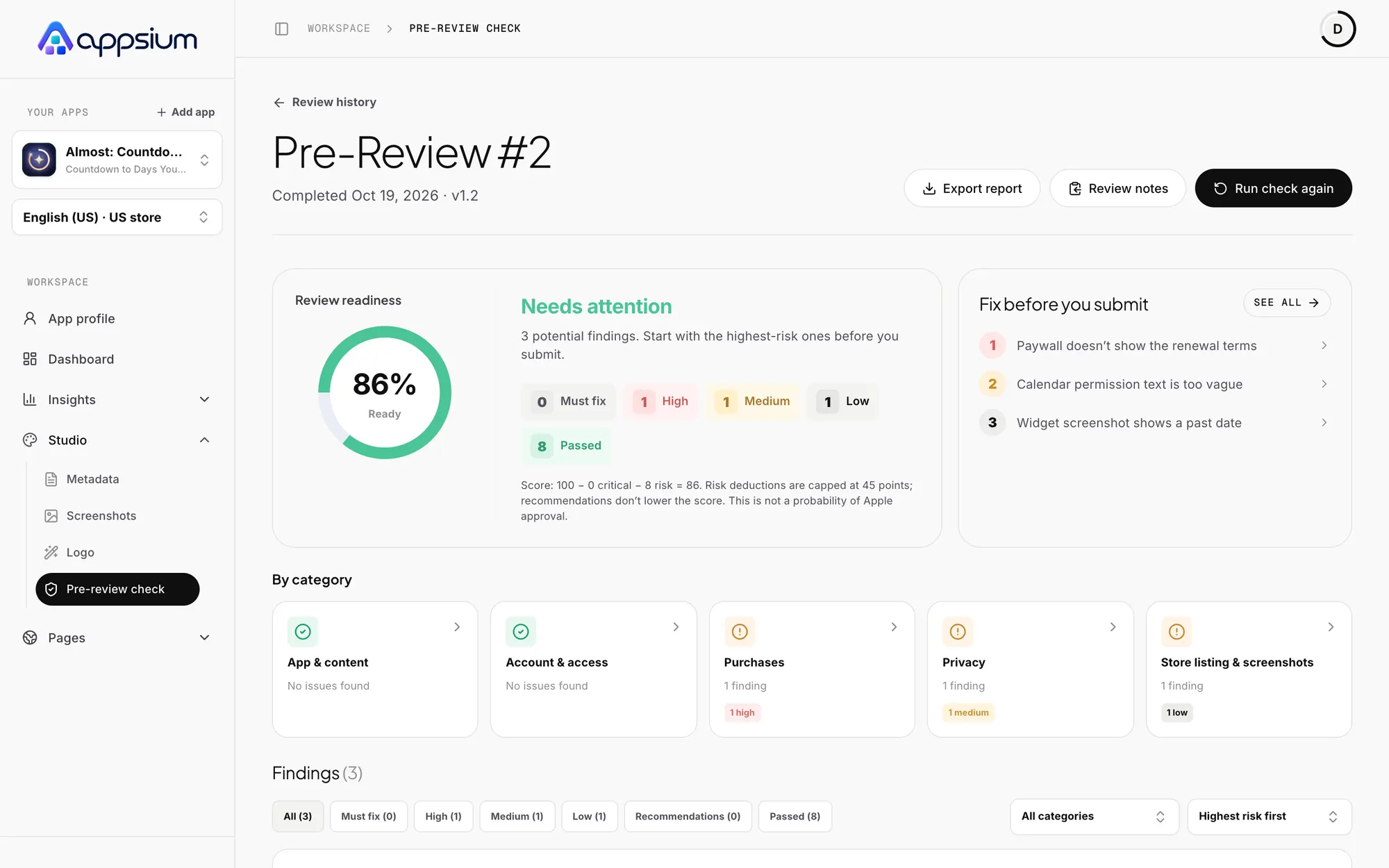
get_latest_pre_review
You stay in control
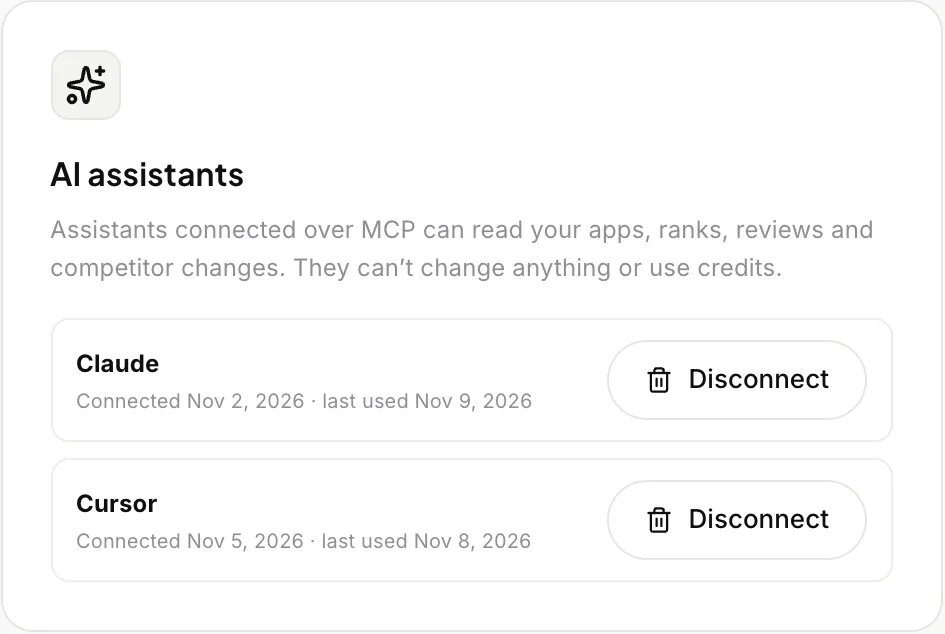
Every connected assistant is listed in Settings with when it last read your data. Disconnect one and its access ends right away, without touching the others.
- See each assistant and when it was last used
- Disconnect one at a time
- No effect on your App Store Connect key
Frequently asked questions
Which assistants work with it?
Any MCP client that supports remote servers with OAuth, including Claude, Claude Code and Cursor. Add https://app.appsium.io/mcp as the server URL.
Can it change my App Store listing?
No. Every tool only reads. It cannot edit metadata, reply to reviews, start an analysis or use credits.
Does it use credits?
No. Questions through MCP are included on every plan. Only your assistant's own usage limits apply.
Can it see a competitor's keyword field?
No. Apple keeps the keyword field private. Your assistant sees what Appsium watches: public store pages and search results.
How do I disconnect an assistant?
Open Settings in Appsium and press Disconnect next to it. Its access ends immediately.
Bring your App Store data into the conversation.
Create a free account, add your app and connect your assistant.
Works with
Appsium CLI
Scan your iOS build for App Review problems from the terminal or your CI pipeline.
Review management
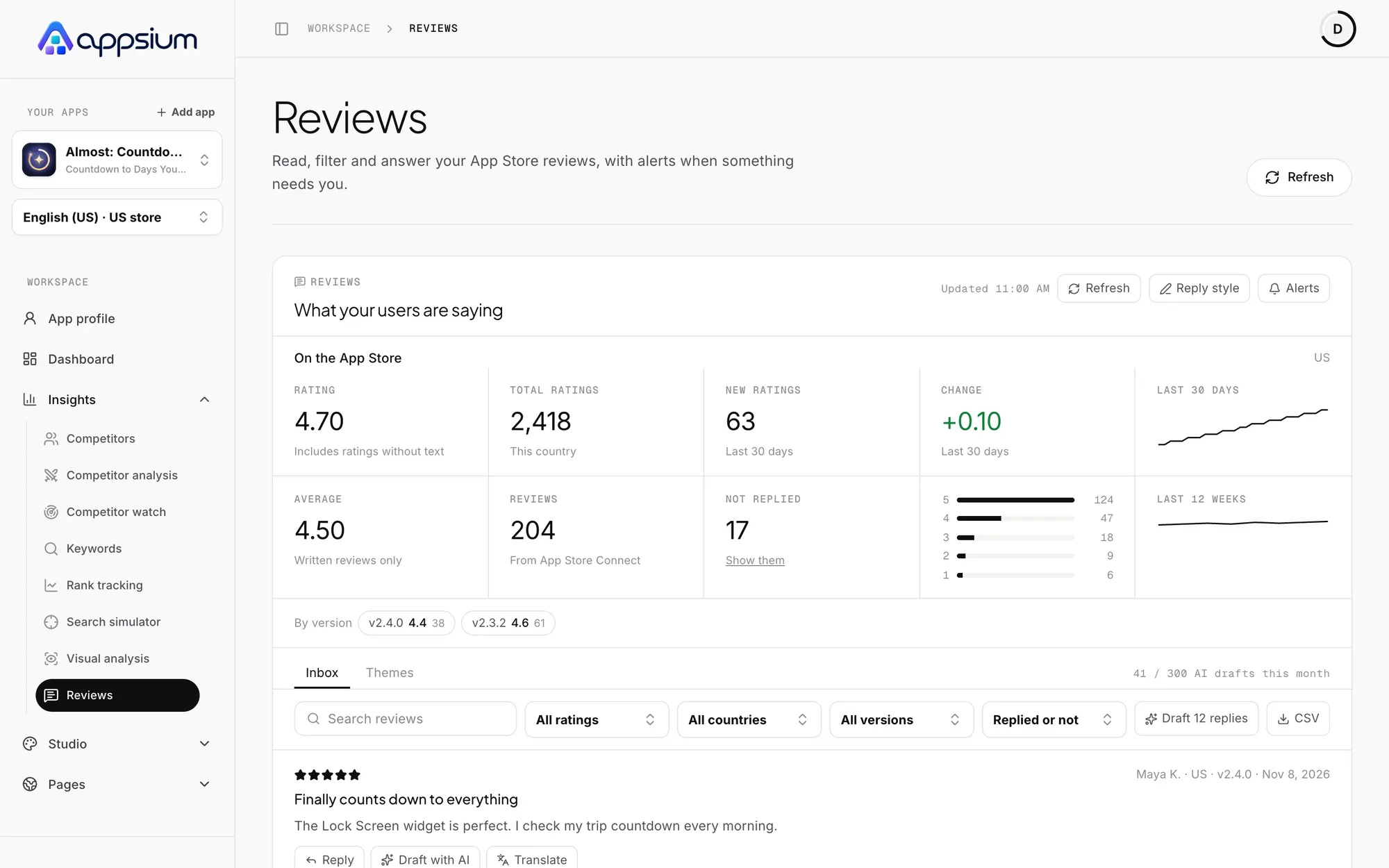
An inbox for App Store reviews, AI reply drafts you approve, themes and alerts.

Rank tracking
Daily App Store positions for your keywords in the top 200, with 30 days of history.
Learn the craft

App Store Optimization (ASO): the complete guide for iOS developers
Learn how App Store search ranks apps, which metadata fields matter, how ratings and screenshots drive conversion, and a 30-day ASO plan for your iOS app.

How to use the App Store keyword field (all 100 characters of it)
Format, rules and strategy for the App Store keyword field: commas without spaces, plurals, no repeats, no trademarks, and how words combine across fields.

The ASO checklist for launching an iOS app
A step-by-step ASO checklist for launching an iOS app: keyword research, metadata, screenshots, previews, localization, ratings, In-App Events and post-launch tests.