
Free App Review check
Answer a few questions about your app, add your store text if you have it, and see what App Review could reject it for, with the guideline and the fix for each risk. Takes about two minutes. No account needed.
First release? Skip this and paste your store text below, or leave it empty.
Store text name, subtitle, keywords, description
- Sign in with Apple and account deletion
- Reviewer access and demo accounts
- In-App Purchase, paywall terms and restore
- Privacy policy, permissions and tracking
- User-generated and AI content
- Store text: limits, platforms, beta wording, trademarks
Appsium also reads your paywall, sign-in and permission screens, runs an AI review of your store text and writes your App Review notes. The free plan covers one full check.
What the App Review check looks at
Most rejections come from a short list of guidelines. Apple reviewed 9.1 million submissions in 2025 and rejected about 2.09 million of them, and the same few rules show up again and again. The check asks only the questions that apply to your app, then maps each risky answer to the guideline a reviewer would cite. Each row below links to a page on what that rejection means and how to fix it.
| Area | Guideline | What the check asks about |
|---|---|---|
| App completeness | 2.1 | Placeholder or “coming soon” screens, a live backend during review, a clean-install test on a real device, iPad layouts. |
| Reviewer access | 2.1 | A demo account with full access, a fixed code if sign-in needs SMS or two-factor, and how the reviewer gets past hardware, location or invite requirements. |
| Store text | 2.3 | Name and subtitle length, other platforms, beta or “test” wording, prices and Apple trademarks in your metadata. |
| In-App Purchase | 3.1.1 | How you charge for digital content, external purchase links by storefront, products submitted with the build, Restore Purchases, loot box odds. |
| Subscriptions and paywall | 3.1.2 | Price, period and trial terms on the paywall, the billed amount as the most prominent price, and a Terms of Use (EULA) link. |
| Spam and copycats | 4.3 | Variants of apps you already publish, and saturated categories (dating, wallpapers, simple timers…) without a stated difference. |
| Minimum functionality | 4.2 | What users can do without paying, and whether the app is more than a wrapped website. |
| Sign in with Apple | 4.8 | Social login without an equivalent option, the exceptions, button placement, asking again for name or email, token revocation. |
| Privacy and accounts | 5.1.1 | Privacy policy in the app, purpose strings, sign-in only when needed, in-app account deletion, tracking and the ATT prompt. |
| Privacy manifest | ITMS-91053 | Whether PrivacyInfo.xcprivacy and required reason API declarations are complete for the app and its SDKs. |
| Ratings | 5.6.1 | Custom rating prompts, rewards for ratings, and features that require a rating or review. |
| User-generated and AI content | 1.2, 5.1.2 | Reporting, blocking and filtering for UGC and chat, safeguards for AI output, and consent before sending user data to a third-party AI service. |
For a plain-English walk through every section, read the App Store Review Guidelines explained. If a rejection has already landed, start with the rejection fixes for the guideline in your message.
How to use it before you submit
- Run it when the build is feature completeNot on the day you submit. Some fixes, like in-app account deletion or a Sign in with Apple button, take a sprint, not an afternoon.
- Load or paste your store textIf the app is already live, search for it and the name, subtitle and description load for you. For a first release, paste what you plan to submit. Keywords stay in your browser.
- Answer for the build you will submitAnswer for what the reviewer will see in this version, not what is planned for the next one.
- Fix the must-fix items firstEach result names the guideline, why it is a risk and what to change. Items that need a reply rather than a change belong in your App Review notes.
- Check again after big changesNew sign-in methods, a new paywall or a new permission each bring their own rules.
Frequently asked questions
What does the free App Review check look at?
The rules behind the most common rejections: Sign in with Apple (4.8), account deletion (5.1.1), reviewer access and demo accounts (2.1), In-App Purchase and paywall disclosures (3.1.1 and 3.1.2), spam patterns (4.3), rating prompts (5.6.1), privacy policy, permission purpose strings and tracking (5.1), user-generated and AI content (1.2), and store text such as length limits, other platforms, other brands, beta wording and Apple trademarks (2.3).
Is it the same as Appsium’s Pre-Review Check?
It runs the same rules on your answers. The full Pre-Review Check in Appsium asks more questions (updates, ads, permissions, regulated features), opens your privacy policy, support and Terms links to check they work and say what Apple requires, reads screenshots of your paywall, sign-in and permission screens, runs an AI review of your whole store text, cross-checks your answers against the screens and writes App Review notes for you. The free plan’s 30 credits cover one full check.
Does it guarantee my app will be approved?
No. App Review is done by people at Apple, and they can reject an app for reasons no checklist covers. The check catches the common, avoidable rejections so you don’t lose a review cycle to them.
Is this an App Store submission checklist?
Yes, an interactive one. Instead of a fixed list, it asks only the questions that apply to your app (sign-in, purchases, permissions, content) and returns the items you still need to fix, each tied to its App Review guideline.
How long does App Review take after I submit?
Apple says it typically reviews at least 50% of submissions in less than 24 hours and 90% in less than 48 hours. A rejection adds another full review cycle, which is why it pays to check first.
Is my information stored?
No. Your answers and store text are checked and the result is sent back to your browser; nothing is saved. Your answers are kept only in this browser’s local storage so they’re still there when you come back.
Find your rejection risks before Apple does. Free.
Answer a few questions about your app and see which App Review guidelines it could be rejected under, with the fix for each. No sign-up. The full Pre-Review Check in Appsium also reads your screens and writes your review notes.
Learn the craft
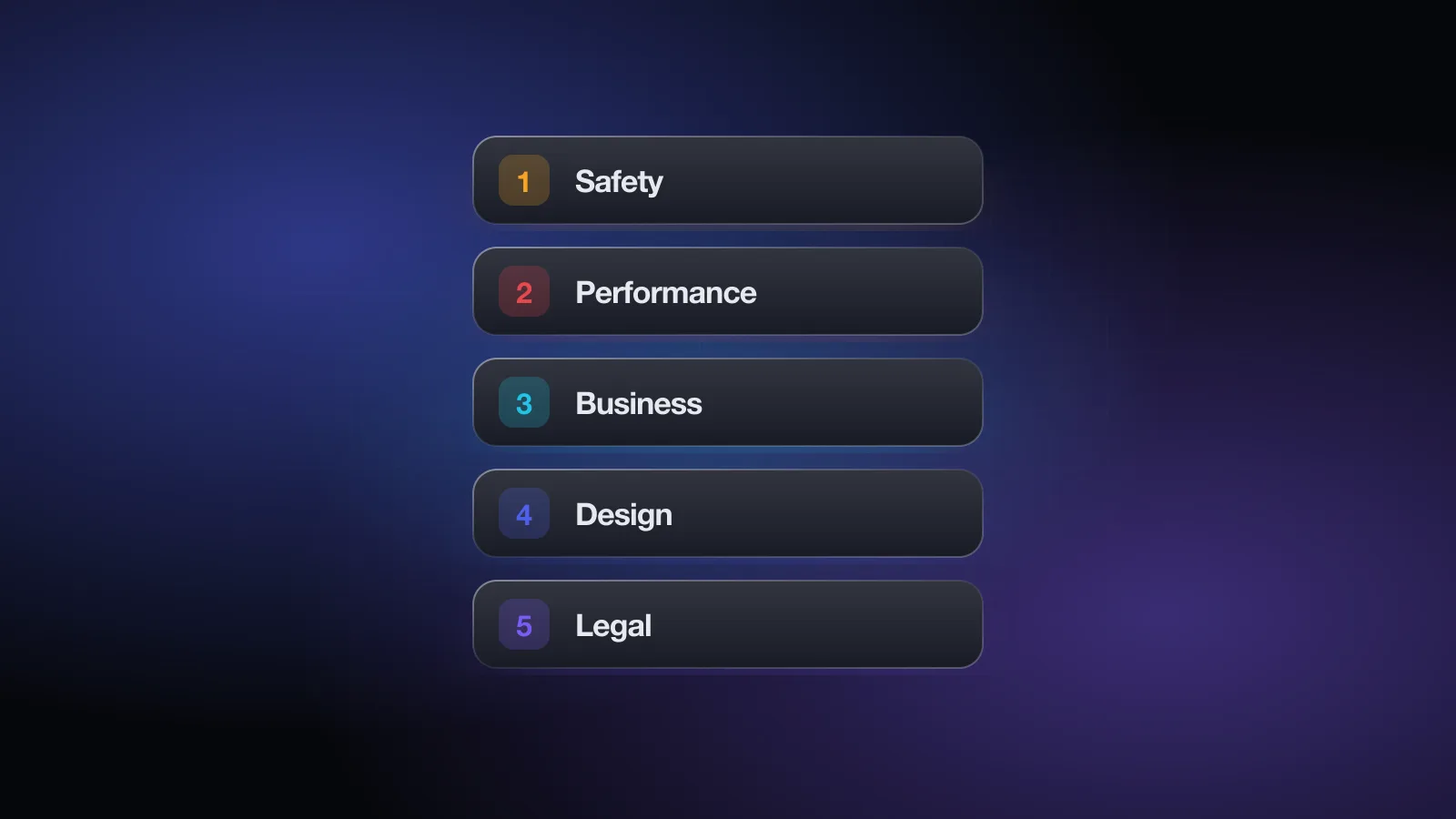
The App Store Review Guidelines, explained in plain English
A plain-English walkthrough of Apple's App Store Review Guidelines: all five sections, the rules behind most rejections, and a quick-reference table.

The most common App Store rejections and how to avoid them
Why apps get rejected in App Review: guidelines 2.1, 2.3, 4.2, 4.3, 5.1.1, 3.1.1 and 2.5, plus privacy manifests, review notes, replies and appeals.
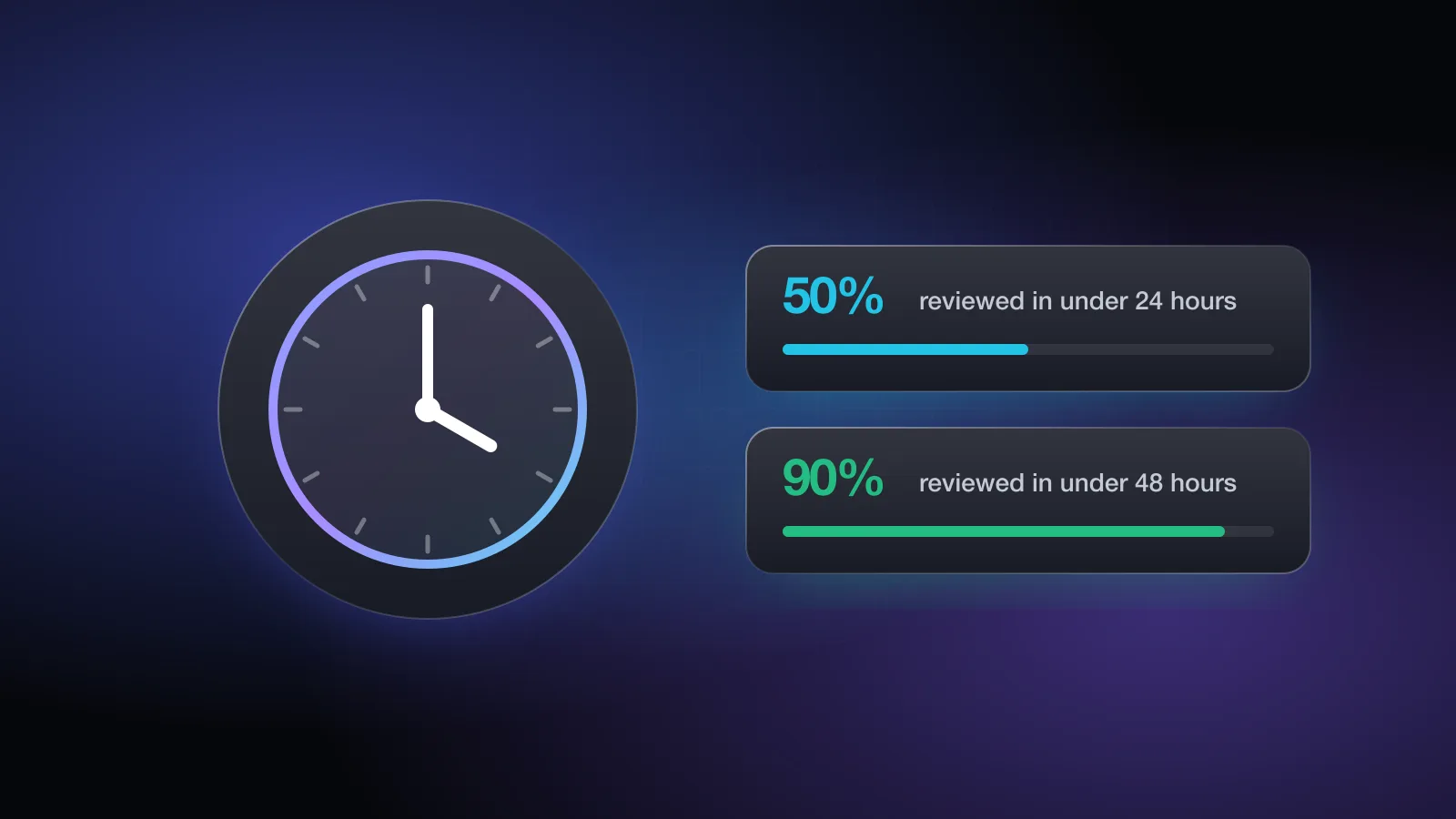
How long does App Store review take?
Apple's stated App Store review times, what each App Store Connect status means, what slows a review down, expedited reviews and how to release faster.