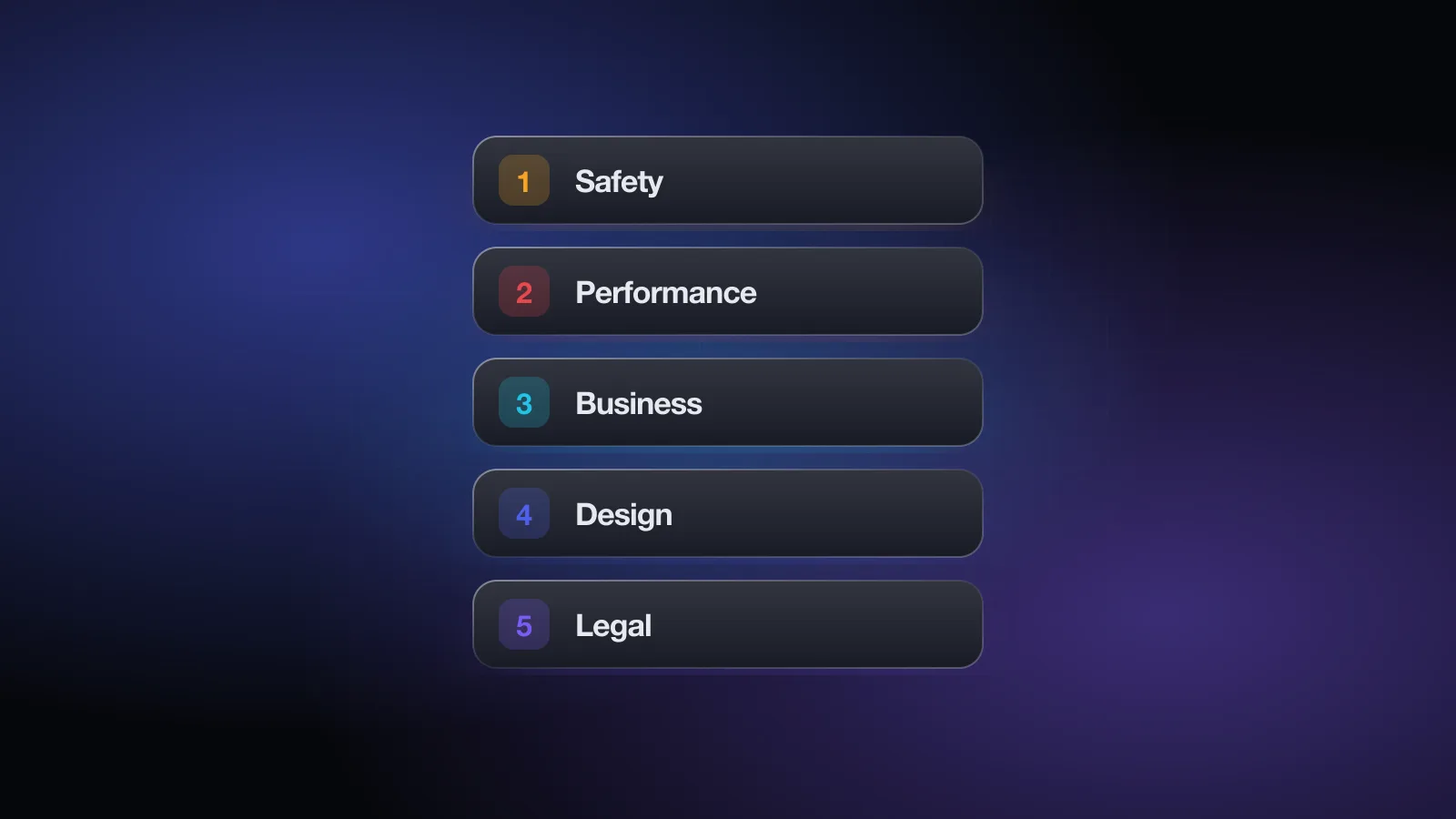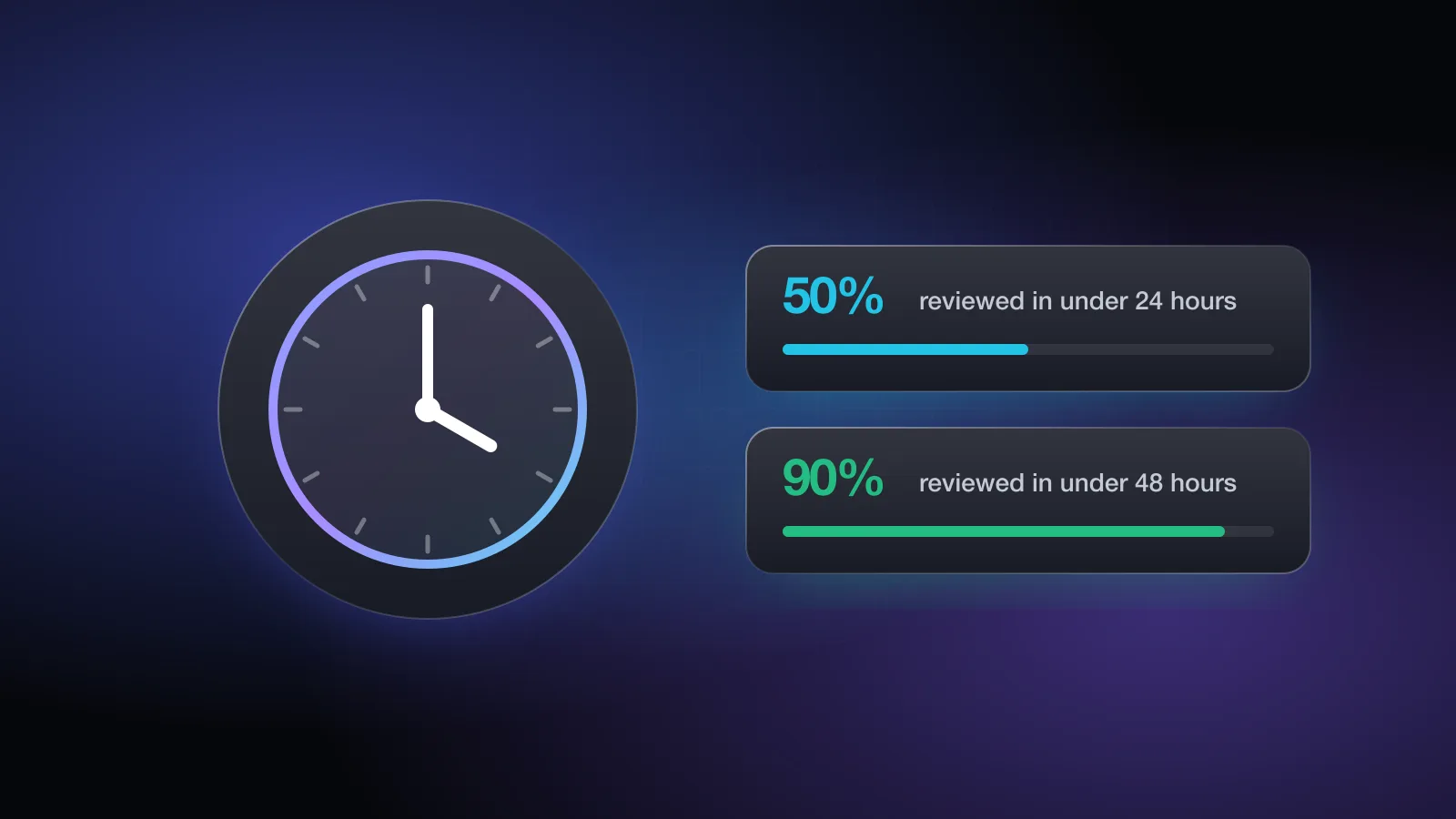
Short answer: usually a day or two. Apple says it reviews at least half of all submissions in under 24 hours and 90% in under 48 hours. The longer answer is that the review clock matters less than the number of times you go through it. A rejection and a resubmission can easily cost you more time than the queue itself.
This page covers what Apple officially says about review times, what each status in App Store Connect means, what tends to slow a review down, when an expedited review makes sense, and how to control the moment your app actually goes live.
What Apple says about review times
Apple's App Review page says the team works around the clock and gives two numbers:
Those are typical figures, not a guarantee, and they describe the review itself. Apple adds that incomplete submissions can be delayed or fail review. The guidelines also say that complex apps or apps that present new issues may need more consideration, and that an app rejected repeatedly for the same guideline will take longer to review.
You'll see plenty of anecdotes online about reviews finishing in an hour or dragging on for a week. They happen, but there is no reliable public average beyond Apple's own numbers, so plan around the 48-hour figure and leave a buffer for one rejection.
The review statuses in App Store Connect
App Store Connect shows a status for each version and emails you when it changes. You can also check it in the App Store Connect app for iPhone and iPad. These are the statuses most developers see:
| Status | What it means | What you can do |
|---|---|---|
| Prepare for Submission | The version exists but hasn't been submitted. | Finish metadata, pick a build, fill in App Review Information. |
| Waiting for Review | Submitted and in the queue. No reviewer has started yet. | Wait. You can still remove the submission if you find a problem. |
| In Review | A reviewer is looking at your app right now. | Keep your backend and demo account working. Watch for messages. |
| Pending Developer Release | Approved, waiting for you to release it (you chose manual release). | Release when you're ready. |
| Ready for Distribution | Live, or going live, on the App Store. | Allow up to 24 hours to appear on all storefronts. |
| Rejected | The submission didn't pass. The App Review page lists the guidelines involved. | Fix and resubmit, reply to App Review, or appeal. |
| Metadata Rejected | The build was fine; something in the listing wasn't. | Fix the metadata. You usually don't need a new build. |
| Developer Rejected | You pulled the submission from review yourself. | Make your changes and submit again. |
The move from Waiting for Review to In Review is the part you can't control. Everything before it (a complete submission) and after it (a reviewer who can get into your app) is up to you.
What makes a review take longer
Apple doesn't publish a list of delay factors, but its own pages point to several, and they line up with what developers run into most:
Missing or incomplete review information
Apple's App Review page says plainly that if you leave out the details reviewers need in the App Review Information section, the process may be delayed and your app may not pass. If the app needs a sign-in, that means a working demo account. If features need special hardware, a location or a hard-to-reproduce setup, be ready with a demo video or the hardware itself. Keep your contact details current so App Review can reach you.
Sign-in without a demo account
A reviewer who hits a login screen with no credentials can't review the app. The same goes for logins that need an SMS code the reviewer can't receive, or demo accounts that expire mid-review. Give the reviewer an account with sample data, and a fixed code or a bypass if you use two-factor sign-in. You can check your sign-in and reviewer access setup for free before you submit.
New in-app purchases
New in-app purchases and subscriptions are reviewed along with the app, and guideline 2.1(b) requires them to be complete, visible to the reviewer and working. The Business section adds that if your purchases aren't immediately obvious, it will delay the review. Submit all products with the version and say in your notes where each one appears.
First submissions and new kinds of apps
The guidelines say complex apps, or apps that raise new issues, may need greater scrutiny. A first version of an app, a new category, or features like real-money gaming, medical measurements or financial services tend to need more documentation. Apple's App Review page lists examples: regulatory clearance for medical hardware, authorization for third-party content, and licenses for gambling or VPN services. Attach them before you submit, not after a reviewer asks.
Repeated rejections
Apple states that apps repeatedly rejected for the same guideline take longer to review. Resubmitting without a real fix is the slowest path there is.
Holiday periods
Apple has historically posted notices ahead of the end-of-year holidays saying that submissions may take longer during that period. If you're planning a December launch, check Apple's developer news for that year's notice and submit early.
The free App Review check asks about sign-in, demo access, purchases, privacy and content, then lists the rejection risks with the guideline and a fix for each. No sign-up.
What to do when your app seems stuck
Most submissions move within Apple's stated window. If yours hasn't, work through this before you contact anyone:
- Check for messagesOpen the App Review page for your app in App Store Connect. A reviewer may have asked a question, and the review won't move until you answer it.
- Check your emailApple emails you when the status changes. Make sure the contact details in App Store Connect and App Review Information are current so nothing gets missed.
- Confirm the reviewer can get inIf you're In Review, test the demo account yourself on a clean install. Make sure your servers are up.
- Look at Apple's system statusApple publishes a developer system status page. An outage in App Store Connect can hold things up.
- Contact App ReviewIf the wait is well beyond the usual and nothing is missing, use Apple's contact options for App Review to ask about the submission. Be brief and include your app name and version.
Expedited review: when and how
Apple lets you request an expedited review when you face extenuating circumstances. Its App Review page names two:
- A critical bug fix. Include the steps to reproduce the bug on the current version of your app, so the reviewer can see why it's urgent.
- An event-related release. Apple recommends scheduling event releases in advance. If your app is still in review and an event you're directly associated with is close, include the event, its date and your app's connection to it.
You make the request through Apple's expedite request form, linked from the App Review page, for an app you've already submitted. Apple asks developers to respect each other by using it only when truly needed, and warns that if it finds abuse it may reject your requests going forward. A missed marketing date you set yourself usually isn't a good reason.
Controlling when your app goes live
Approval and release are separate steps. In the version's settings in App Store Connect, you choose one of three release options before you submit:
- Automatically release as soon as the app is approved.
- Manually release, which puts the approved version in Pending Developer Release until you press the button.
- Automatically release after a date, which holds the app until the date you set even if it's approved earlier.
If a launch date matters, submit early and use manual or scheduled release. That turns the review time from a risk into a non-issue: once you're approved, you decide the moment. Keep in mind that Apple's guidelines say it can take up to 24 hours for an app to appear on all storefronts after release.
Phased release for updates
For updates, you can also turn on phased release. Instead of every user on automatic updates getting the new version at once, it rolls out to a growing share of them over seven days. Anyone can still download it manually from the App Store right away. You can pause the rollout if you spot a problem, or release to everyone early. Phased release doesn't change review time, but it limits the damage if a bug slips through, which can save you an urgent expedite request later.
The fastest review is the one that passes
Apple says over 40% of unresolved issues relate to guideline 2.1, App Completeness: crashes, placeholder content, broken links and missing information. Each of those turns a one-day review into a rejection, a fix and a second wait. The quickest route to the App Store is a submission that doesn't bounce.
- Final build tested on a physical device with a clean install, plus an iPad or the iPad simulator
- Demo account with sample data in App Review Information, valid until review is done
- A fixed code or bypass for SMS or two-factor sign-in
- Backend, APIs and demo data live throughout the review
- All in-app purchases submitted with the version, with notes on where to find them
- Support URL and privacy policy URL working
- App Review contact information current
- Documentation attached for regulated features
- Release option chosen: automatic, manual or scheduled
The free App Review check covers most of this list in about two minutes and tells you which guideline each risk falls under. For the rules themselves, read the App Store Review Guidelines explained, and if a rejection lands anyway, see how to handle the most common App Store rejections. No check can promise approval, since Apple decides, but it can save you a round trip.
Frequently asked questions
How long does App Store review take?
Apple says App Review typically reviews at least 50% of submissions in less than 24 hours and 90% in less than 48 hours. Incomplete submissions can take longer or fail review.
Why is my app stuck in Waiting for Review?
Waiting for Review means the submission is in the queue and no reviewer has started on it yet. Most submissions move on within Apple's stated window. If yours has been waiting much longer, check that your contact details and review information are complete, then contact App Review through App Store Connect.
Can I speed up App Store review?
You can request an expedited review for extenuating circumstances, such as a critical bug fix or a release tied to an event you are directly associated with. Apple asks you to use it only when you truly need it.
Does a rejection reset the review time?
A resubmission goes through review again. Apple's guidelines also say that if an app is repeatedly rejected for the same guideline, review takes longer to complete.
How long after approval does my app appear on the App Store?
Apple's guidelines say it can take up to 24 hours for an approved app to appear on all selected storefronts. If you chose manual release or a future date, it won't appear until you release it or that date arrives.