
App Store screenshots for every device and language
Let AI plan and paint a whole set, or build it yourself in a 3D editor with templates. Then translate the finished set and send it to App Store Connect.
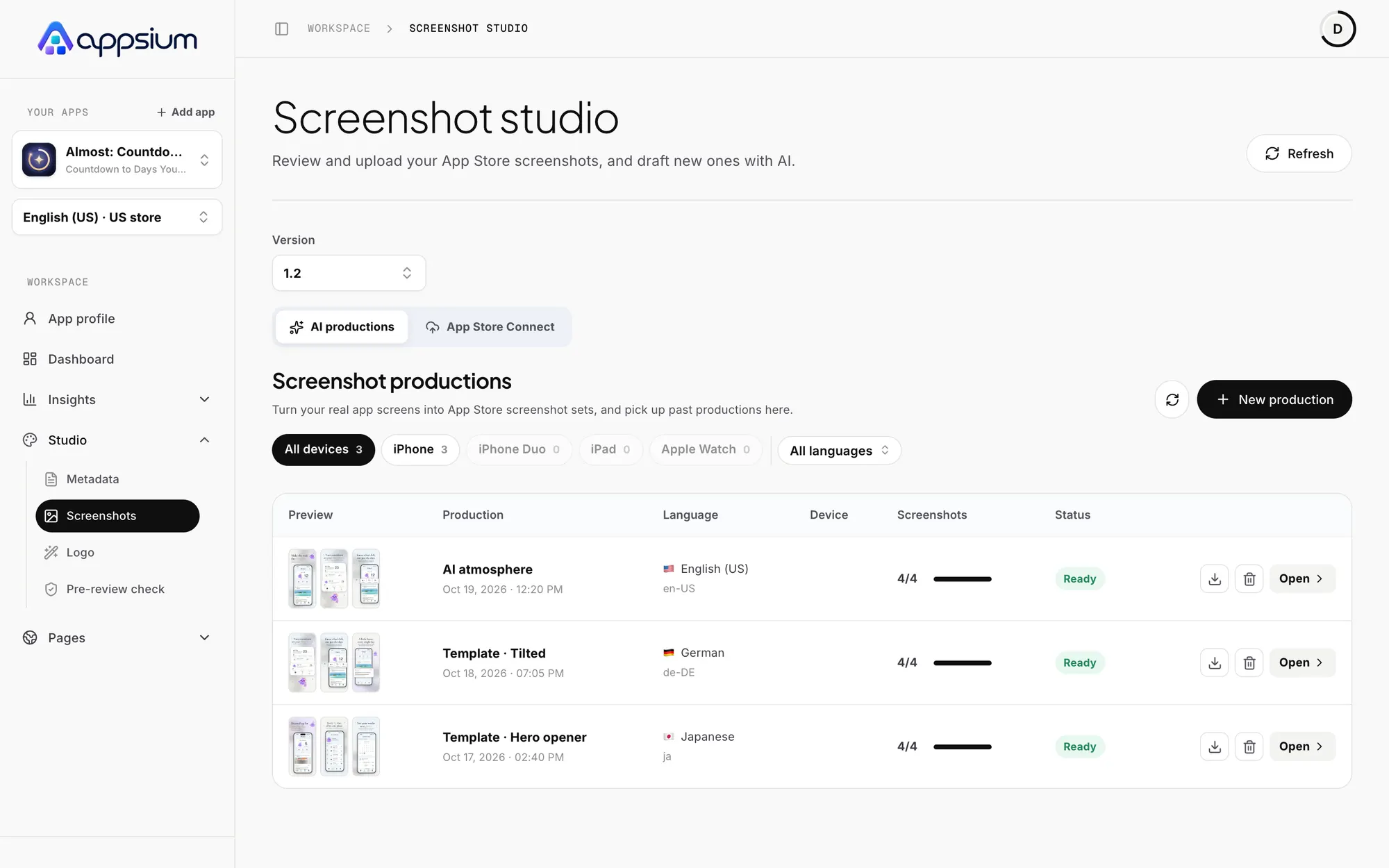
A complete set, not one image
Start from your real app screens. Appsium plans the story and designs the full set, so every screenshot carries one clear message. Then visual analysis scores it against a rubric and lists what to change.
- AI campaigns from your own app screens
- Visual analysis with prioritized fixes
- Compare your set with your competitors
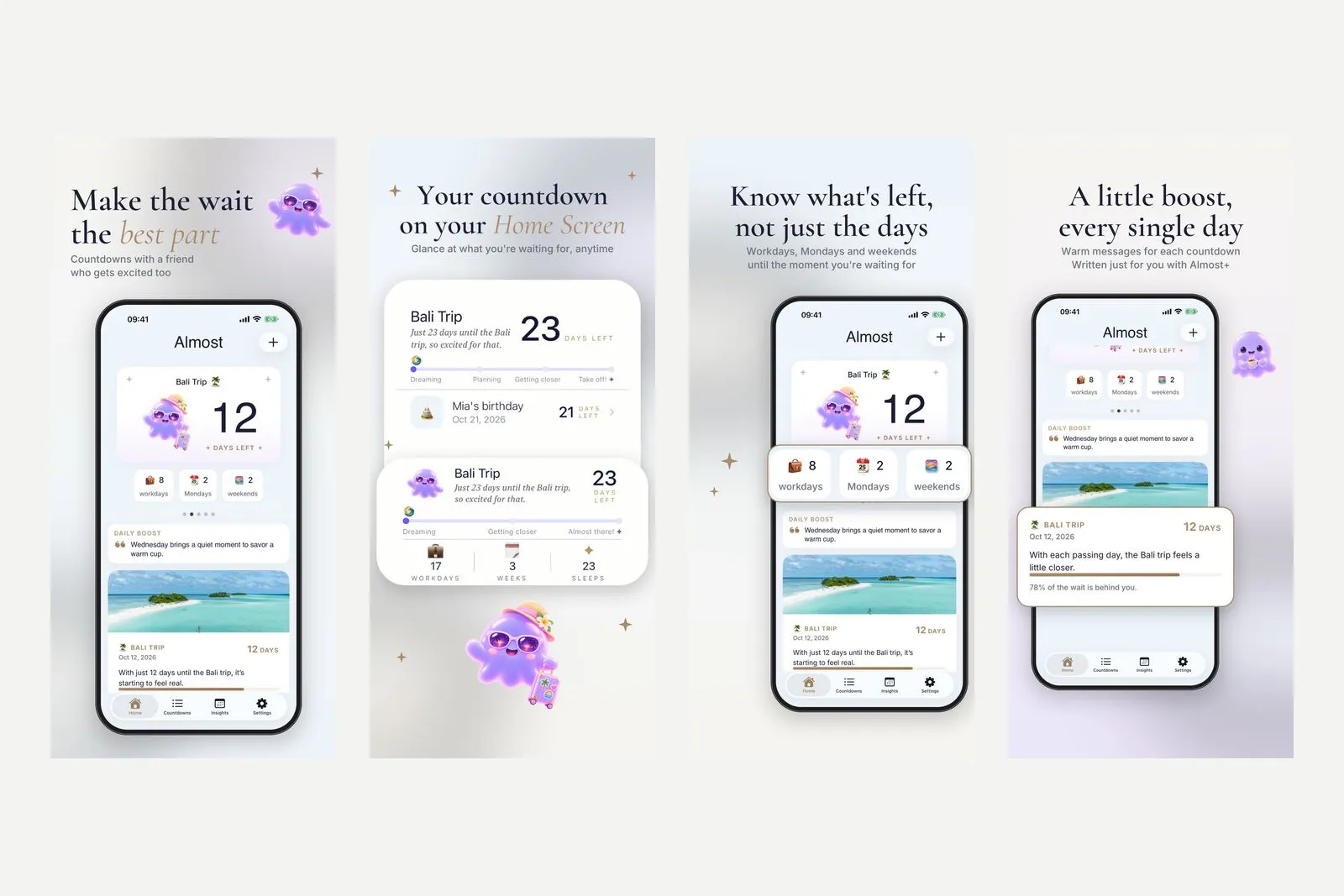
Or design every layer yourself
The studio is a full editor with templates and 3D devices. Connect pages so backgrounds and devices flow across screenshots.
- Templates with 3D devices at any angle
- Text, badges, ratings and review blocks
- Up to 10 connected pages per design
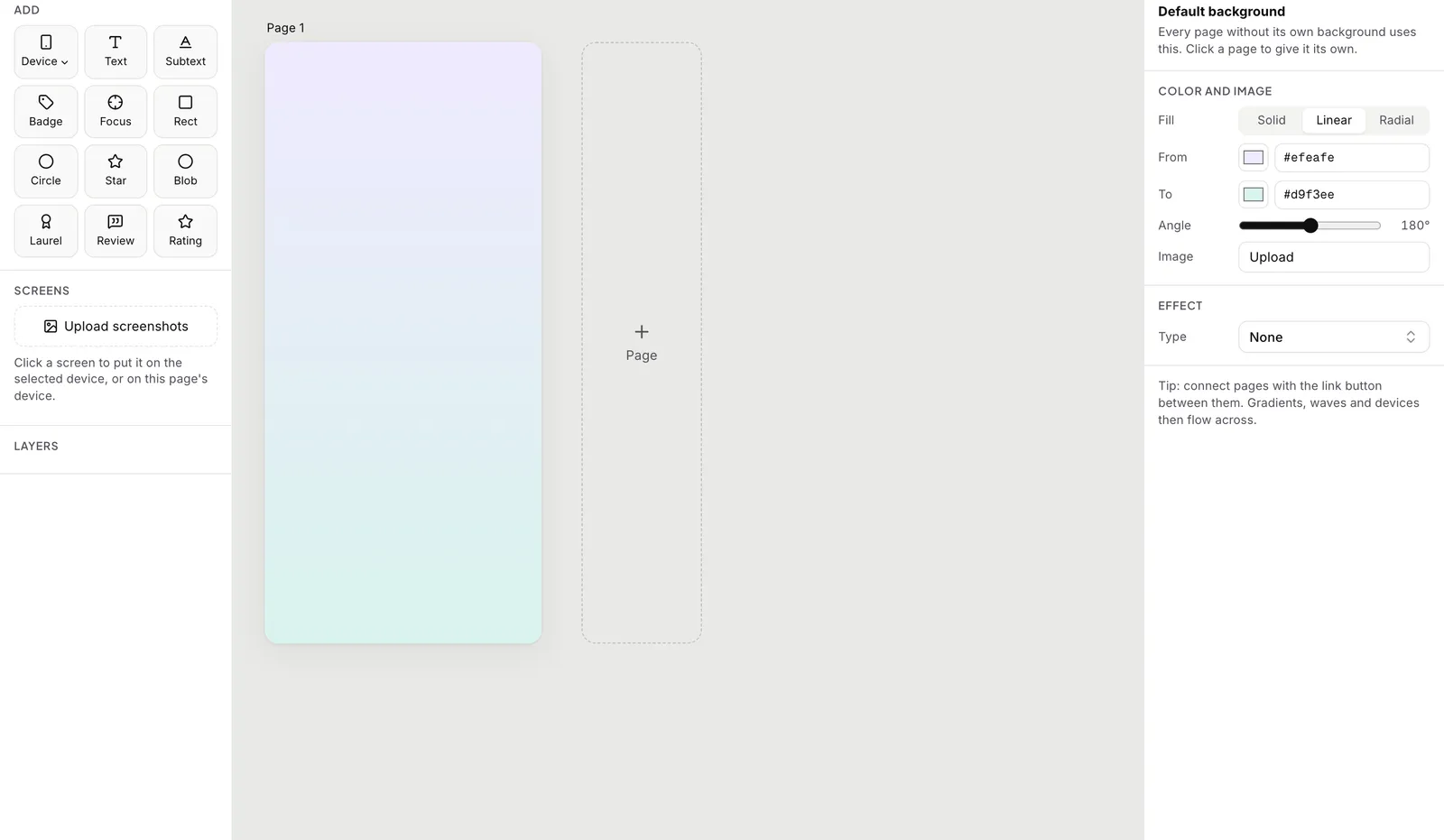
Every language, one upload
Translate a finished set into another language without rebuilding it, then upload straight to App Store Connect at the sizes Apple asks for.
- Localized copies stay linked to the original
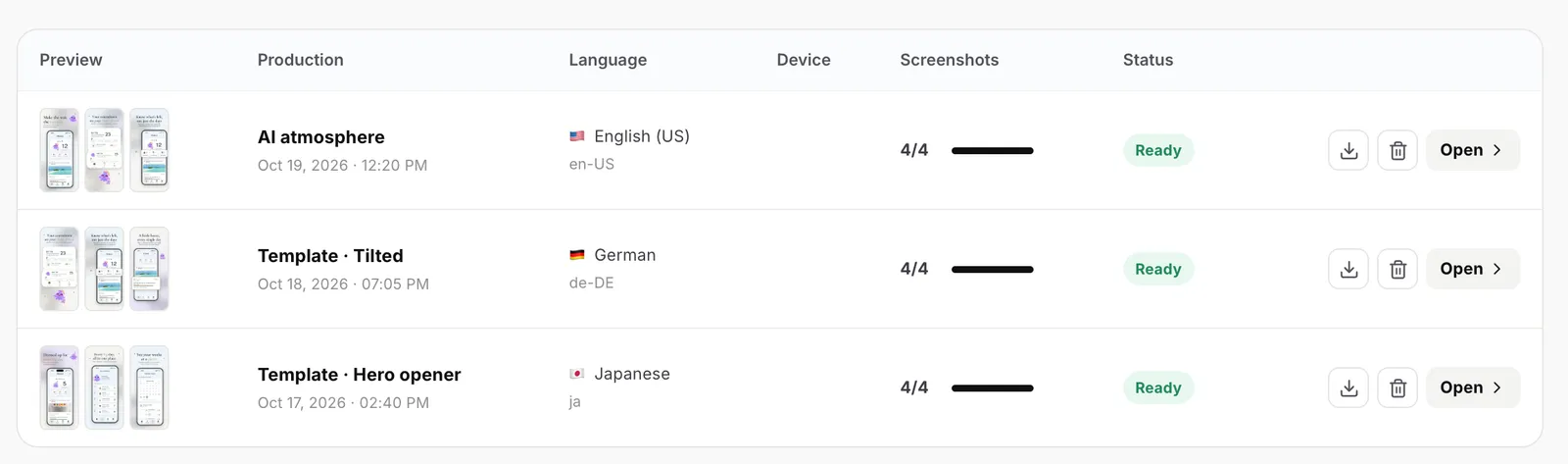
- Filter sets by device and language
- Direct upload to App Store Connect
Frequently asked questions
Can I try it without signing up?
Yes. The free screenshot generator makes three iPhone screenshots with 3D devices, with no sign-up and no watermark. The studio adds up to 10 pages, more devices and localized copies.
Which devices are supported?
iPhone, iPhone Duo, iPad and Apple Watch, in portrait and landscape where Apple allows it.
Does visual analysis predict conversion?
No. It scores your screenshots against a rubric so you know what to improve. It is not a conversion forecast.
Are screenshots included in my plan?
AI images use credits. Clean mode is free on every plan.
Make the first screenshot count.
Try the free generator now, or start a full set in the studio.
Works with
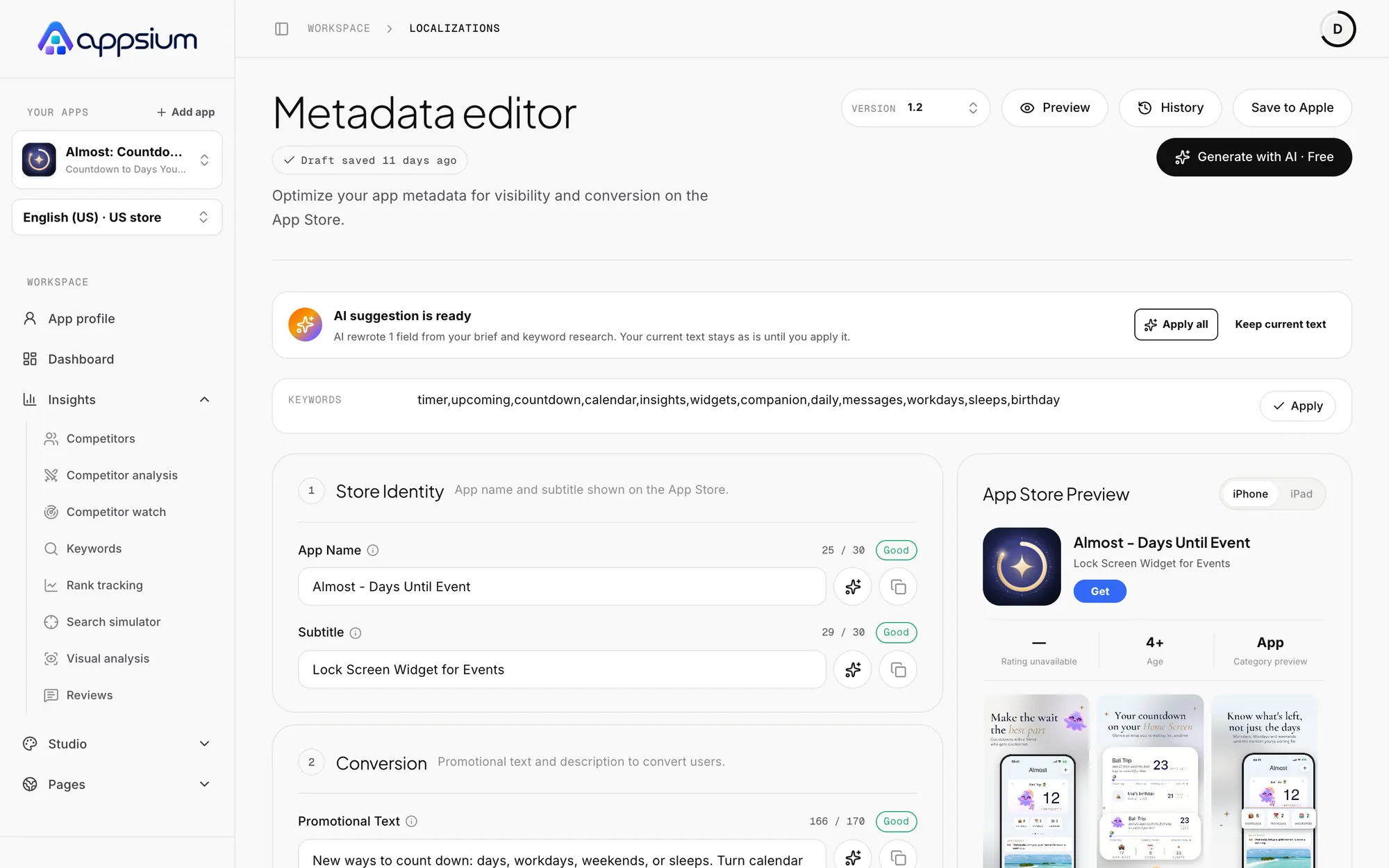
Metadata and localization
Title, subtitle, keywords, promo text and description per language, always inside Apple's limits.

App icon generator
14 styles from glass to clay, previewed on a real home screen and at every size Apple asks for.
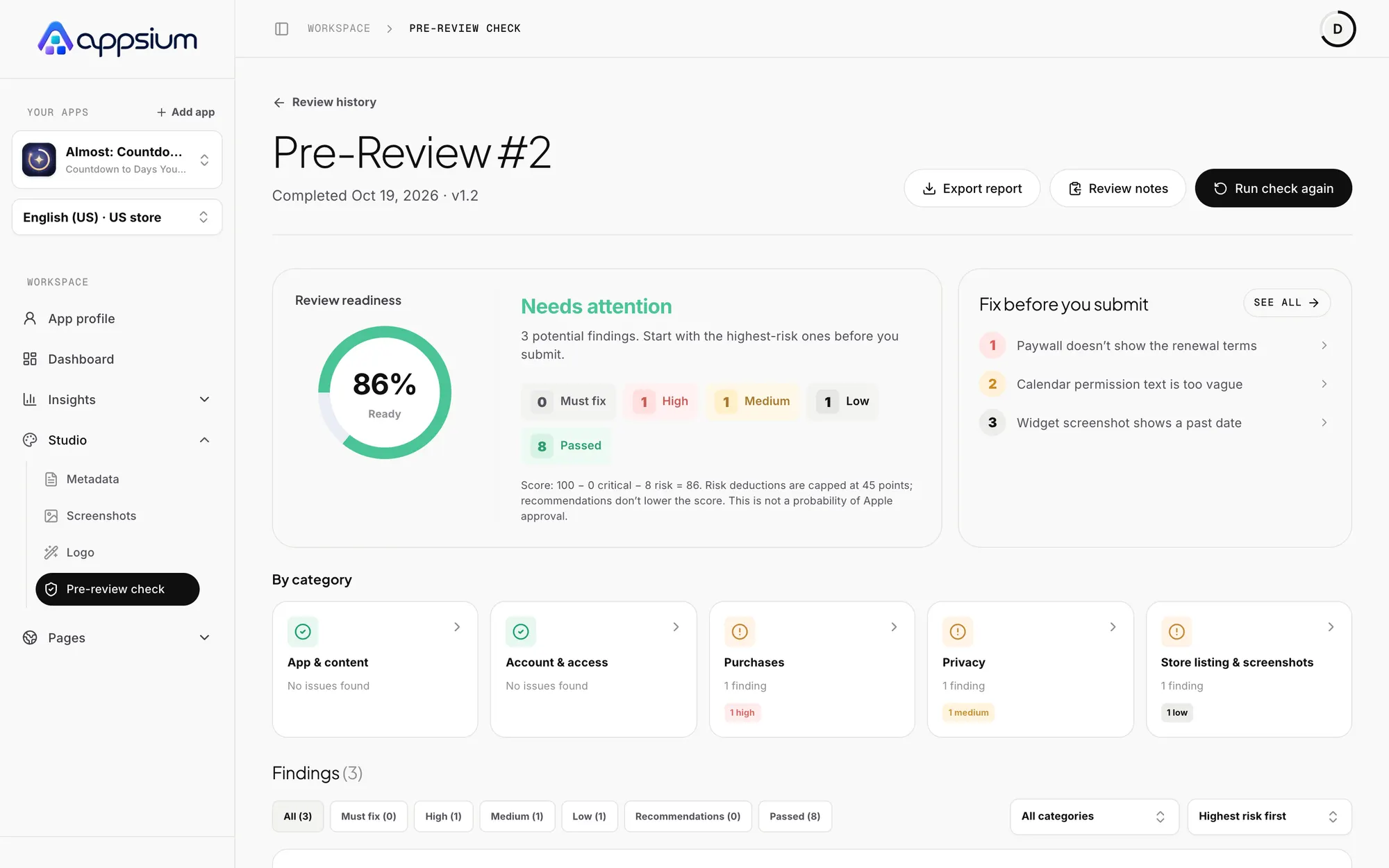
Pre-Review Check
Find App Review rejection risks before you submit, with the exact fix for each one.
Learn the craft
App Store screenshots that convert
How to plan, caption, order, localize and test App Store screenshots so searchers tap Get: the first-three rule, panoramic sets, previews and sizes.

App Store localization: rank in more countries
Localize App Store metadata and screenshots to rank and convert in more storefronts: which locales each country uses, keyword strategy and a workflow.

The ASO checklist for launching an iOS app
A step-by-step ASO checklist for launching an iOS app: keyword research, metadata, screenshots, previews, localization, ratings, In-App Events and post-launch tests.