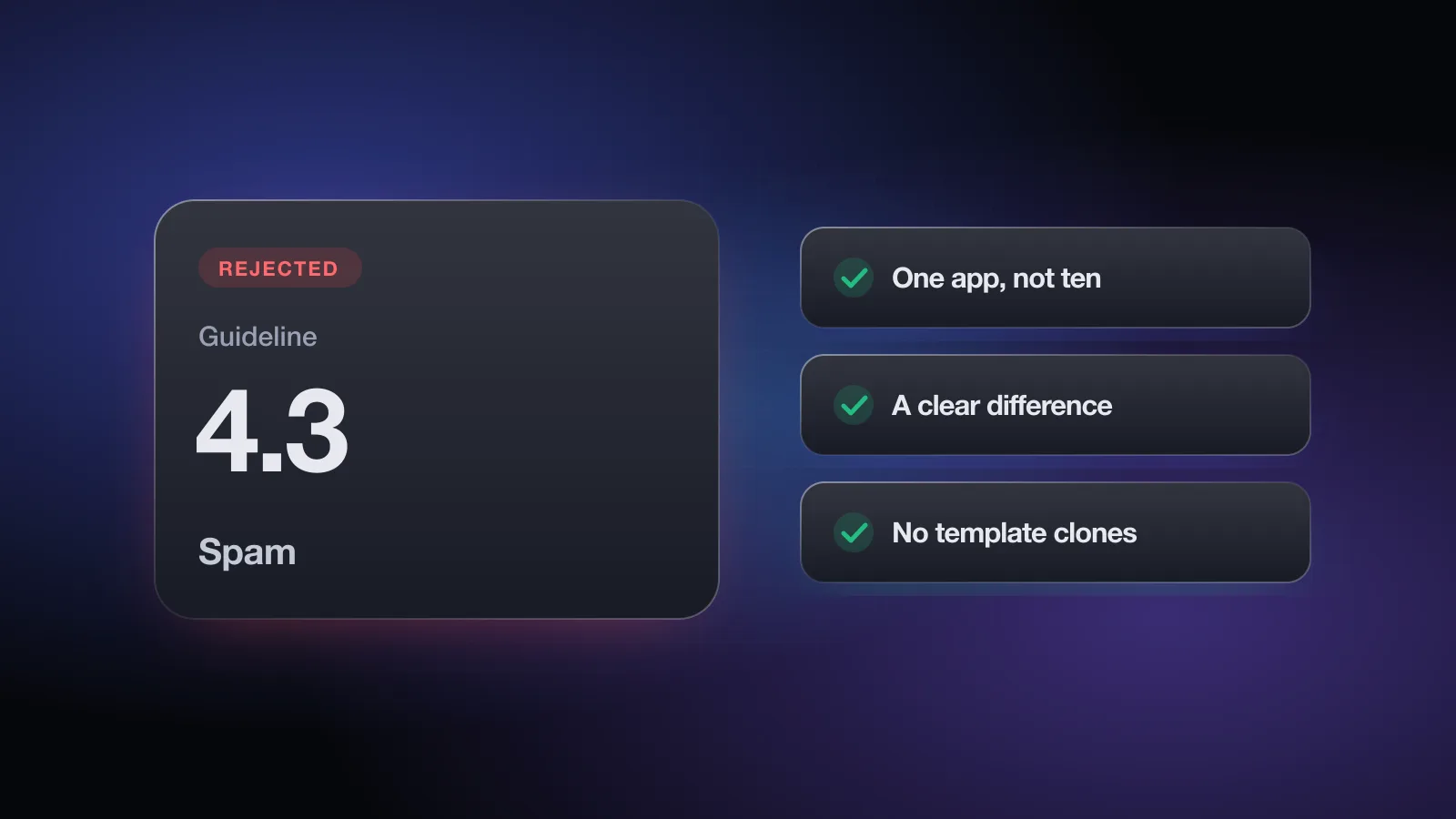
You'll see Guideline 4.3(a) - Design - Spam or Guideline 4.3(b) - Design - Spam, often with a short note that your app "duplicates the content and functionality" of other apps or is in a category that is already saturated. It doesn't mean Apple thinks you're a spammer. It means the reviewer couldn't see why this app needs to exist alongside the others.
4.3 is different from most rejections. There's no missing link or setting to fix, and a polite reply rarely moves it. This page explains what the two parts cover, which patterns trigger them, what actually helps, and when an appeal is worth your time. For the broader picture, see common App Store rejections.
What the rejection message means
4.3 is in the Design section of the App Review Guidelines and has two parts. Your message will cite one of them:
| Header | What Apple is saying | Typical example |
|---|---|---|
Guideline 4.3(a) - Design - Spam | You created multiple bundle IDs for the same app | One map app per city, one quiz app per topic, one app per client from the same codebase |
Guideline 4.3(b) - Design - Spam | Your app is indistinguishable from what's already widely available | Another flashlight, wallpaper or simple timer app with nothing new |
4.3(a), paraphrased: don't submit several bundle IDs of one app. Apple's own example is a separate map app for every city instead of one map that searches any city. If you need versions for different locations, sports teams or universities, Apple suggests a single app with the variations offered through in-app purchase.
4.3(b), paraphrased: don't submit apps that are opportunistic variants of existing categories or popular apps. Apple names dating, flashlight, sound effects, wallpaper, simple timers and fortune telling as well-established categories where it won't accept new apps unless they offer a meaningfully different or improved experience. It also says it may remove such apps later if they aren't updated or don't attract customers. Drinking games, fart and burp apps and similar are called out as low-effort, and repeated submissions of that kind may lead to removal from the Developer Program.
Apple's App Review page backs this up under "Repeated submission of similar apps," and its suggested fix is to combine the apps into one.
Why apps get rejected under 4.3
Same codebase, different skin
You built a solid app, then shipped a second and third version with a new color scheme, a new name and a narrower theme: "Yoga Timer," "HIIT Timer," "Meditation Timer." To a reviewer, they're the same binary with different assets. This is the core 4.3(a) case.
Template and white-label apps
Apps built from a purchased source code template, a code marketplace kit or an app builder share large amounts of code, screens and structure with every other app built from the same kit. Reviewers see many of them. Even if your copy is the only one in your account, it can look like one of many identical submissions. Guideline 4.2.6 adds a separate rule for commercialized templates, covered on the Guideline 4.2 page.
Apps similar to ones you, or a previous owner, submitted
Resubmitting an app that was removed or rejected, under a new bundle ID or a new developer account, is a common trigger. So is buying an app or its source code and republishing it while the original is still on the store. If the code and screens match something App Review has already seen, expect 4.3.
Multiple developer accounts
Splitting near-identical apps across several accounts doesn't avoid 4.3. The guidelines' introduction says that trying to cheat the review process can lead to removal from the store and the Developer Program, so treat this as a risk, not a workaround.
Saturated categories with nothing new (4.3(b))
A clean, well-built app can still get 4.3(b) if it's another wallpaper gallery, sound board, horoscope or basic timer. Quality alone isn't the test. The question is whether a user would find something here they can't already get from many similar apps.
AI and trend clones
When a type of app becomes popular, many lookalikes follow. Apple's wording targets "opportunistically" creating variants of popular apps. A thin interface on top of a general-purpose AI model, with the same features as dozens of others, fits that description. Copying a specific app's name or UI is a separate problem under 4.1 (Copycats).
How to fix a 4.3 rejection
- Work out which part was cited4.3(a) is about your own duplicates. 4.3(b) is about the category. The fixes overlap, but the argument you'd make in a reply is different.
- Consolidate duplicates into one app (4.3(a))Merge your themed or regional versions into a single app. Offer the variations as content packs, settings or in-app purchases, which is what Apple's guideline suggests. Remove the extra apps from sale once the combined app is live.
- Pick a specific audience and build for it (4.3(b))A general timer is saturated. A timer built for ceramic kiln firing schedules, with presets, logs and alerts for that job, is a different product. Narrow focus usually beats adding generic features.
- Add something the category lacksThat might be offline use, a real data integration, an unusual workflow, accessibility work, or a feature that depends on the device. A list of small extras on top of the same core rarely counts.
- Make it your own code and designIf you started from a template, rework the navigation, screens and flows so the app no longer matches the kit. Remove leftover sample content and default assets.
- Show the difference in the listingUpdate the first screenshots, subtitle and description to lead with what's unique. If the listing looks like every other app in the category, the reviewer starts from that impression. See writing a title and subtitle for staying specific within the character limits.
- Explain the difference in the review notesTwo or three sentences on who the app is for and what it does that comparable apps don't. Point to where each distinguishing feature lives.
No questionnaire can promise your app is different enough, but the free App Review check flags the 4.3 patterns (variants of your own apps, saturated categories with no stated difference) and the predictable rejections that often arrive alongside them: sign-in, account deletion, paywalls and privacy. No sign-up.
How to reply to App Review (and when to appeal)
Here's the honest version: 4.3 is hard to argue. The reviewer has made a judgment about your app's place in the store, and you usually can't change that with words alone. A reply makes sense in two situations:
- A factual mix-up. The reviewer thinks your app duplicates another app, but it doesn't. For example, the other app is from a different developer using the same open-source library, or your "second app" is actually the only one.
- A real difference they didn't reach. The distinguishing features exist but sit behind a login, an onboarding flow or a purchase the reviewer didn't complete.
In those cases, keep the reply short and factual:
Hello,

Thank you for the review. I'd like to clarify how KilnLog differs
from general timer apps, as I think the key features weren't visible
in the first screens.

KilnLog is built for potters running electric kilns:
- Firing schedules with multi-segment ramps (Schedules tab)
- A firing log that records each run's segments and notes (Log tab)
- Alerts for each segment change, which keep working in the background

This is the only app we have submitted in this category, and it
isn't based on a template. I've attached a short recording of a
complete firing schedule. Could you take another look?

Best regards,
[Your name]
When an App Review Board appeal is worth it
If the reply doesn't resolve it and you still believe the reviewer misunderstood the app's concept, you can submit an appeal to the App Review Board. Apple asks you to give specific reasons why the app complies, to submit one appeal per rejected submission, and to answer any open information requests first.
An appeal is worth it when you can point to concrete facts: a clear audience, features competitors don't have, code that isn't shared with any other submission. It isn't worth it when the honest answer is "the app is similar, but mine is nicer." In that case, the time is better spent on the fix steps above. Don't resubmit the same build repeatedly either. Apple notes that repeated rejections for the same guideline make review take longer, and 4.3(b) warns about account consequences for repeated low-effort submissions.
Avoiding 4.3 before you build
The cheapest 4.3 fix happens before you write code. A few questions worth asking at the idea stage:
- Search the App Store for your category. If the first screen of results looks like your app, what will a user get from yours that they don't get there?
- Are you planning several apps that share a core? Plan one app with sections, packs or purchases instead.
- Is the idea in a category Apple names in 4.3(b)? Then the bar is "meaningfully different or improved," not just "well made."
- Did you buy the source or the app? Check whether the original is still on the store and how much you'll change.
Once the product is distinct, the rest of the submission still has to be clean. The App Store Review Guidelines overview walks through each section, and the App Review check flags the common issues in about two minutes.
Pre-submit checklist for 4.3
- Only one app in your account (or any account you control) covers this core functionality
- Variations such as themes, cities or topics live inside one app, not separate bundle IDs
- If you started from a template, the screens, navigation and flows are your own
- No leftover sample content, default icons or kit branding
- You can state in one sentence what this app does that similar apps don't
- That difference is visible in the first screenshots and the subtitle
- Review notes explain the audience and point to the distinguishing features
- The reviewer can reach those features without a purchase or a long setup
- You're not resubmitting a previously rejected or removed app under a new bundle ID
Once the app stands on its own, run the free App Review check before you resubmit, so a sign-in, privacy or paywall issue doesn't cost you another round.
Frequently asked questions
What does Guideline 4.3 Spam mean?
4.3(a) means Apple thinks you submitted several bundle IDs for what is essentially one app. 4.3(b) means your app is too similar to what's already widely available in a crowded category and doesn't offer a meaningfully different or better experience.
What is the difference between 4.3(a) and 4.3(b)?
4.3(a) is about duplicates of the same app, such as one app per city or per theme. 4.3(b) is about saturated categories; Apple names dating, flashlight, sound effects, wallpaper, simple timers and fortune telling as examples.
Can I fix a 4.3 rejection by changing the icon and name?
Usually not. Reviewers look at what the app does, and cosmetic changes to a near-identical app tend to get the same rejection. Consolidating apps or adding a real point of difference is what helps.
Is it worth appealing a 4.3 rejection?
Only when you can show concretely that the reviewer misread the app, for example that it isn't a duplicate of your other app or has a specific audience and features its competitors lack. Apple allows one appeal per rejected submission.
Can repeated 4.3 rejections affect my developer account?
Guideline 4.3(b) says repeated submissions of low-effort apps may lead to removal from the Apple Developer Program, so resubmitting the same app unchanged is a real risk.