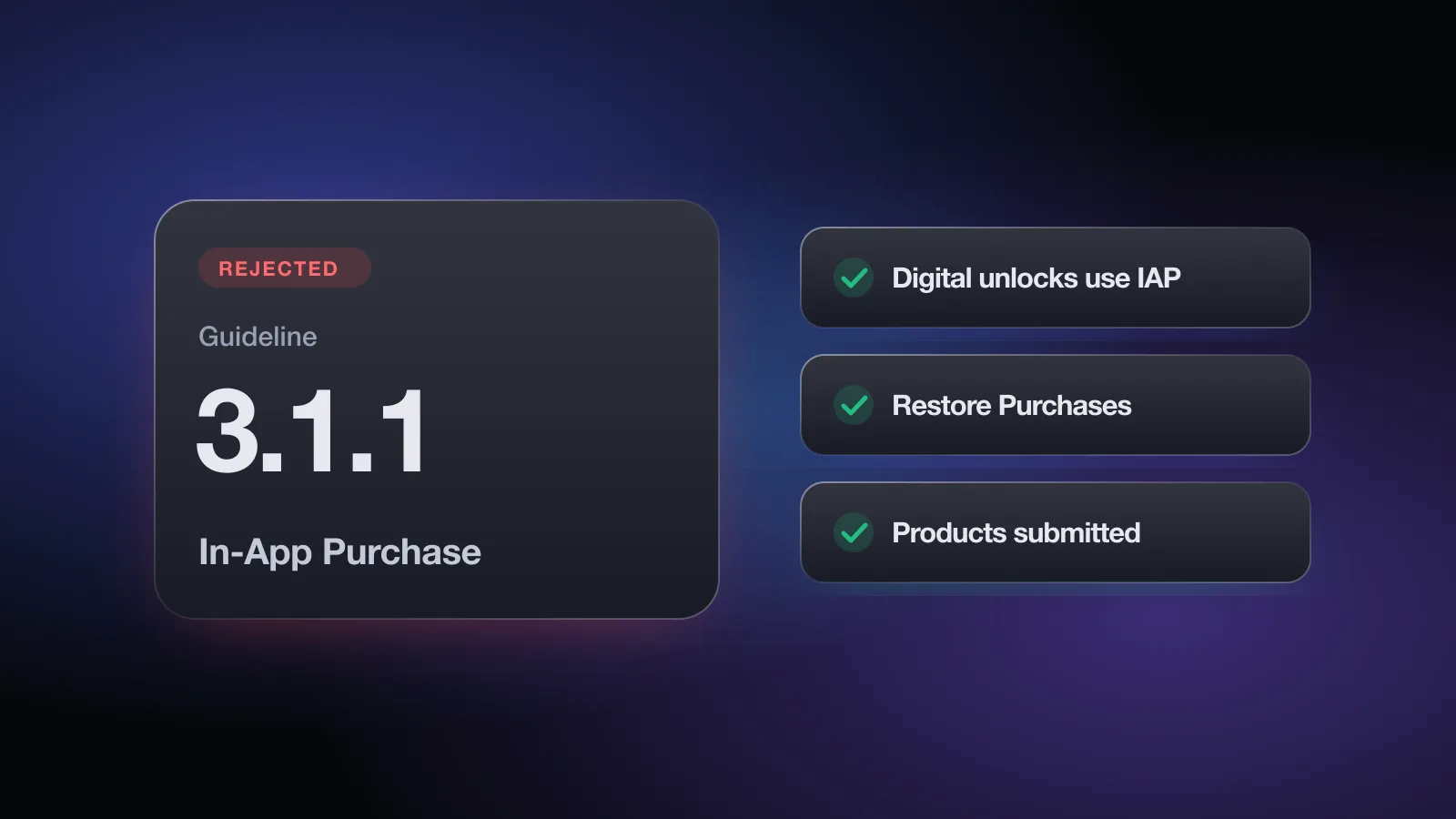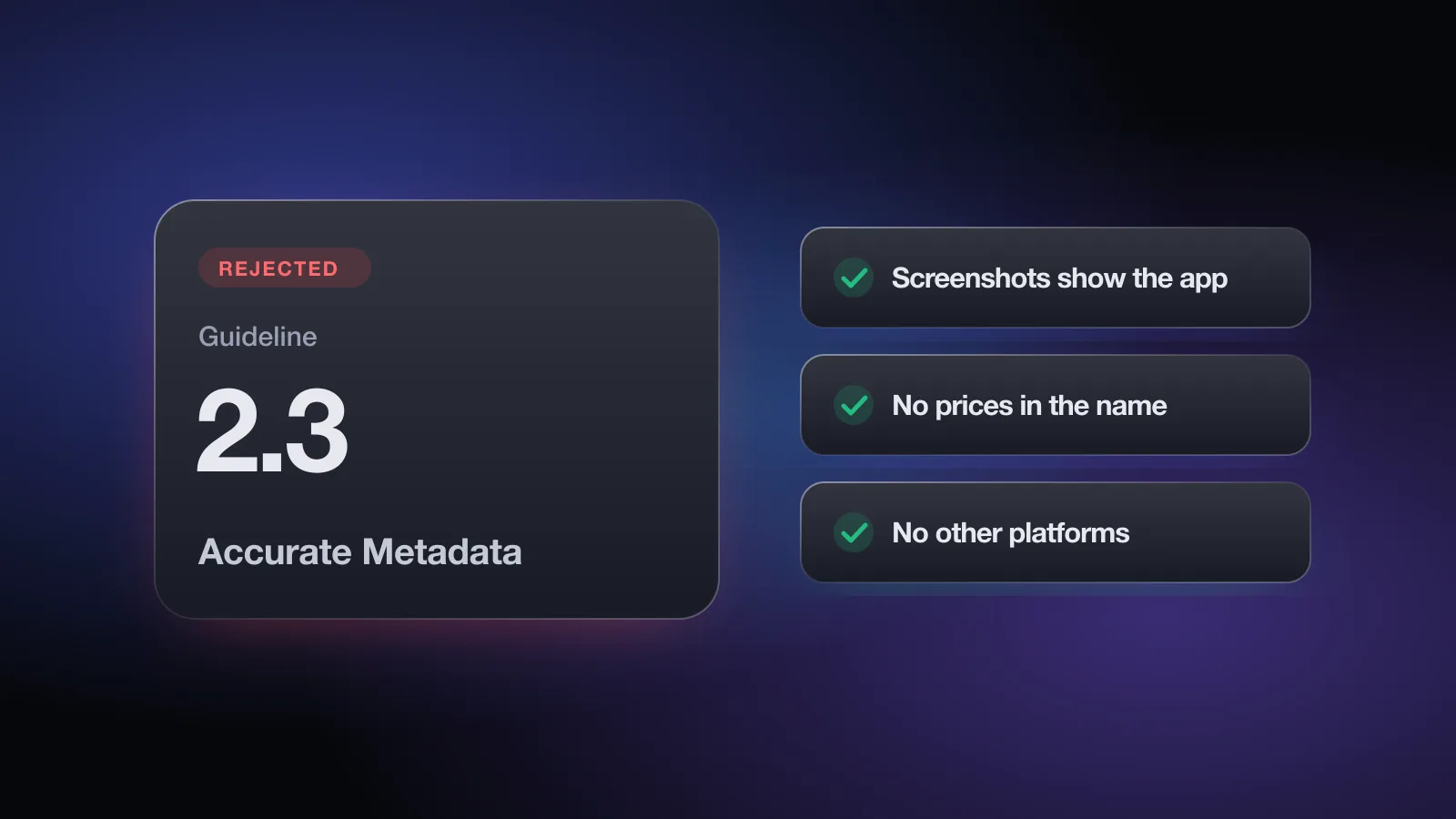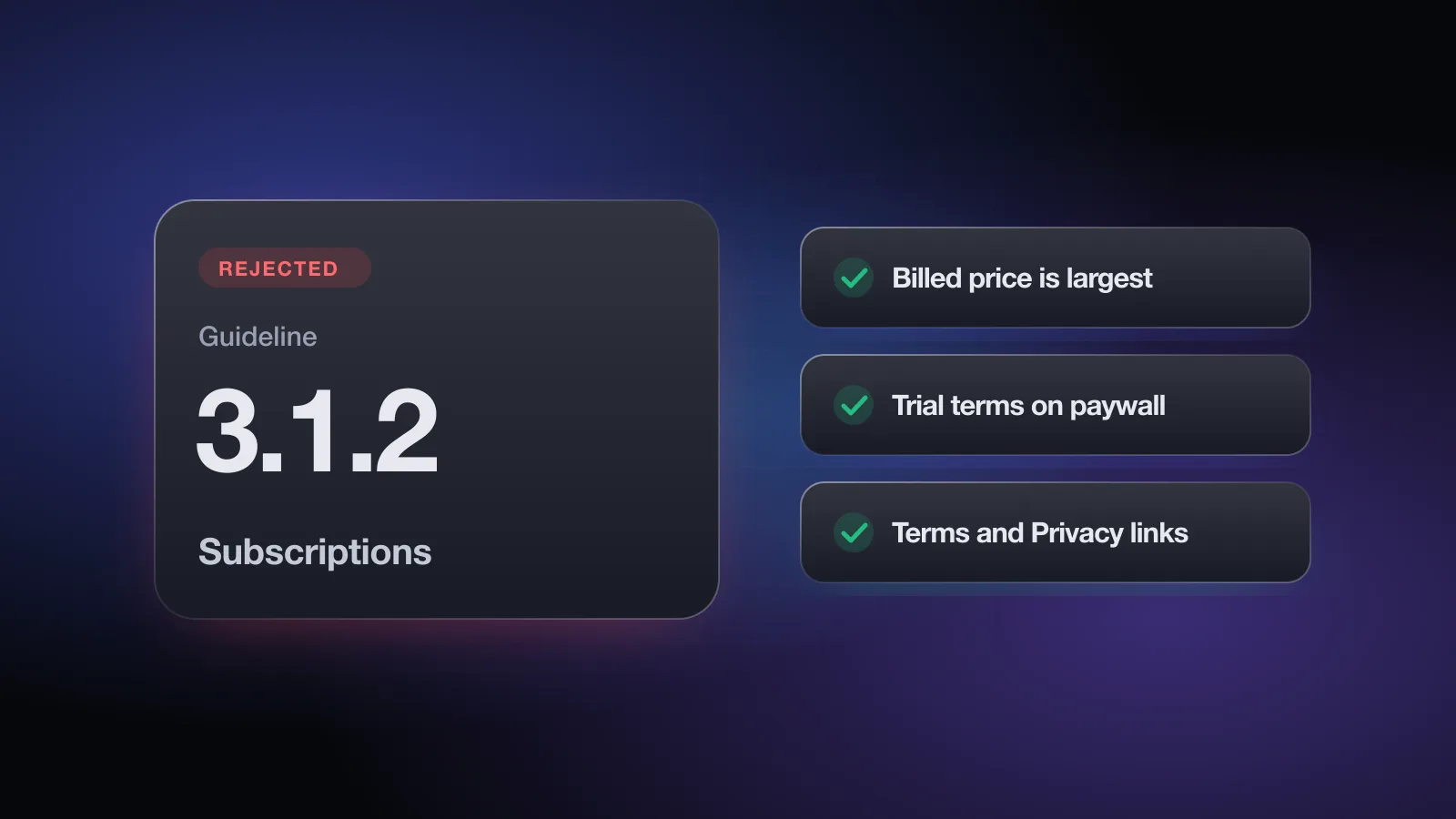
The rejection reads Guideline 3.1.2 - Business - Payments - Subscriptions, and it almost always points at your paywall or your listing. App Review is saying a customer could subscribe without clearly knowing what they'll pay, how often, or what they get for it.
Subscriptions are the main business model for indie apps, and the paywall is the screen reviewers study most closely. The good news is that 3.1.2 rejections are concrete. The reviewer can usually point at the exact missing piece, and you can fix most of them without changing anything else in the app. For the payment rules that decide whether you must use In-App Purchase, see guideline 3.1.1. This page is about how you present a subscription once you do.
What the rejection message means
Guideline 3.1.2 has three parts.
3.1.2(a) Permissible uses. A subscription must provide ongoing value, the period must be at least seven days, and it must work across all of the user's devices where the app is available. Apple's examples of appropriate subscriptions include new game levels, episodic content, multiplayer support, consistent and substantive updates, large or continually updated media collections, SaaS and cloud support. The same section adds:
- Users should get what they paid for without extra tasks, such as posting on social media, uploading contacts or checking in a number of times.
- If you move an existing app to subscriptions, don't take away primary functionality people already paid for.
- Free trials are set up with the information in App Store Connect.
- Apps that trick users into subscribing under false pretenses, or use bait-and-switch practices, will be removed.
3.1.2(b) Upgrades and downgrades. Users shouldn't be able to subscribe by accident to several variations of the same thing. Put your tiers in one subscription group so upgrades and downgrades replace each other.
3.1.2(c) Subscription information. Before asking someone to subscribe, describe clearly what they get for the price. Apple's own examples: how many issues per month, how much cloud storage, what kind of access. This part also refers to the requirements in Schedule 2 of the Apple Developer Program License Agreement.
Why apps get rejected under 3.1.2
The paywall hides the real price
The most common pattern: a yearly plan advertised as "$4.99/month" in big type, with "$59.99 billed annually" in small gray text underneath. The user is charged $59.99, so that is the number that should stand out. The same goes for a weekly plan shown as a daily price, or a discount badge that's bigger than the price itself.
Trial terms are unclear
"Start free trial" with no length, or a length but no price after it ends. Users should see, in one place, how long the trial lasts and what they'll be charged when it's over, along with the period.
No renewal or cancellation information
The paywall doesn't say the subscription renews automatically or how to cancel it.
Missing Terms of Use or privacy policy
Reviewers look for working links to your Terms of Use (EULA) and privacy policy in the app, usually at the bottom of the paywall, and in your App Store metadata. Guideline 5.1.1(i) separately requires the privacy policy link both in the App Store Connect metadata field and inside the app.
Not enough ongoing value
A subscription that unlocks a static feature set, like a one-off filter pack or a fixed list of templates that never changes, invites the question of why it isn't a one-time purchase. If the value is ongoing, make that visible: what's updated, synced, stored or added over time.
Other triggers
- A subscription period shorter than seven days.
- Premium unlocked on iPhone but not on the user's iPad or Mac with the same app.
- Multiple tiers in separate subscription groups, so a user can hold two at once.
- A close button that's hidden, delayed or so faint it looks absent, which reads as a trick.
- A hard paywall app whose description reads as if the app is free. That one is usually cited as 2.3.2 under Accurate Metadata.
Paywall do's and don'ts
Passes review
- Plan name, period and billed price on each option, e.g. "Yearly, $59.99/year"
- Billed amount is the largest price; "$5.00/month" equivalent in smaller type
- "7 days free, then $59.99/year" stated together
- A line saying it renews automatically and can be cancelled in Settings
- Terms of Use and Privacy Policy links that open real pages
- A visible Restore Purchases control
- A close button the user can see and tap right away
Gets flagged
- "Only $1.15/week!" in large type for a yearly plan
- "Try free" with no trial length or post-trial price
- Renewal terms only in a collapsed "Details" section
- Terms link that goes to your home page or a 404
- A pre-selected trial toggle that hides what happens next
- Features listed that need another purchase on top
- A close button that fades in after several seconds
The free App Review check asks what your paywall shows, whether the billed amount is the most prominent price, whether trial terms are clear and whether your Terms of Use link is in your metadata, then flags each gap with the fix. No sign-up.
Subscription details in App Store Connect
The paywall is half of it. Your listing needs the legal links too. If you paste your description into the free App Review check, it looks for Terms of Use and privacy policy links in it.
- Terms of Use. Either add your own EULA in the License Agreement field under App Information, or add a Terms of Use link at the end of the description. If you rely on Apple's standard EULA, link to it in the description so the reviewer can find it.
- Privacy policy. Fill in the Privacy Policy URL field, and it doesn't hurt to link it in the description as well.
- Plans and prices. If the app needs a subscription to be useful, say so near the top of the description, with the plans.
- Subscription display names and descriptions in App Store Connect should match the paywall, so the purchase sheet and your screen describe the same thing.
How to fix a 3.1.2 rejection
- Open the screenshot Apple attachedIt usually shows the paywall the reviewer saw. Check it against the do list above, item by item.
- Make the billed amount the main priceFor each plan, show the period and the amount charged as the largest price. Move per-week or per-month math to secondary text.
- State the trial in one sentenceTrial length, then the price and period that follow, next to the button that starts it.
- Add renewal and cancellation textA short line under the plans is enough: it renews automatically and can be cancelled in the user's Apple Account settings.
- Add the legal linksTerms of Use and Privacy Policy on the paywall, tappable, opening real pages. Then add Terms to the description or the License Agreement field, and check the Privacy Policy URL.
- Check the subscription setupOne subscription group for all tiers, every period seven days or longer, entitlement checked on every device the app runs on, and all products added to this version for review.
- Show the ongoing valueIf the reviewer questioned it, explain in the notes what users keep receiving: content updates, sync, storage, new levels.
- Reply and resubmitA paywall change needs a new build. Metadata-only fixes don't.
How to reply to App Review
When the paywall really was missing something, the reply is a short changelog, not a debate. Attach a screenshot of the new paywall so the reviewer can see the change before reaching it.
Hello,

Thank you for the review. We've updated the subscription screen in
build 1.4 (32):

- Each plan now shows its billed price and period as the main
  price ("$59.99/year"). The monthly equivalent is secondary.
- The trial line now reads "7 days free, then $59.99/year".
- We added auto-renewal and cancellation information, plus Terms of
  Use and Privacy Policy links, below the plans.
- The Terms of Use link has been added to the App Store description.

A screenshot of the updated paywall is attached.

Best regards,
[Name]
If the reviewer questioned ongoing value and you disagree, explain concretely what subscribers keep getting and how often. If you're confident the app complies, an appeal to the App Review Board is available once per rejected submission.
Pre-submit checklist for 3.1.2
- Each plan shows its name, period and price per period
- The billed amount is the most prominent price on the paywall
- Trial length and the price after it are stated together
- Auto-renewal and cancellation information is on the paywall
- Terms of Use (EULA) and Privacy Policy links on the paywall open real pages
- Terms of Use link in the description or License Agreement field; Privacy Policy URL set
- Restore Purchases is visible and works
- All tiers in one subscription group; every period at least seven days
- Subscription works on every device the app supports
- No extra tasks required to get what was paid for
- Description says the app needs a subscription, if it does
- All subscription products added to this version for review
Before you submit, check your paywall and subscription setup with the free App Review check. Appsium's full Pre-Review Check also reads a screenshot of your paywall and flags a missing period, renewal text, legal links, Restore button or a price that isn't the billed amount. For the rest of the rules, the App Review Guidelines explained guide covers every section.
Frequently asked questions
What does Guideline 3.1.2 - Business - Payments - Subscriptions mean?
App Review found a problem with how your auto-renewable subscription is offered or described. Most often the paywall doesn't clearly show what the user gets, the price and period, or the trial terms, or the Terms of Use and privacy policy links are missing.
Do I need a Terms of Use (EULA) link for subscriptions?
Reviewers expect a working link to your Terms of Use in the app, usually on the paywall, and in the metadata, either in the description or in the License Agreement field in App Store Connect. The privacy policy needs a link in both places too, as guideline 5.1.1(i) requires.
What is the minimum subscription length on the App Store?
Guideline 3.1.2(a) says an auto-renewable subscription period must last at least seven days, and the subscription must be available across all of the user's devices where the app is available.
Can I show the monthly price of a yearly plan in large type?
Showing a per-month equivalent is common, but reviewers look for the amount the user will actually be billed to be the clearest price on the screen. Put the billed amount, for example $59.99 per year, first and largest, and the monthly breakdown in smaller type.
Can I convert my paid app to a subscription?
Yes, but guideline 3.1.2(a) says you shouldn't take away primary functionality existing users already paid for. Let customers who bought a full unlock keep it.