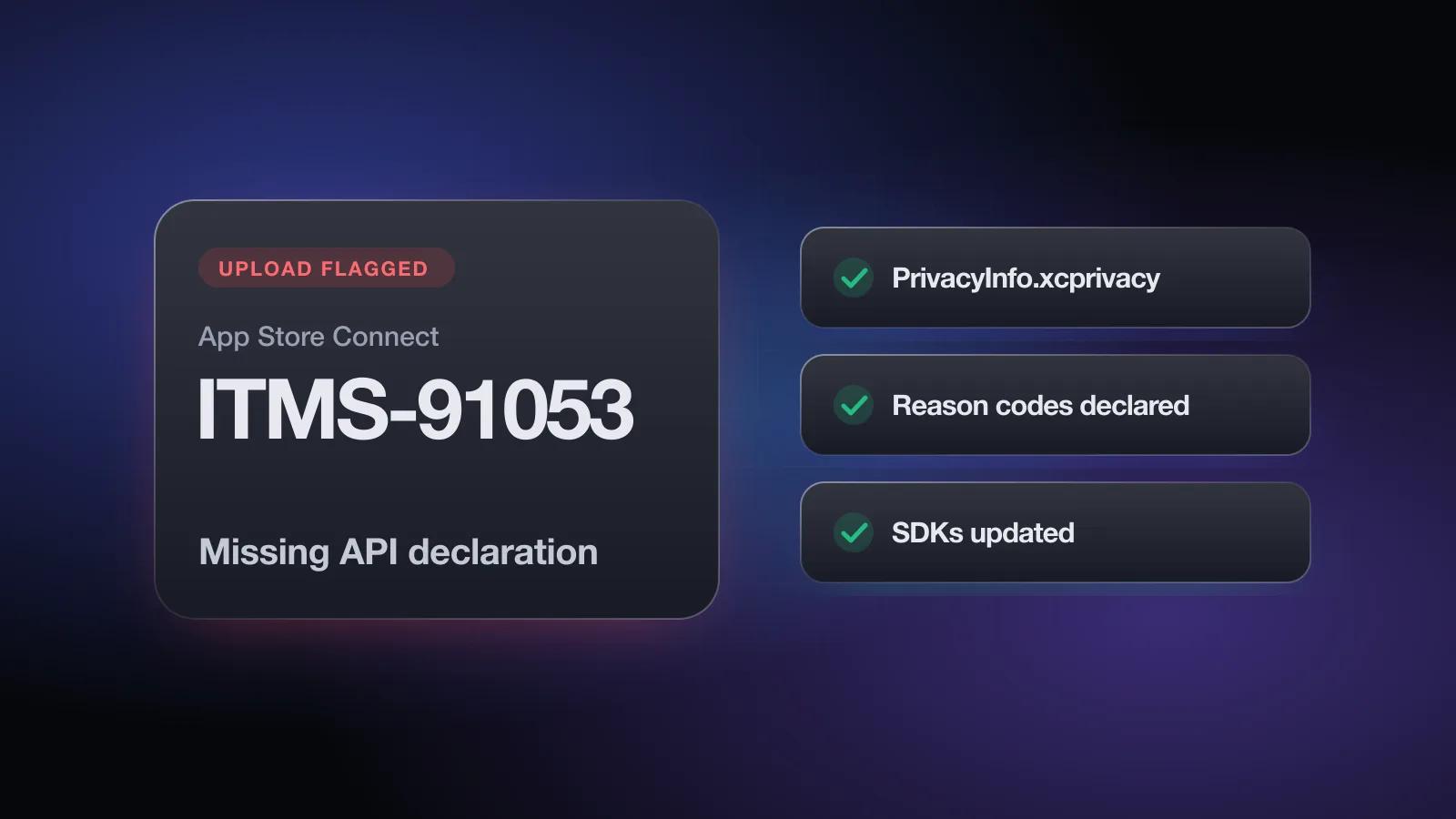
You upload a build, and App Store Connect replies with an email listing ITMS-91053: Missing API declaration. It names a binary inside your app and one or more API categories like NSPrivacyAccessedAPICategoryUserDefaults. Translation: something in that binary uses an API Apple requires a stated reason for, and no privacy manifest gives one.
Unlike the other pages in this series, there's no reviewer to reply to here. This is an automated check during upload processing, and the only fix is a corrected build. The good news is that it's mechanical: find the code, declare the reason or update the SDK, re-upload.
What the ITMS-91053 message means
Apple classifies a set of APIs as required reason APIs. They're ordinary, public APIs, but they can also be used to fingerprint a device, so Apple asks every app and SDK that calls them to declare why. The declaration lives in a privacy manifest, a property list named PrivacyInfo.xcprivacy.
The email typically includes:
- The file where the API was found, such as your main app executable or a path like
Frameworks/SomeSDK.framework/SomeSDK. - The API categories that are missing a declaration, such as
NSPrivacyAccessedAPICategoryFileTimestamp.
Each file named needs its own fix. A build can list several frameworks and several categories in one email.
How it connects to the App Review Guidelines
The guidelines don't mention privacy manifests by name, but the rules behind them do. Guideline 5.1 requires care with personal data and clear disclosure of what your app collects, including through third-party SDKs. Guideline 2.5.1 says apps should use APIs for their intended purposes. And the guidelines' introduction is direct: you're responsible for making sure everything in your app complies, including ad networks, analytics services and third-party SDKs. A privacy manifest is how you state that for each required reason API.
The required reason API categories
These are the five categories you'll see most in ITMS-91053 emails, with examples of the APIs that trigger them:
| Category key | Example APIs | Common source |
|---|---|---|
NSPrivacyAccessedAPICategoryUserDefaults | UserDefaults, NSUserDefaults | Almost every app and SDK |
NSPrivacyAccessedAPICategoryFileTimestamp | File creation or modification dates, for example via FileManager attributes, stat or resource values | Caches, image loaders, databases |
NSPrivacyAccessedAPICategorySystemBootTime | ProcessInfo.systemUptime, mach_absolute_time() | Analytics, crash reporting, timers |
NSPrivacyAccessedAPICategoryDiskSpace | Available or total volume capacity, statfs | Downloaders, crash and analytics SDKs |
NSPrivacyAccessedAPICategoryActiveKeyboards | UITextInputMode.activeInputModes | Keyboard apps, some analytics |
For each category you declare one or more reason codes from Apple's published list. The reason must describe what the code actually does, and each reason also limits how you can use the data. A few you'll use often:
- CA92.1 (UserDefaults): reading and writing information only your app can access.
- C617.1 (file timestamps): accessing timestamps of files inside your app's container, app group container or CloudKit container.
- 35F9.1 (system boot time): measuring elapsed time between events in the app.
- E174.1 (disk space): checking whether there's enough space before writing files.
Other cases, such as sharing defaults with an app group, showing timestamps or disk space to the user, or code that exists to wrap the API for other apps, have their own reasons. Look them up in Apple's required reason API documentation rather than picking the nearest-sounding code.
What a privacy manifest looks like
In Xcode, add a new file to your app target using the App Privacy template. It creates PrivacyInfo.xcprivacy, which you can edit in the property list editor or as source. A minimal manifest for an app that uses UserDefaults and checks file timestamps in its own container:
<?xml version="1.0" encoding="UTF-8"?>
<!DOCTYPE plist PUBLIC "-//Apple//DTD PLIST 1.0//EN" "http://www.apple.com/DTDs/PropertyList-1.0.dtd">
<plist version="1.0">
<dict>
  <key>NSPrivacyAccessedAPITypes</key>
  <array>
    <dict>
      <key>NSPrivacyAccessedAPIType</key>
      <string>NSPrivacyAccessedAPICategoryUserDefaults</string>
      <key>NSPrivacyAccessedAPITypeReasons</key>
      <array><string>CA92.1</string></array>
    </dict>
    <dict>
      <key>NSPrivacyAccessedAPIType</key>
      <string>NSPrivacyAccessedAPICategoryFileTimestamp</string>
      <key>NSPrivacyAccessedAPITypeReasons</key>
      <array><string>C617.1</string></array>
    </dict>
  </array>
</dict>
</plist>
The same file also has keys for tracking (NSPrivacyTracking, NSPrivacyTrackingDomains) and for the data types the code collects (NSPrivacyCollectedDataTypes). Those don't cause ITMS-91053, but keeping them accurate helps your App Privacy answers in App Store Connect match reality, which matters under Guideline 5.1.1.
Make sure the file is included in the app target's Copy Bundle Resources phase. A manifest that exists in the project but isn't in the target won't be in the build.
How to find which code triggers it
- Read the file path in the emailIf it names your main executable, the API call is in your own code or in a library linked statically into it. If it names something under
Frameworks/, that dynamic framework is the source. - Generate a privacy reportIn Xcode, open the Organizer, right-click your archive and choose Generate Privacy Report. It combines the manifests in the archive into one PDF, so you can see which bundles have a manifest and which don't.
- Search your own codeSearch for
UserDefaults, file attribute and resource value calls,systemUptime,mach_absolute_time, volume capacity keys andactiveInputModes. Note what each use is for. - Check the dependency's versionFor a named framework, check its changelog for privacy manifest support. Most widely used SDKs added manifests in their recent releases.
- Look inside a binary if neededFor an unclear source,
nmorstringson the binary in the built app can show which symbols it references. This is a last resort; the email and the privacy report usually point the way.
How to fix ITMS-91053
- Declare your own API useAdd or update
PrivacyInfo.xcprivacyin the app target with each category and the true reason codes for your code. - Update third-party SDKsMove each flagged SDK to a version that ships its own manifest, through Swift Package Manager, CocoaPods or your vendor. You can't declare reasons on behalf of a separate framework binary from your app's manifest.
- Check cross-platform frameworksFlutter, React Native, Unity and similar frameworks, plus their plugins, are separate code with their own manifests. Update the framework and plugins, not only your native code.
- Replace abandoned dependenciesIf an SDK is unmaintained and never added a manifest, replace it or remove it. Forking it and adding a manifest yourself is possible for open-source code, but you then own that declaration.
- Clean build, archive, re-uploadBump the build number, archive, regenerate the privacy report to confirm every flagged bundle now has a manifest, then upload.
- Recheck App Privacy answersWhile you're in the SDK list, confirm the App Privacy section in App Store Connect reflects what those SDKs collect.
The free App Review check asks about your privacy manifest, SDKs, App Privacy answers and permissions, plus sign-in, purchases and reviewer access, and flags the guidelines your app could be rejected under. No sign-up.
The third-party SDK list and signatures
Apple publishes a list of commonly used third-party SDKs. When your app includes one of them, Apple expects it to include a privacy manifest, and when it's added as a binary dependency, to be signed by its developer. If a listed SDK is missing its manifest, the upload email uses a related code, ITMS-91061 (Missing privacy manifest), instead of ITMS-91053.
Signatures let Xcode confirm that a prebuilt framework came from the developer you expect. If Xcode shows a signature warning for an XCFramework, get the official signed release from the vendor rather than a copy from a third-party mirror.
Keeping dependencies current is the simplest way to stay ahead of both checks. Older SDK versions are where missing manifests tend to hide. The free App Review check asks whether the privacy manifests and required reason declarations are complete for both your app and its SDKs, a quick way to confirm nothing was missed before the next upload.
Do you need to reply to anyone?
No. ITMS-91053 isn't a message from App Review, and there's nothing to reply to on the App Review page. Fix the build and upload again. If the email arrived for a build already in review, upload a corrected build and submit that one.
Once the upload is clean, the build still goes through human review. That's where the cited-guideline rejections come in, most often 2.1 App Completeness and the privacy rules in 5.1.1. The common rejections guide covers the full picture, and you can check your app against these guidelines in a couple of minutes before you submit.
Pre-upload checklist for privacy manifests
PrivacyInfo.xcprivacyexists in the app target and is copied into the bundle- Every required reason API your own code calls is declared under
NSPrivacyAccessedAPITypes - Each reason code matches how the code actually uses the API
- Every third-party SDK is on a version that ships its own manifest
- Flutter, React Native or Unity framework and plugins are updated too
- Binary SDKs from Apple's list are signed by their developer
- The Xcode privacy report shows a manifest for each bundle in the archive
- App Privacy answers in App Store Connect match what your code and SDKs collect
- Unmaintained SDKs without a manifest are replaced or removed
Frequently asked questions
What does ITMS-91053 Missing API declaration mean?
Your uploaded build contains code that calls one or more required reason APIs, such as UserDefaults or file timestamp APIs, and the privacy manifest for that code doesn't declare an approved reason. The email names the file and the API category.
Where do I add the privacy manifest?
Add a file named PrivacyInfo.xcprivacy to your app target in Xcode (the App Privacy file template) and declare each required reason API category under NSPrivacyAccessedAPITypes with its reason codes. Third-party SDKs ship their own manifests.
Which reason code do I use for UserDefaults?
CA92.1 is the reason for reading and writing information that only your app can access. If you share defaults through an app group, or the code is an SDK wrapper, a different reason applies, so check Apple's list.
The email names a framework I didn't write. What do I do?
Update that SDK to a version that includes its own privacy manifest. You can't fix another framework's binary by editing your app's manifest, so a dependency update is usually the fix.
Is ITMS-91053 the same as an App Review rejection?
No. It's sent by App Store Connect when it processes your upload, before human review. It still blocks you, so fix it and upload a new build.