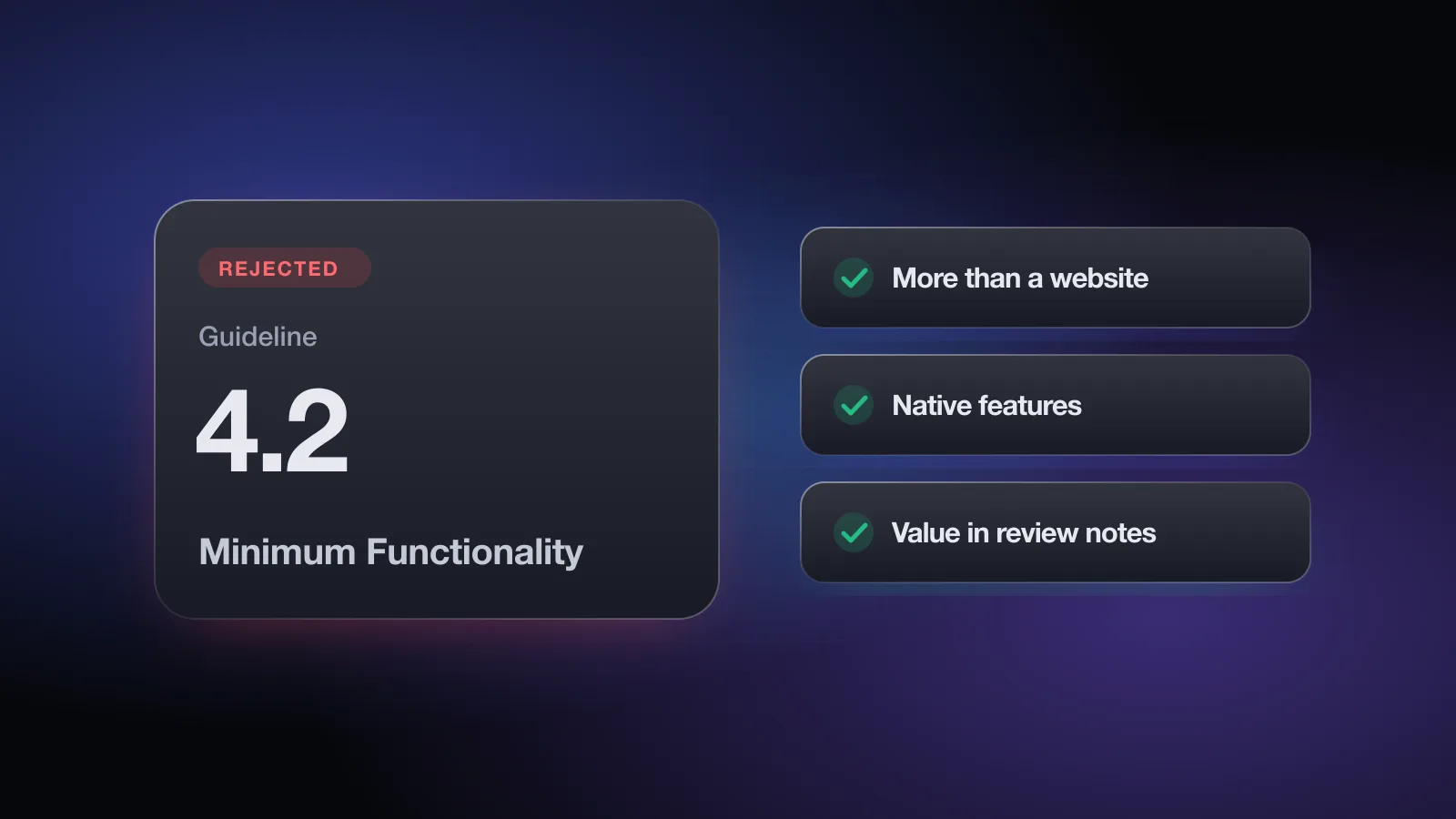
The message says Guideline 4.2 - Design - Minimum Functionality, and the reviewer's note usually mentions a "limited user experience" or an app that looks like a website. In plain terms: App Review didn't see enough here that couldn't live in Safari. You can usually fix it by adding real native value and explaining it clearly.
This page covers what the guideline says, the patterns that trigger it, which features actually change a reviewer's mind, and how to write your reply and review notes. For the other guidelines that reject indie apps most often, see the guide to common App Store rejections.
What the rejection message means
The rejection appears on your app's App Review page in App Store Connect with this header:
Guideline 4.2 sits in the Design section. Its core idea, paraphrased: your app needs features, content and interface that go beyond a repackaged website. If it isn't useful, unique or "app-like," Apple doesn't consider it a fit for the App Store. It also needs lasting entertainment value or real utility.
The guideline has a few specific parts worth knowing:
- 4.2 itself also says that an app which is only a song or a movie belongs in the iTunes Store, and an app that is only a book or game guide belongs in Apple Books.
- 4.2.1 covers ARKit apps: placing a model in an AR view or replaying an animation is not enough.
- 4.2.2 says that, catalogs aside, apps shouldn't mainly be marketing materials, ads, web clippings, content aggregators or a collection of links.
- 4.2.3 requires the app to work without installing another app, and to disclose the size and ask before downloading resources it needs to function on first launch.
- 4.2.6 rejects apps made from a commercialized template or app generation service unless the content provider submits them directly.
Apple's App Review page lists "web clippings, content aggregators, or a collection of links" and "not enough lasting value" among its common issues, both pointing to 4.2. So this is a well-trodden rejection, not a strange one-off.
Why apps get rejected under 4.2
The app is your website in a frame
This is the classic case. The app opens a WKWebView pointed at your mobile site, maybe with a native tab bar on top. The reviewer taps around, sees web forms, web navigation and a cookie banner, and concludes they are using a website. Signs that give it away:
- Pages that scroll or zoom like a browser, with web-styled buttons and fonts.
- A blank or error screen when the device is offline.
- Links that open more pages inside the same frame, including your marketing pages.
- No use of anything on the device: no notifications, no camera, no widgets, no local storage of data the user cares about.
Link lists, brochures and aggregators
An app for a business that shows opening hours, a contact form, a menu PDF and links to social profiles is a brochure. An app that collects RSS headlines from other sites with nothing added is an aggregator. Both fall under 4.2.2. Catalogs are the named exception, so a product catalog with real browsing, search and saved items is in a better position than a page of links.
Too little to do
Single-screen utilities, apps with one button, or apps whose whole value is a static set of tips can fail on "lasting value." A tiny scope isn't automatically a problem, but the app needs to do its one job well and in a way that feels native.
The app needs another app to work (4.2.3)
Companion apps that show a "please install X first" screen and nothing else get rejected under 4.2.3(i). Apps that download a big content pack on first launch without telling the user how big it is, or without asking, get rejected under 4.2.3(ii).
Template and app builder apps (4.2.6)
If you used a commercial app builder that generated the binary for you, and the builder's company submitted it under its account rather than yours, 4.2.6 applies. Apple's suggested route for template providers is a single "picker" app that hosts many clients, such as one restaurant finder with a page per restaurant. If you submit many near-identical apps yourself, you may see Guideline 4.3 Spam instead.
The reviewer couldn't reach the real features
Sometimes the app is rich, but everything sits behind a login, a paywall or hardware the reviewer doesn't have. What they saw was a sign-in screen and an empty home tab, so they judged that. This overlaps with Guideline 2.1 App Completeness and is the easiest 4.2 case to fix.
The free App Review check asks whether your app is native screens or mostly a web view, whether any screens are unfinished, and how the reviewer gets in, then flags the guidelines it could be rejected under, with the fix for each. No sign-up.
What native features actually help
The goal is not to tick boxes. It's to make the app clearly better on an iPhone than your website is. Pick the features that fit your product and make them visible in the first minute of use.
| Feature | Why it counts | Good fit for |
|---|---|---|
| Offline access | The app keeps working with no connection; a website can't | Content, notes, lists, reference apps |
| Push notifications with real value | Timely, user-chosen alerts (order shipped, reminder due) | Commerce, booking, habit apps |
| Widgets and Live Activities | Information on the Home Screen or Lock Screen without opening anything | Tracking, scores, deliveries, timers |
| Shortcuts and Siri intents | Users can run your main action without opening the app | Logging, quick add, status checks |
| Camera, scanning, Photos picker | Device input a mobile site handles poorly | Receipts, documents, inventory |
| HealthKit, location, Bluetooth | Integration with the device and its data, used for its intended purpose (2.5.1) | Fitness, travel, hardware companions |
| Native navigation and lists | Real iOS controls, search, swipe actions, haptics | Almost every app |
Only add a capability if you'll use it for its real purpose. Guideline 2.5.1 says APIs and frameworks should be used as intended, so a HealthKit permission in a recipe app with no health feature creates a new problem rather than solving this one. Each permission also needs a clear purpose string, covered on the Guideline 5.1.1 page.
Reads as an app
- Native home screen with your core content, even if detail pages are web
- Saved items that work offline
- Notifications the user opts into for a clear reason
- A widget that shows something useful at a glance
- Login only for features that need it
Reads as a website
- Splash screen, then a full-screen web view
- Menu of links to pages on your site
- White screen or web error when offline
- Cookie banners and "download our app" prompts inside the app
- External links that open your marketing pages
How to fix a 4.2 rejection
- Read the reviewer's note closelyCheck whether they cited 4.2, 4.2.2 or 4.2.3, and look at any screenshots they attached. A 4.2.3 rejection needs a very different fix from a "repackaged website" one.
- Rule out an access problemIf the reviewer only saw a login wall or an empty account, the fix may be a demo account with sample data and clear notes. Test the demo account on a clean install before you reply.
- Move the core flow to native screensYou don't need to rebuild everything. Make the home screen, main list and primary action native. Keep long-form content, help pages or checkout detail in web views if that's practical.
- Add one or two device features that fitOffline storage and a useful widget or notification are the most common wins. Use the table above and pick what your users would notice.
- Fix 4.2.3 issues directlyRemove any hard requirement for another app. If you download content on first launch, show the size and a button to start, and let the user continue with whatever already works.
- Update screenshots and descriptionShow the native features in the first screenshots so the listing matches what the reviewer will test. The screenshots guide covers layout and order.
- Rewrite the App Review notesExplain in two or three sentences what the app does that the website can't, and where to find each feature. Then resubmit and reference the change in your reply.
How to explain value in the review notes
Reviewers have limited time with each build. Notes that point straight to the native parts help them see what you built. Keep them short and concrete:
What the app does: Trailbook lets hikers save trail maps for offline use
and get alerts when a saved trail's conditions change.

Native features to check:
1. Save a trail (Explore tab, bookmark icon), then turn on Airplane Mode.
   The trail map and notes still open from the Saved tab.
2. Add the "Next hike" widget from the Home Screen widget gallery.
3. Enable condition alerts in Settings, Alerts. Demo trail "Pine Loop"
   sends a test alert within a minute.

Demo account: provided in the Sign-In Information fields, with saved
trails already in place.
How to reply to App Review
Replying without changing anything only works when the reviewer missed functionality that already exists. In that case, reply on the App Review page in App Store Connect with exact steps, and attach a short screen recording if the feature is hard to reach.
Hello,

Thank you for reviewing Trailbook. I think the reviewer may not have
reached the parts of the app that go beyond our website, because the
demo account we provided was empty. I've updated it with sample data.

Features that aren't available on our website:
- Offline trail maps (Saved tab, works in Airplane Mode)
- Trail condition alerts via notifications (Settings, Alerts)
- The "Next hike" Home Screen widget

I've attached a 40-second recording showing each one. Please let me
know if anything else would help.

Best regards,
[Your name]
If the app really is a thin wrapper, a reply arguing that it isn't won't help, and neither will an appeal. Spend that time on the steps above. An appeal to the App Review Board makes sense when you believe the reviewer misunderstood the app's concept or functionality. Apple asks for specific reasons why the app complies and allows one appeal per rejected submission.
Before resubmitting, it's worth running the free App Review check against the rest of the guidelines too. A build that comes back with a 4.2 fix and a new 5.1.1 or 3.1.2 problem still costs you another round. The App Store Review Guidelines overview explains how each section is applied.
Pre-submit checklist for 4.2
- The first screen after launch is native, not a full-screen web page
- The core flow works on native screens, with web views only for secondary content
- The app does something useful when the device is offline
- At least one device feature (notifications, widget, camera, Shortcuts) serves a real user need
- No screen is only a list of links or a marketing page
- The app works without installing any other app
- Resources downloaded on first launch show their size, and the app asks before starting
- The reviewer can reach every feature with the demo account in App Review Information
- Review notes name the native features and where to find them
- Screenshots show those same features in use
Want a second pass before you hit Submit? Check your app against these guidelines in about two minutes, no account needed.
Frequently asked questions
What does Guideline 4.2 Minimum Functionality mean?
It means App Review decided your app doesn't offer enough features, content or app-like interface to belong on the App Store. Repackaged websites, link collections and marketing brochures are the usual examples.
Can a web view app pass App Review?
Using a web view is not banned. An app that is mostly a website in a frame tends to fail 4.2, while an app that wraps web content inside native navigation, offline use, notifications or device features has a much better chance.
What is Guideline 4.2.3?
4.2.3 says your app must work on its own without requiring another app to be installed, and that if it needs to download extra resources on first launch, it must show the download size and ask the user first.
Should I appeal a 4.2 rejection?
Only if the reviewer missed real functionality, for example features behind a login they couldn't reach. If the app genuinely is thin, an appeal rarely changes the outcome, and adding native value is the faster path.
Does the free App Review check catch 4.2 risks?
It asks whether your app's main experience is native screens or mostly a website in a web view, and whether the build has unfinished or placeholder screens, then flags the related guidelines with a fix.