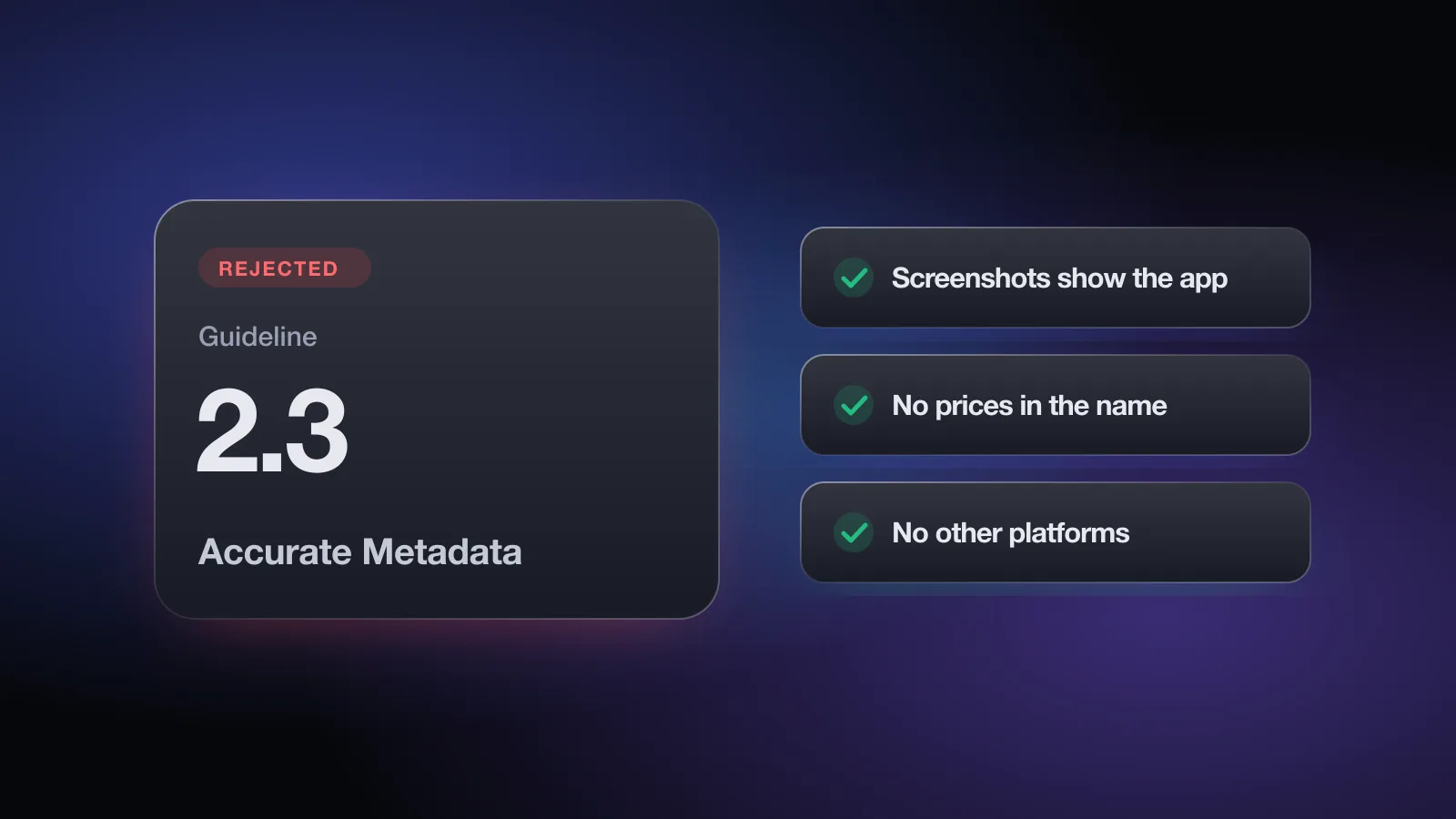
The message says Guideline 2.3 - Performance - Accurate Metadata, sometimes with a sub-number like Guideline 2.3.3 or Guideline 2.3.7. It means the reviewer compared your App Store listing with the app and found a mismatch or a banned element: a screenshot that isn't the app, a competitor's name in your keywords, "Free" in your subtitle.
Apple's Performance section accounted for more rejections in 2025 than any other section, 1,354,418 of them, and metadata is part of it. These rejections are frustrating because the app may be fine. They are also among the quickest to clear, because most fixes happen in App Store Connect. The guide to common App Store rejections covers how 2.3 fits with the other frequent ones.
What the rejection message means
The parent rule, 2.3, is short: customers should know what they're getting, so your metadata (including privacy information, description, screenshots and previews) must reflect the app's core experience and stay current as you ship new versions. The numbered sub-rules spell out the details. These are the ones that show up most in rejection messages:
| Message you see | What it covers | Typical trigger |
|---|---|---|
Guideline 2.3.1 | New features described specifically in review notes and reachable for review; no misleading marketing or false prices | "Bug fixes and improvements" for a big feature |
Guideline 2.3.2 | Description and screenshots say which features need a purchase | Premium features shown as if free |
Guideline 2.3.3 - Performance - Accurate Metadata | Screenshots show the app in use | Only splash, logo or login screens |
Guideline 2.3.7 - Performance - Accurate Metadata | Name, subtitle, keywords: unique, accurate, no trademarks, prices or keyword stuffing | Competitor name in keywords |
Guideline 2.3.8 | Icons, screenshots and previews fit a 4+ audience | Gory game art in screenshots |
Guideline 2.3.10 | No other mobile platforms or app marketplaces | "Also on Google Play" badge |
Why apps get rejected under 2.3
2.3.1: vague review notes, hidden or misleading features
Guideline 2.3.1(a) says every new feature, functionality and product change must be described with specificity in the Notes for Review field, and it must be accessible for review. Generic descriptions can be rejected. The same rule covers misleading marketing, such as promoting services the app doesn't offer or a false price, on or off the App Store. Related: guideline 2.5.19 forbids hidden, dormant or undocumented features. If a feature is behind a server flag, turn it on for review and describe it.
2.3.2: paid features not labeled
If your description or screenshots feature items, levels or subscriptions that cost extra, they must say so. A hard paywall app whose description reads like everything is free is a classic case.
2.3.3: screenshots that don't show the app
Screenshots should show the app in use, not just title art, the login page or the splash screen. Overlays and captions are fine, and so are marketing backgrounds, as long as the real UI is the point of the image. Common misses:
- The first screenshots are pure lifestyle art with no UI at all.
- A screenshot shows a feature that isn't in this build, or one that was removed.
- The device frame or UI is so small under the caption that the reviewer can't tell what the app does.
Previews follow the same idea under 2.3.4: only video screen captures of the app itself, with optional narration and overlays. For layout ideas that stay compliant, see how to design App Store screenshots.
2.3.7: name, subtitle and keywords
This is the one ASO-minded developers hit most. The rule asks for a unique name of 30 characters or fewer, keywords that describe the app accurately, and no stuffing with trademarked terms, popular app names, pricing or irrelevant phrases. Names, subtitles, screenshots and previews shouldn't include prices or terms that don't belong to that metadata type. Subtitles can't reference other apps or make unverifiable claims, and Apple may modify inappropriate keywords at any time.
The name and subtitle each allow 30 characters and the keywords field allows 100 bytes. Paste drafts into the App Store character counter before you save, run them through the free App Review check for price words and superlatives, and see how to write your app title and subtitle for ways to stay keyword-rich without breaking 2.3.7.
2.3.8: metadata for all audiences
Your icons, in-app purchase icons, screenshots and previews must suit a 4+ rating even if the app is rated higher. A shooter can show gameplay, but not a gun pointed at a specific character or a gruesome death. The terms "For Kids" and "For Children" are reserved for the Kids Category. The rule also asks that your app name and icons stay consistent across sizes and platforms so users aren't confused.
2.3.10: other platforms
No names, icons or imagery of other mobile platforms or alternative app marketplaces, in the app or in metadata, unless there is specific, approved interactive functionality. This catches "Available on Android", Google Play badges in a screenshot, an Android phone in a device mockup, and cross-platform marketing copy pasted from your website. Keep metadata about the app and its experience.
Other 2.3 rules worth a glance
- 2.3.5: pick the most fitting category. Apple may change it if it's way off.
- 2.3.6: answer the age rating questions honestly and update them when content changes.
- 2.3.9: you need rights to everything in icons, screenshots and previews, and demo screens should show fictional account data, not a real person's.
- 2.3.12: What's New must describe significant changes. Generic text is only fine for bug fixes, security updates and performance work.
Paste your name, subtitle, keywords and description into the free App Review check. It flags length limits, price words, other platforms, beta wording and Apple trademarks, and asks whether your screenshots show the app in use. No sign-up.
How to fix a 2.3 rejection
- Find the exact fieldThe message usually names the sub-rule and often includes a screenshot. 2.3.3 points at screenshots, 2.3.7 at name, subtitle or keywords, 2.3.10 at any text or image that mentions another platform.
- Check every localizationA banned word in one secondary language is enough for a rejection. Open each locale in App Store Connect and search name, subtitle, keywords, description, promotional text and What's New.
- Edit the metadataRemove competitor and trademarked names, prices and "free" claims from name, subtitle and keywords. Replace unverifiable claims ("#1", "best") with what the app actually does.
- Replace non-compliant screenshotsLead with real app screens showing the core feature. Remove other platforms' devices and badges. Swap in fictional demo data. Make sure every size you upload is updated, since iPad sets are easy to forget.
- Label paid featuresIf the app needs a subscription, say so near the top of the description and list what's free. Mentioning a free trial is fine.
- Fix the app itself if neededIf the app UI shows another platform's name, or a screenshot shows a feature that doesn't exist yet, the build has to change or the screenshot has to go.
- Write specific review notesDescribe new features and how to reach them. If a feature is server-gated, confirm it's switched on for review.
- Reply and resubmitIf you changed only metadata, say so in your reply and resubmit the same build.
How to reply to App Review
Arguing a 2.3.7 or 2.3.10 point rarely helps. If a word is a competitor's trademark or another platform, change it. Replying with an explanation is worth it when the reviewer missed something: the screenshot feature exists but is behind a setting, or the "trademark" is a generic word.
Hello,

Thank you for the feedback on guideline 2.3.7.

We've removed the third-party app names and the word "free" from
the subtitle and keywords in all localizations. The new subtitle is
"Scan receipts & docs to PDF".

We also replaced screenshot 1 with a screen from the app's scanner.
No new build was needed. The current build is unchanged.

Best regards,
[Name]
If the reviewer flagged a feature in screenshots as missing and it does exist, give the exact path ("Library › Export › PDF") and a demo account that reaches it. If you're confident the listing complies and the reviewer misread it, you can appeal to the App Review Board, once per rejected submission.
Metadata rejections often show up alongside guideline 2.1 when the listing promises a feature the reviewer couldn't reach, or with 3.1.2 when subscription terms are missing from the description.
Pre-submit checklist for 2.3
- Name and subtitle are 30 characters or fewer, keywords 100 bytes or fewer, in every locale
- No competitor names, trademarks, prices, discounts or "free" claims in name, subtitle or keywords
- No "#1", "best" or other claims you can't back up in name or subtitle
- First screenshots show the real app in use, not only art, splash or login
- Every feature in screenshots and previews exists in this build
- No Android devices, Google Play badges or other platform names anywhere
- Demo screens show fictional data, and you have rights to every image
- Icons and screenshots work for a 4+ audience; no "For Kids" outside the Kids Category
- Description says which features need a purchase or subscription
- Review notes and What's New describe new features specifically
- Age rating answers match the current content
Before your next submission, run your store text through the free App Review check. Appsium's full Pre-Review Check goes further: it reads your actual screenshots for 2.3.3, 2.3.10 and price claims, and runs an AI review of the whole store text. For general rules beyond metadata, the App Review Guidelines explained guide is the place to start.
Frequently asked questions
What does Guideline 2.3 - Performance - Accurate Metadata mean?
App Review found that part of your listing (name, subtitle, keywords, description, screenshots, previews, What's New or age rating) doesn't accurately reflect the app, or breaks one of the metadata rules in guideline 2.3.
What does Guideline 2.3.3 mean?
Your screenshots don't show the app in use. Guideline 2.3.3 says screenshots should show the app itself, not only title art, a login page or a splash screen. Text and image overlays are allowed.
What does Guideline 2.3.7 mean?
Your name, subtitle or keywords contain something they shouldn't: trademarked terms, other apps' names, pricing information, irrelevant phrases, or a name over 30 characters. Subtitles also can't reference other apps or make unverifiable claims.
Do I need a new build to fix a 2.3 rejection?
Not if the problem is only in the metadata. Edit the listing in App Store Connect, reply to App Review saying what changed and resubmit. You need a new build only if the app itself shows something the guideline prohibits, such as another platform's name or icon.
Can I mention Android in my App Store description?
Guideline 2.3.10 says not to include names, icons or imagery of other mobile platforms or alternative app marketplaces in your app or metadata, unless there is specific, approved interactive functionality.