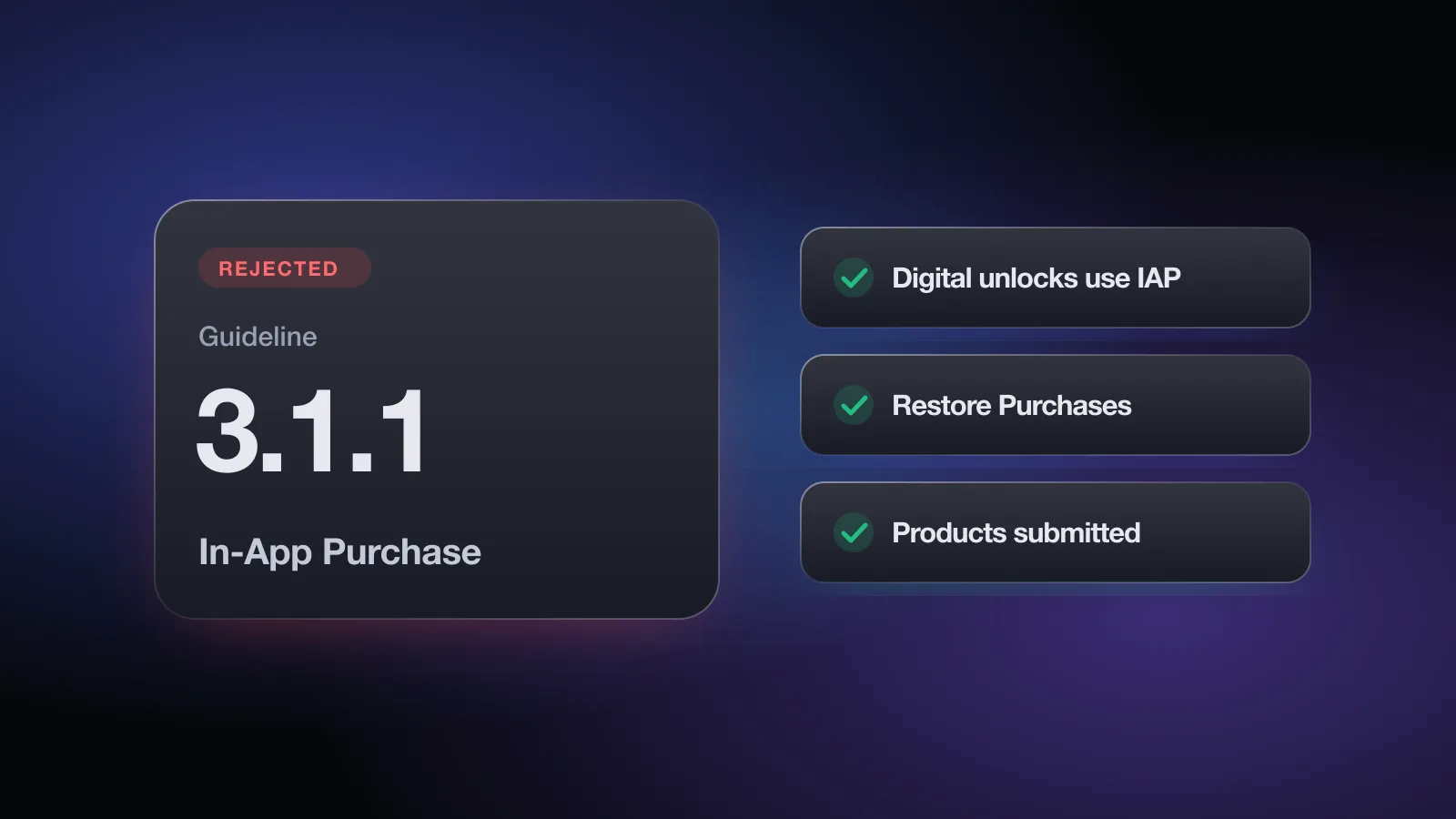
The message reads Guideline 3.1.1 - Business - Payments - In-App Purchase. In practice it means one of two things: your app unlocks digital content or features without Apple's In-App Purchase, or it tells users about another way to pay in a storefront where that isn't permitted.
Business-section rejections totaled 283,820 in Apple's 2025 Transparency Report, and payment rules drive most of them. The core rule hasn't moved in years. What changed is how links to outside purchases are treated, especially on the United States storefront. This page walks through the current text of guideline 3.1.1, the exceptions in 3.1.3, and how to fix and answer the rejection. The guide to common App Store rejections has the wider context.
What the rejection message means
Guideline 3.1.1 says that if you unlock features or functionality within your app, you must use in-app purchase. Apple's examples: subscriptions, in-game currencies, game levels, premium content and full-version unlocks. Apps may not use their own unlock mechanisms, and the guideline names license keys, augmented reality markers, QR codes, cryptocurrencies and crypto wallets.
The same guideline adds a handful of rules that often get folded into the same rejection:
- Restore. Have a restore mechanism for any restorable in-app purchase.
- No expiry. Credits or in-game currencies bought with in-app purchase may not expire.
- Tips. Apps may use in-app purchase currencies to let customers tip the developer or digital content providers.
- Gifting. Items eligible for in-app purchase can be gifted. Refunds go only to the original purchaser, and gifts can't be exchanged.
- Loot boxes. Apps that sell randomized virtual items must show the odds of each item before purchase.
- Digital gift cards and vouchers redeemable for digital goods can only be sold in the app with in-app purchase. Physical gift cards mailed to customers can use other payment methods.
- Trials for non-subscription apps. You can offer a free time-based trial with a Non-Consumable item at Price Tier 0 named "XX-day Trial". Before the trial starts, the app must state its length, what stops working when it ends, and what the user would pay afterward.
Why apps get rejected under 3.1.1
Unlocking digital content without In-App Purchase
- A "Buy Pro" button that opens Stripe or a web checkout in all storefronts, with no IAP option.
- A license key or activation code field that unlocks paid features bought on your site.
- Scanning a QR code or AR marker to unlock premium content.
- Selling credits, coins or AI generations through your own payment system.
- Selling "boosts" or promoted posts that display inside your own app. Guideline 3.1.3(g) says ads shown in the same app must use in-app purchase.
Calls to action outside the allowed storefronts
Text like "Subscribe on our website for 30% less", a button to your pricing page, or a pricing link in the description, in a storefront where neither the US allowance nor an entitlement applies.
Tipping and donations done the wrong way
A tip jar built on PayPal or Stripe for tipping the developer or creators of digital content. Under 3.1.1 those tips should use in-app purchase. The exception is guideline 3.2.1(vii): individuals can send a monetary gift to another individual without IAP if the gift is completely optional and 100% of the money goes to the receiver, but not if it's tied at any point to receiving digital content or services. Collecting money for charities is a separate rule (3.2.1(vi) and 3.2.2(iv)).
No way to restore
A non-consumable or subscription with no Restore Purchases option. Users who reinstall or switch devices must be able to get back what they bought.
The free App Review check asks how you take payment for digital content, where external purchase links appear, whether physical goods go through IAP, and whether Restore Purchases is visible, then flags each risk with the guideline. No sign-up.
External purchase links: the current storefront rules
This is the part most developers have outdated information about. Here is what the guidelines say now.
| Where the app is sold | Buttons, links or calls to action to other purchase methods |
|---|---|
| United States storefront | Allowed No entitlement is required to include them (3.1.1(a), 3.1.3) |
| Storefronts where Apple offers a StoreKit External Purchase Link Entitlement (or a Music Streaming Services Entitlement) | With the entitlement The app also offers IAP, and the link goes to an approved destination, on the platforms the entitlement covers |
| All other storefronts | Not allowed Apps and their metadata may not direct customers to purchase methods other than IAP |
Under the entitlement, the link may tell users where and how to buy those items and that they may cost less there. Approved destinations vary by region. Apple also warns that misleading marketing, scams or fraud in connection with the entitlement lead to removal from the App Store and possibly the Developer Program.
Note what the US allowance covers: calls to action and links. The guideline text still says that unlocking features inside the app uses in-app purchase. If you sell worldwide, the simplest safe setup is IAP everywhere, plus an outside link only in the US storefront and in storefronts where you hold an entitlement. The free App Review check asks which storefronts your link appears in and flags a link shown in all of them.
The 3.1.3 exceptions
Guideline 3.1.3 lists apps that may use purchase methods other than in-app purchase. Outside the US storefront and the 3.1.1(a) and 3.1.3(a) entitlements, these apps still can't encourage users inside the app to use another method. You can always email your own users about it outside the app.
- 3.1.3(a) Reader apps: access to previously purchased magazines, newspapers, books, audio, music and video. They may offer free-tier sign-up and account management, and can apply for the External Link Account Entitlement.
- 3.1.3(b) Multiplatform services: users can access content, subscriptions or features bought on other platforms or your website, provided those items are also available as in-app purchases in the app.
- 3.1.3(c) Enterprise services: apps sold only to organizations for their employees or students. Consumer, single-user and family sales must use IAP.
- 3.1.3(d) Person-to-person services: real-time one-to-one services such as tutoring or fitness training. One-to-few and one-to-many must use IAP.
- 3.1.3(e) Goods and services outside the app: physical goods and real-world services must use other methods, such as Apple Pay or card entry. Using IAP for them is itself a problem.
- 3.1.3(f) Free stand-alone apps that companion a paid web tool for VoIP, cloud storage, email or web hosting, with no purchasing or purchase calls to action.
- 3.1.3(g) Advertising management apps for buying and managing campaigns that aren't shown in the same app.
Guideline 3.1.4 adds a narrow case for hardware: functionality that depends on specific hardware (Apple's example is a telescope) can be unlocked without IAP.
How to fix a 3.1.1 rejection
- List every way your app unlocks somethingButtons, deep links, promo code fields, QR scanners, account flags set by your web backend. Anything digital unlocked by a non-IAP route is in scope.
- Add In-App Purchase for digital unlocksCreate the products in App Store Connect, wire them up with StoreKit (or a wrapper like RevenueCat), and add them to the version you submit so they are reviewed together, which 2.1(b) also requires.
- Remove license keys and unlock codesIf you need promotional access, use Apple's offer codes for in-app purchases rather than your own key system.
- Gate external links by storefrontShow a web purchase link only on the US storefront or where you hold the relevant entitlement. Remove it from the description in other locales.
- Check whether an exception fitsIf you're a reader app, a person-to-person service or you sell physical goods, say so clearly in the review notes and point to the guideline.
- Fix tippingSwitch developer and creator tips to consumable in-app purchases, unless the payment is a fully optional person-to-person gift that passes 100% to the receiver.
- Add Restore PurchasesPut a visible control on the paywall or in Settings, and test it on a second device with the same Apple Account.
- Explain the model in review notesThe Business section asks you to explain a business model that isn't obvious. Say what is sold, where, and why.
How to reply to App Review
If you really do unlock digital content without IAP, a reply won't fix it. Ship the IAP. A reply helps when the reviewer misread an exception or the storefront you were reviewed in.
Hello,

Thank you for the review. We'd like to clarify how purchases work:

- All digital features in the app are sold with In-App Purchase.
  The "Pro" subscriptions are attached to this submission.
- The "Buy on the web" link appears only on the United States
  storefront, which the current guidelines permit (3.1.1(a)).
  It is not shown in any other storefront or in other locales'
  metadata.
- Restore Purchases is in Settings > Subscription.

Please let us know if you need anything else.

Best regards,
[Name]
For a reader app or a person-to-person service, name the 3.1.3 sub-guideline and describe what's purchased elsewhere and how the app accesses it. If you're confident the app complies and the reviewer disagrees, you can appeal to the App Review Board, once per rejected submission.
Subscription-specific problems, such as a paywall missing the price or renewal terms, come under guideline 3.1.2 Subscriptions instead. Purchases that exist but can't be found by the reviewer are a guideline 2.1 issue.
Pre-submit checklist for 3.1.1
- Every digital unlock (features, content, currency, full version) uses In-App Purchase
- No license keys, QR codes, AR markers or crypto used to unlock functionality
- External purchase links shown only on the US storefront or where you hold an entitlement
- No pricing calls to action in metadata for storefronts where they aren't allowed
- Developer and creator tips use in-app purchase
- Purchased credits and currencies never expire
- Loot box odds shown before purchase
- Physical goods and real-world services use Apple Pay or card, not IAP
- Restore Purchases visible and tested for non-consumables and subscriptions
- All IAP products added to this version for review
- Review notes explain the business model and any 3.1.3 exception
Payment rules are where a small UI choice can block a release. You can check your purchase setup against 3.1.1 and 3.1.3 in about two minutes. For the full set of rules beyond payments, read the App Review Guidelines explained.
Frequently asked questions
What does Guideline 3.1.1 - Business - Payments - In-App Purchase mean?
App Review found that your app unlocks digital features or content in a way other than In-App Purchase, such as a license key, QR code or your own web checkout, or includes a call to action to an outside purchase where the guidelines don't allow it.
Can I link to my website to buy a subscription?
On the United States storefront, the current guidelines allow buttons, external links and other calls to action to other purchase methods without an entitlement. In other storefronts you need one of Apple's entitlements where it is offered, and otherwise such links are not allowed.
Can my app let users log in to content they bought on my website?
Yes in several cases. Reader apps (3.1.3(a)) can give access to previously purchased magazines, newspapers, books, audio, music and video. Multiplatform services (3.1.3(b)) can unlock items bought elsewhere if those items are also available as in-app purchases in the app.
Do I need a Restore Purchases button?
Guideline 3.1.1 says you should have a restore mechanism for any restorable in-app purchases, which means non-consumables and subscriptions. A visible Restore Purchases control is the usual way to provide it.
Can I sell physical products without In-App Purchase?
Yes. Under 3.1.3(e), physical goods and services consumed outside the app must use other payment methods, such as Apple Pay or card entry, not In-App Purchase.