The message reads Guideline 2.1 - Performance - App Completeness, usually followed by a screenshot of a crash, an empty screen or a login error. In plain terms: the reviewer could not experience a finished app. Either something broke, something was missing, or they could not get far enough to judge it.
Apple says over 40% of unresolved review issues relate to guideline 2.1. Most of them are not deep bugs. They are a demo account that expired, a backend that went to sleep, or a purchase that was never attached to the version. This page covers what the guideline asks for, the triggers that come up again and again, and how to clear the rejection quickly. For the wider picture, see the guide to common App Store rejections.
What the rejection message means
Guideline 2.1 sits in the Performance section of the App Review Guidelines, and it has two parts.
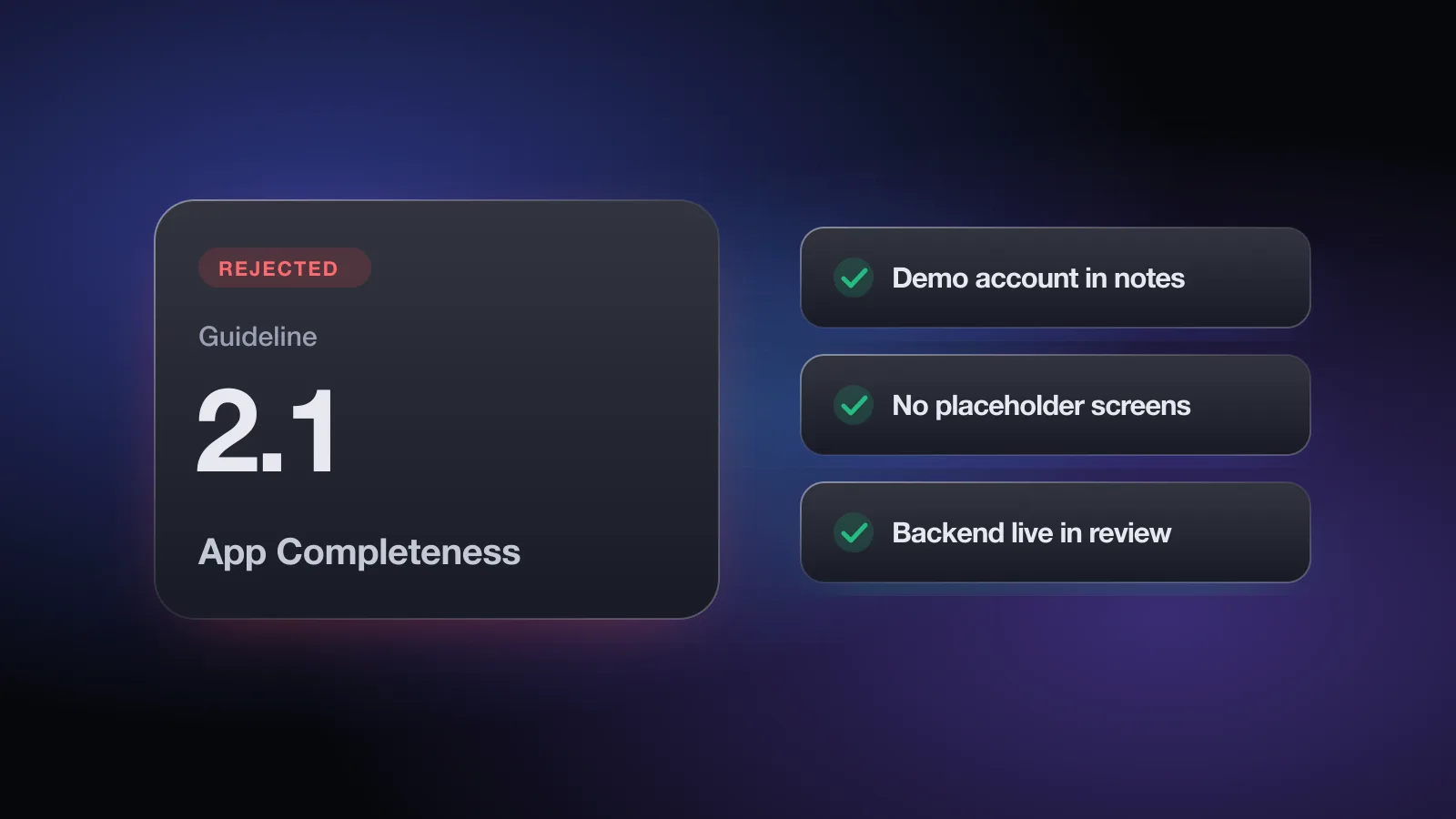
2.1(a) says that what you submit, including pre-orders, should be the final version: all metadata in place, every URL working, and no placeholder text, empty websites or temporary content. You should have tested on a device for bugs and stability. If the app has a login, you must provide demo account details and keep your backend running. Apple will reject incomplete bundles and binaries that crash or show obvious technical problems.
2.1(b) covers in-app purchases. If you sell them, they have to be complete, up to date, visible to the reviewer and working. If a purchase you configured in App Store Connect cannot be found or tested in the app, the guideline asks you to explain why in the review notes.
Guideline 2.1 - Performance - App Completeness. A softer variant, Guideline 2.1 - Information Needed, means the reviewer paused and is waiting for an answer from you. Both show up on the App Review page for your app in App Store Connect.Why apps get rejected under 2.1
These are the patterns behind most 2.1 messages. Apple's own App Review page lists crashes and bugs, broken links, placeholder content and incomplete information as the common issues.
Crashes and obvious bugs
- Crash on first launch from a clean install. Your dev device has cached data, a signed-in session and granted permissions. The reviewer's device has none of that. Migrations, nil defaults and onboarding paths that only run once are the usual suspects.
- Crash on the latest iOS. Apple asks you to test on devices running the latest software. If a new iOS shipped during your development cycle, test on it before you submit.
- Broken iPad layout. Guideline 2.4.1 says iPhone apps should run on iPad whenever possible, and reviewers may open your iPhone app on an iPad. Clipped buttons or a paywall that can't be dismissed there still count as obvious technical problems.
- Permission denial paths. Tapping "Don't Allow" on a camera or location prompt and landing on a blank screen reads as a bug.
Placeholder and unfinished content
- "Coming soon" tabs, empty states with no explanation, lorem ipsum, test images or debug menus left in the build.
- Buttons that do nothing yet. If a feature isn't ready, remove its entry point. Demos and betas belong on TestFlight (guideline 2.2), not the App Store.
Broken links and missing metadata
- A support URL that 404s or has no way to contact you. Apple requires a support link with up-to-date contact information for every app.
- A privacy policy URL that doesn't load, or links inside the app (Terms, Help, About) that point to a staging domain.
The reviewer can't get in
- No demo account, or one that has expired, been locked, or had its password changed by a teammate.
- Sign-in that sends a one-time code by SMS or email to an address the reviewer doesn't control.
- A demo account that is empty, so the reviewer sees an app with nothing in it, or one that doesn't include premium features.
- The backend is down, rate-limits the reviewer, or blocks their region.
- The app needs hardware, an invite code, a specific location or a paid outside membership, and the notes don't say how to get around it.
In-app purchases that can't be reviewed (2.1(b))
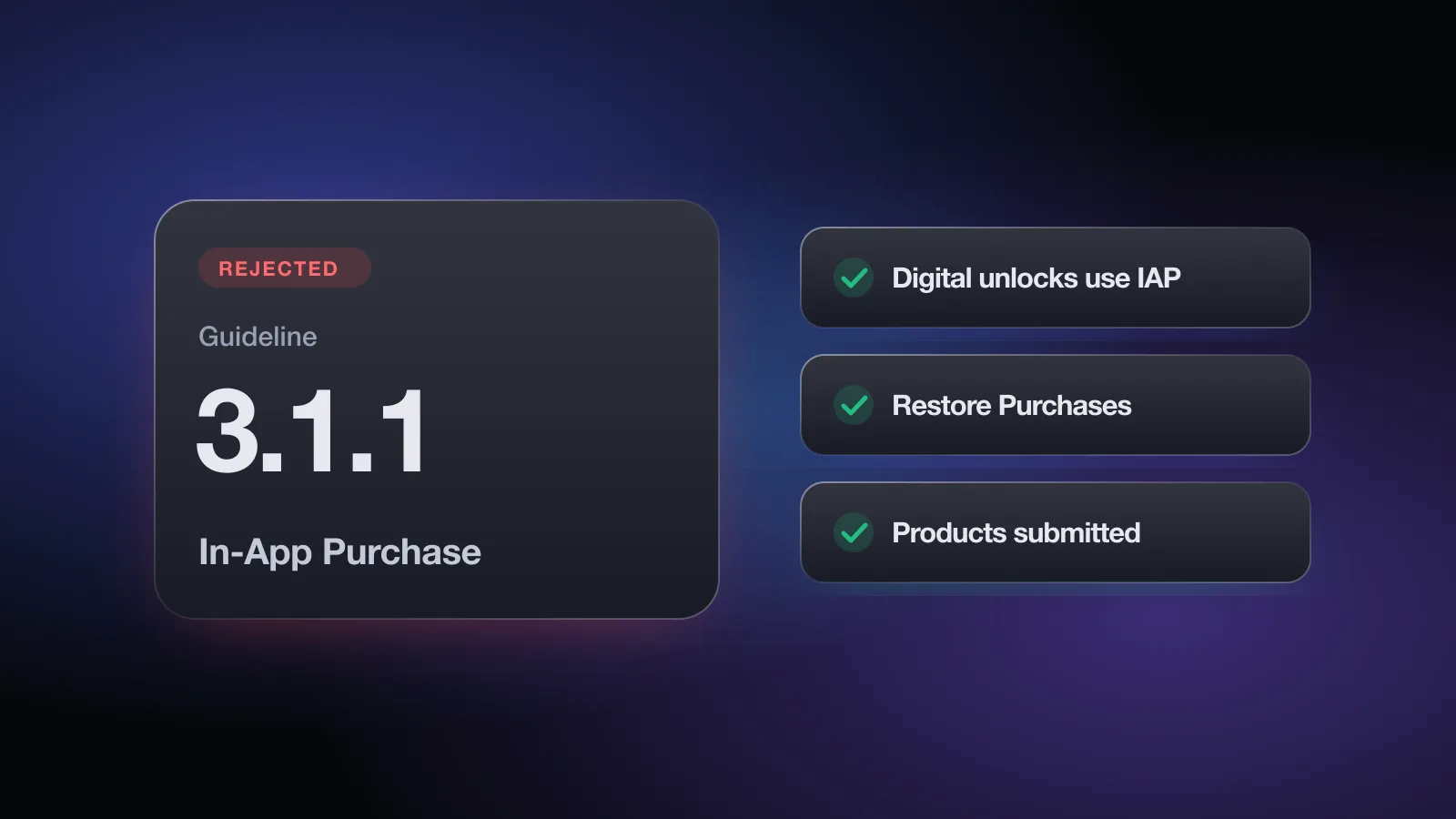
- The products exist in App Store Connect but weren't added to this version's submission. Your first in-app purchases have to be submitted together with an app version.
- The paywall shows a spinner forever because products failed to load, often because of a product ID mismatch or a missing Paid Applications agreement.
- A configured product isn't offered anywhere in the UI, and nothing in the review notes explains why.
The free App Review check asks whether your backend stays up, how the reviewer gets in, whether sign-in needs a code, and whether your purchases are added for review, then flags each gap with the fix. No sign-up.
Guideline 2.1 - Information Needed
This is the message you get when the reviewer is stuck rather than finished. Typical requests:
- "Please provide a demo account." The app has a login, and the Sign-In Information in App Review Information is blank or wrong.
- Questions about the business model. Who pays, for what, and where. Apple's Business section says that if your model isn't obvious, you should explain it in metadata and review notes, or it may delay the review.
- How a feature works or where to find it. Especially features behind hardware, a location or a specific account state.
- Documentation or authorization. For example, rights to third-party content, or licensing for regulated services.
Answer every question asked, in the same thread, directly and in order. To avoid the request next time, check how the reviewer will get into your app before you submit. If the answer requires a change in App Store Connect (new credentials, an attachment), make the change first, then reply. Apple's appeal guidance also says to respond to open information requests before filing an appeal, so don't skip ahead.
How to fix a 2.1 rejection
- Read the screenshot Apple attachedIt shows exactly what the reviewer saw and usually which device. Note the device class and iOS version.
- Reproduce from a clean installDelete the app, install the exact build you submitted (TestFlight works well for this), and go through first launch, sign-in and purchase as a new user. If there is a crash, pull the crash log from Xcode Organizer or TestFlight and fix the cause, not just the symptom.
- Remove anything unfinishedHide or delete placeholder tabs, test data and dead buttons. Ship the feature in a later update when it's real.
- Fix reviewer access in App Store ConnectUnder App Review Information, check "Sign-in required" and enter a demo account that works right now, has sample data, and has every paid feature unlocked. If sign-in uses a one-time code, give the reviewer a fixed code for that account or a way to sign in without one.
- Keep the backend up for the whole reviewTurn off auto-sleep on any server the app depends on, don't geo-block regions the reviewer might be in, and don't rotate the demo account password until the review is finished.
- Attach and test every in-app purchaseMake sure each product is in "Ready to Submit" or later and added to the version. Test the purchase with a sandbox account on a clean device. If a product can't be reached in this version, say so in the notes.
- Check every URLOpen the support URL, privacy policy URL and every link inside the app from a phone on cellular data, not your office network.
- Rewrite the review notes as a test scriptSay what the app does, then give numbered steps to each gated feature. Mention anything special: hardware, a QR code, a location, an invite code. If the setup is hard to replicate, Apple suggests being ready to provide a demo video.
- Reply, then resubmitTell the reviewer what you changed. If only App Store Connect information changed, you can usually resubmit the same build.
How to reply to App Review
Replying alone works when nothing was actually broken: the reviewer used the wrong account, missed a setting, or hit a server hiccup you've since fixed. It does not work for a real crash or a placeholder screen. For those, upload a fixed build and say so.
Hello,

Thank you for the review. We've addressed the issue:

- The demo account in App Review Information has been updated and
  verified today. It has sample data and premium access.
  Username: (see App Review Information)
- Sign-in normally sends a code by email. For this account, enter
  246810 on the code screen.
- The feature you were looking for is under Settings > Sync.

Our backend will stay online for the duration of the review. A short
screen recording of the flow is attached.

Best regards,
[Name]
Keep it short, factual and specific. If you disagree with the decision after replying and you're sure the app complies, you can file an appeal with the App Review Board. Apple asks for one appeal per rejected submission, with specific reasons.
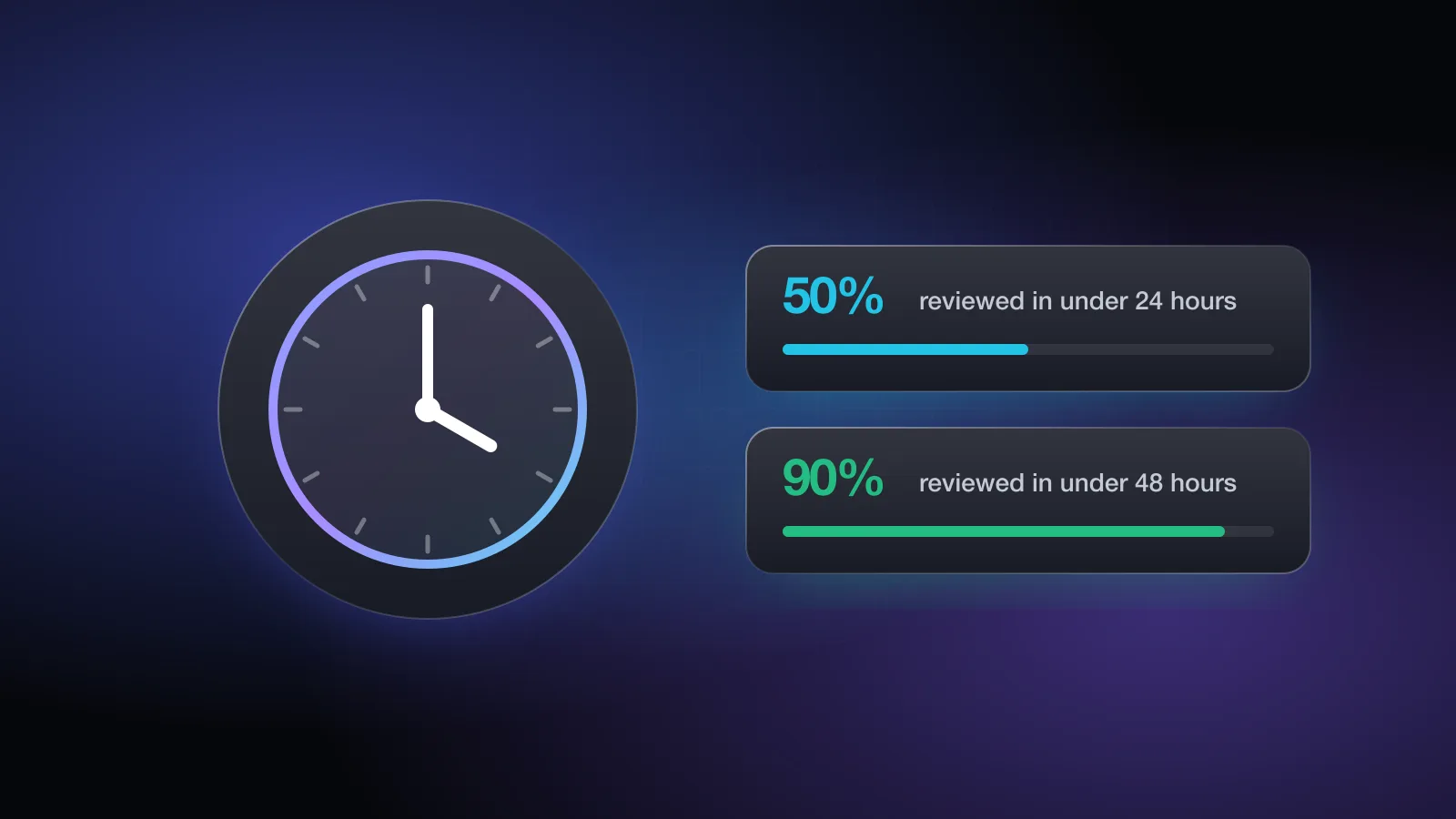
If you need the fix live fast, for a critical bug or an event you're directly tied to, you can request an expedited review. Typical timings are in the App Store review time guide.
Rejections that often come with 2.1
A 2.1 message about purchases often travels with guideline 3.1.1 (In-App Purchase) or 3.1.2 (Subscriptions). A login-related 2.1 can be followed by 4.8 (Login Services) or 5.1.1 once the reviewer gets inside and checks sign-in options and account deletion. A thin app that passes 2.1 can still be held under 4.2 Minimum Functionality.
Pre-submit checklist for 2.1
- Clean install of the exact build tested on a physical device with the latest iOS
- App opened on an iPad or the iPad simulator, with no clipped or blocked screens
- No "coming soon" tabs, lorem ipsum, test images or debug menus
- Denying each permission leads somewhere sensible, not a blank screen
- Demo account entered, verified today, with sample data and every paid feature
- Fixed verification code or code-free sign-in for the review account
- Backend, APIs and demo data will stay up until the review is complete
- All in-app purchases added to this version and tested with a sandbox account
- Support URL and privacy policy URL load, and every in-app link works
- Review notes explain the app, gated features, special hardware or locations
- App Review contact name, phone and email are current
Most of this list is about access and readiness, which is exactly what is easy to forget the night before you submit. You can check your app against guideline 2.1 and the other common rules in about two minutes. Appsium's full Pre-Review Check also writes the App Review notes for you from your answers.
Frequently asked questions
What does Guideline 2.1 - Performance - App Completeness mean?
The reviewer found the submission unfinished: the app crashed, showed placeholder content, had broken links, could not be signed into, or had in-app purchases that could not be found or did not work.
What is Guideline 2.1 - Information Needed?
It is a request for more information rather than a final verdict. App Review needs something to continue, usually a working demo account, steps to reach a feature, or an explanation of how the app or its business model works. Answer it on the App Review page in App Store Connect.
Do I need a new build to fix a 2.1 rejection?
Only if the problem is in the binary, such as a crash or a placeholder screen. Missing demo credentials, review notes or a dead support link can be fixed in App Store Connect, followed by a reply and a resubmission of the same build.
Can I use a demo mode instead of a demo account?
Guideline 2.1(a) allows a built-in demo mode instead of a demo account only when legal or security obligations prevent sharing credentials, and only with Apple's prior approval. The demo mode has to show the app's full features.
How common are 2.1 rejections?
Apple says that on average over 40% of unresolved issues relate to guideline 2.1, which covers crashes, placeholder content and incomplete information.