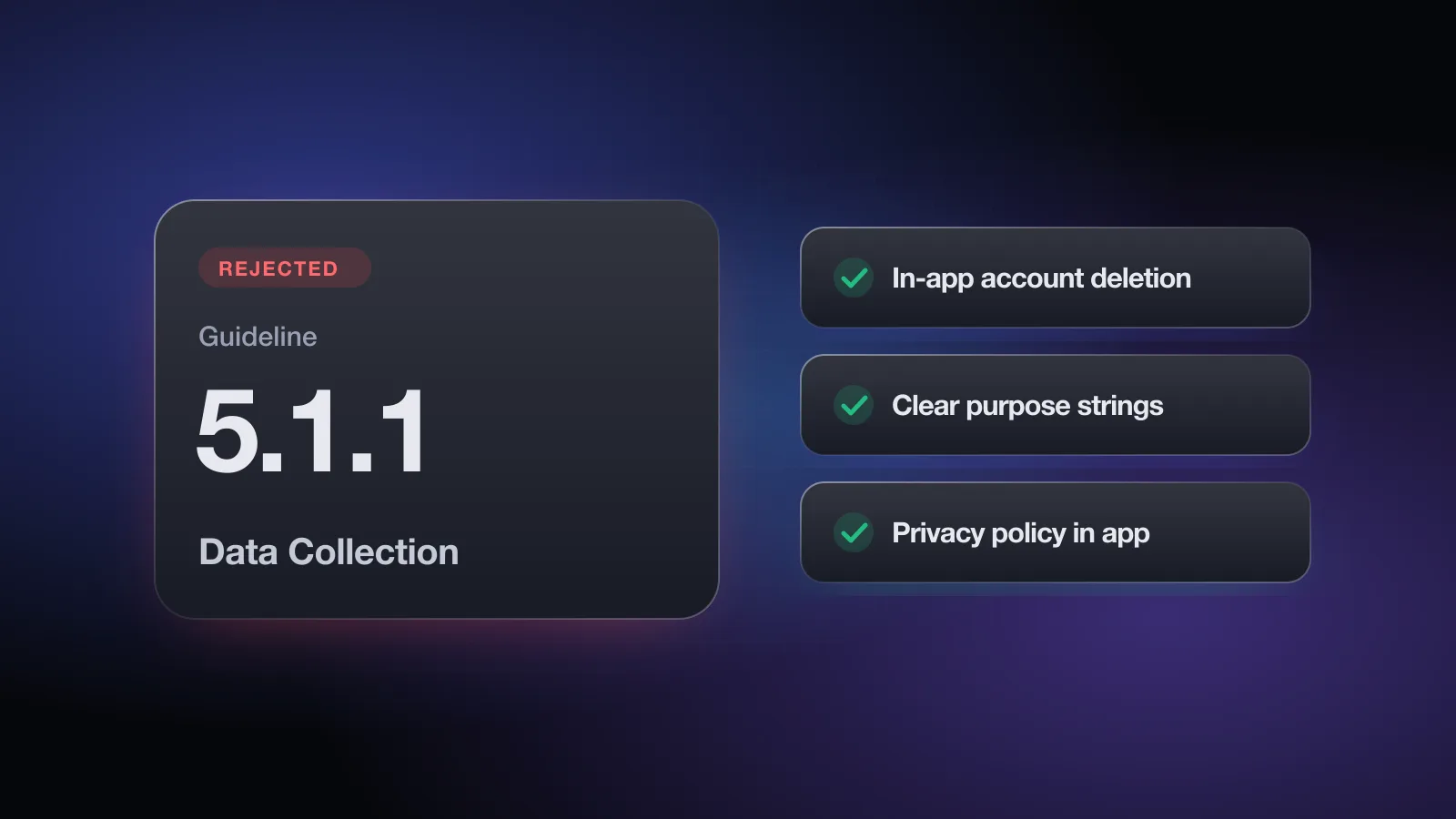
The header reads Guideline 5.1.1 - Legal - Privacy - Data Collection and Storage, sometimes with a sub-clause such as Guideline 5.1.1(v) - Data Collection and Storage for account issues. The note below it tells you which part of the rule you missed. Privacy rejections feel heavy, but they're among the most fixable: almost every one maps to a specific screen, string or link.
Apple's 2025 Transparency Report counted 495,673 rejections in the Legal section, second only to Performance, and privacy is the core of that section. This page goes through the five parts of 5.1.1 that cause most of them, with what to change and how to reply. For the full list of common rejections, see the App Store rejections guide.
What the rejection message means
Guideline 5.1 is Privacy, and 5.1.1 is Data Collection and Storage. It has ten numbered parts, (i) to (x). The rejection often cites one directly, and the reviewer's note names the screen or behavior they saw.
| Part | What it requires (paraphrased) | Typical miss |
|---|---|---|
| (i) Privacy policy | Link in App Store Connect and in the app; explains what's collected, how, all uses, third-party protection, retention, deletion and consent withdrawal | No link inside the app |
| (ii) Permission | Consent before collecting user or usage data; clear purpose strings; easy way to withdraw consent | Vague purpose string |
| (iii) Data minimization | Only data relevant to the core feature; use system pickers where possible | Full Photos access for one image |
| (iv) Access | Respect permission choices; no tricks or forcing; offer alternatives | App stops at "Don't Allow" |
| (v) Account sign-in | No login without significant account features; in-app account deletion | "Email us to delete" |
The other parts cover hidden data discovery (vi), SafariViewController use (vii), compiling personal data from other sources (viii), regulated industries that must be submitted by the legal entity (ix), and asking for basic contact info only as an optional request (x).
(i) Privacy policy: in App Store Connect and in the app
Every app needs a privacy policy, even one that collects nothing. Two places, both required:
- The Privacy Policy URL field in App Store Connect.
- Somewhere inside the app that's easy to reach, usually Settings or About, plus your paywall if you have one.
The policy itself must clearly say what data the app or service collects, how it collects it, and every use of it. It must confirm that third parties you share data with (analytics, ad networks, SDKs, related companies) protect it to the same standard. And it must explain retention and deletion, and how a user can withdraw consent or request deletion.
Common misses: a link that 404s or points to your homepage, a generic template that doesn't mention the SDKs you actually ship, or a policy that only exists on the website. Also check that your App Privacy answers in App Store Connect match the policy and what your SDKs collect.
(ii) Permissions and purpose strings
Before you access protected data such as the camera, location, contacts or photos, iOS shows a system prompt with your purpose string from Info.plist (the NS…UsageDescription keys). Apple's App Review page says this string should clearly and completely explain how the app uses the data, and an example helps.
Clear purpose strings
NSCameraUsageDescription: "The camera is used to scan receipts so you can add expenses without typing."NSLocationWhenInUseUsageDescription: "Your location is used to show trails within 20 miles of you."NSContactsUsageDescription: "Contacts are used to let you pick who to split a bill with. They aren't uploaded."
Gets flagged
- "This app needs camera access."
- "We use your location to improve your experience."
- "Allow access to contacts."
- A string that describes a feature the app doesn’t have
Two more rules from (ii): paid features can't depend on the user granting data access, and users need an easy, understandable way to withdraw consent, for example a toggle in Settings or a link to the system Settings page. The free App Review check asks what each permission you request is used for and whether your purpose strings give a concrete example.
Pre-permission screens
Showing your own explanation before the system prompt is fine, and often helps. What gets flagged is a primer whose button says "Allow" or "Don't Allow," because it imitates the system decision. Use a neutral button like "Continue" and let the user decide in the real prompt.
(iii) Data minimization
Ask only for data the core feature needs, and only collect what the task requires. Where you can, use the out-of-process picker or a share sheet instead of full access. Practical swaps:
- Photos: use
PHPickerViewControlleror SwiftUI'sPhotosPickerto let users pick images without granting library access. - Contacts: use the contact picker to choose one person rather than reading the whole address book.
- Location: ask for While Using unless a feature truly needs background location, and explain that feature in the purpose string.
- Sign-up forms: drop fields the app doesn't use. Under (x), basic contact info is fine to ask for only if it's optional and nothing depends on it.
(iv) The app has to work when permission is denied
Respect the user's choice. Don't manipulate, trick or force people into granting access they don't need to give. Apple's own example: a photo-posting app can't require microphone access before letting someone upload a photo. Where possible, offer another path, like typing an address when someone declines Location.
What reviewers often test: tap "Don't Allow," then see whether the app shows a dead end, an endless loop of prompts, or a modal that only offers "Open Settings." A camera-first app can explain that scanning needs the camera, but the rest of the app (history, settings, manual entry) should still open.
Related: guideline 5.1.2(i) says the app can't require users to enable system features such as notifications, location or tracking to use the app or to receive rewards.
The free App Review check asks about your privacy policy links, each permission and its purpose, your pre-permission screen, login timing, account deletion and AI data sharing, then flags the 5.1 risks with a fix for each. No sign-up.
(v) Account sign-in and account deletion
This is the part cited as Guideline 5.1.1(v) - Data Collection and Storage, and it covers two separate problems.
Login only when it's needed
If your app doesn't include significant account-based features, people should be able to use it without logging in. A habit tracker that stores data on the device doesn't need a sign-in wall. Let users start right away and ask them to create an account only for sync, sharing or other features that genuinely need one. Apps whose content is account-specific, such as a cloud service or a social network, can require login. Say so in the review notes.
The same part says apps can't require personal information to function unless it's directly relevant to the core feature or required by law. And if your core functionality isn't tied to a specific social network, you must provide access without that social login.
Account deletion inside the app
If users can create an account in your app, they must be able to delete it from within the app. What reviewers look for:
- A clearly labeled Delete Account option, usually in Settings or Account. "Sign out," "Deactivate" or "Pause" don't count.
- The flow actually deletes the account and its data, rather than only hiding it.
- No requirement to email support or call a phone line as the only route. A button that opens your web deletion page directly is a common approach.
If you offer Sign in with Apple, deletion should also revoke the user's Apple tokens. The details are on the Guideline 4.8 Login Services page.
Sharing data with third-party AI
If your app sends what users type, say or upload to an outside AI service, guideline 5.1.2(i) applies. You must clearly disclose that personal data is shared with third parties, including third-party AI, and get explicit permission before doing so. In practice: a short, specific screen before first use that names what's sent and to whom, an option to decline, and a matching section in your privacy policy.
How to fix a 5.1.1 rejection
- Match the note to a partFind which of (i) to (v) the reviewer means. If they attached a screenshot of a permission prompt or a settings screen, start there.
- Fix the privacy policy linksCheck the App Store Connect field loads, and add a visible link in Settings. Update the policy text to cover your SDKs, retention and deletion.
- Rewrite every purpose stringFor each
NS…UsageDescriptionkey, say what the feature does with the data, with a concrete example. Remove keys for permissions the app no longer uses. - Swap full access for pickersReplace full Photos or Contacts access with the system pickers where the feature only needs a selection.
- Test every "Don't Allow"On a clean install, deny each permission and make sure the app keeps working with a fallback. Change any "Allow" button on your primer screen to "Continue."
- Move the login wallIf the app has useful features without an account, let users reach them first. Ask for sign-in at the moment a feature needs it.
- Add in-app account deletionPut Delete Account in Settings, confirm once, delete the data, and sign the user out. Note the path in the review notes, for example "Settings, Account, Delete Account."
- Resubmit with notesList what you changed and where to find it, so the reviewer can check it quickly.
How to reply to App Review
Most 5.1.1 rejections need a change, not an argument. A reply alone works when the reviewer missed something that exists, or when the login is genuinely needed for the core feature:
Hello,

Thank you for the review. Regarding Guideline 5.1.1(v):

Account deletion is available in the app at Settings, Account,
Delete Account. It permanently deletes the account and its data
after one confirmation. I've attached a short recording of the flow.

Sign-in is required at launch because every feature shows the
user's own shared household budget, which is stored on our servers
and synced between family members. There is no content to show
without an account. The demo account in the Sign-In Information
fields has sample data.

Best regards,
[Your name]
If the reviewer's point is right, such as a vague purpose string or a missing deletion option, fix it and resubmit. Arguing that "Email us to delete" is good enough won't help. The App Review Board appeal is for cases where you believe the reviewer misunderstood the app, with specific reasons and one appeal per rejected submission.
Privacy also shows up at upload time. If App Store Connect emailed you about missing API declarations, see ITMS-91053 and privacy manifests. And the App Store Review Guidelines overview covers how 5.1 relates to the rest of the Legal section.
Pre-submit checklist for 5.1.1
- Privacy policy URL in App Store Connect loads the actual policy
- Privacy policy is linked inside the app, for example in Settings
- The policy names what's collected, all uses, third parties, retention and how to request deletion
- App Privacy answers match the policy and your SDKs
- Every purpose string explains the use with a concrete example
- System pickers are used where the feature only needs a selection
- The app keeps working after each "Don't Allow"
- Pre-permission screens use a neutral button and don't block the user
- Users can try features that don't need an account without signing in
- Delete Account is in the app and fully deletes the account
- Data sent to third-party AI is disclosed, with permission asked before first use
Want to catch these before the reviewer does? Run your app through the free App Review check; it takes about two minutes and needs no account.
Frequently asked questions
What does Guideline 5.1.1 Data Collection and Storage mean?
It's Apple's main privacy rule for what data your app collects and how it asks. A rejection under it usually points to a missing privacy policy link, a vague permission purpose string, an unnecessary permission, a hard block when permission is denied, a forced login or missing account deletion.
What is Guideline 5.1.1(v)?
5.1.1(v) covers account sign-in. If the app doesn't have significant account-based features, people should be able to use it without logging in, and if the app supports account creation, users must be able to delete their account from within the app.
Where does the privacy policy need to be linked?
In two places: the privacy policy field in App Store Connect and inside the app, somewhere easy to find such as Settings. A link only on your website isn't enough.
Is a link to a web form enough for account deletion?
The guideline requires that account deletion be offered within the app. A button in the app that takes the user directly to the deletion step is a common approach, while asking users to email support is a frequent cause of rejection.
Do I have to disclose sending user data to an AI service?
Yes. Guideline 5.1.2(i) says you must clearly disclose when personal data is shared with third parties, including third-party AI, and get explicit permission before doing so.