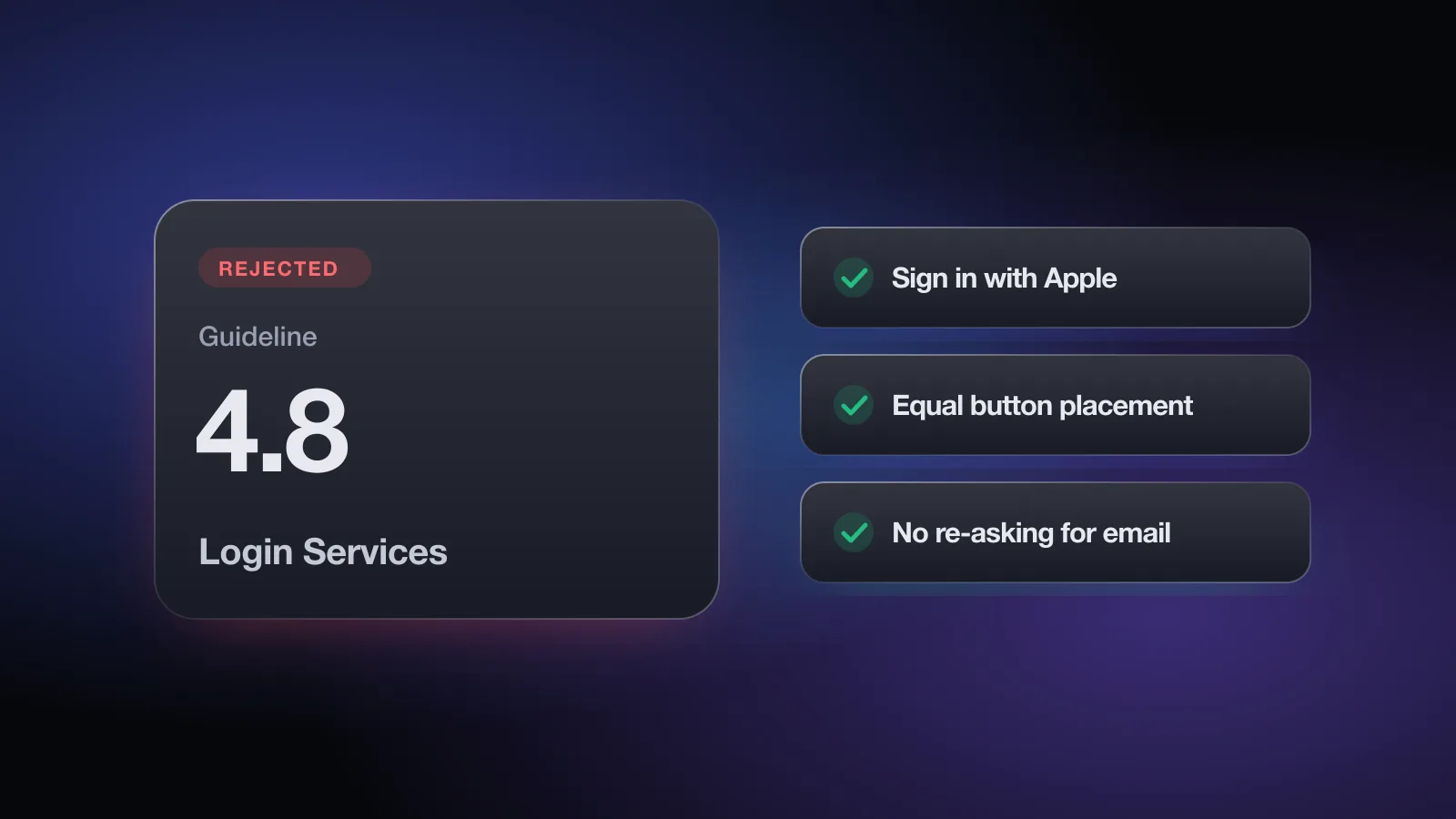
The message header reads Guideline 4.8 - Design - Login Services, and the note usually says your app uses a third-party login service but doesn't offer an equivalent login option with certain privacy features. In most cases that means adding Sign in with Apple, placing it properly, and handling the account lifecycle around it.
This page explains when 4.8 applies, which apps are exempt, how reviewers judge the button, and the follow-on details (name and email, account deletion, token revocation) that cause second rejections after the first fix. For privacy rules on accounts in general, see the Guideline 5.1.1 page.
What the rejection message means
Here is what the guideline says, paraphrased. If your app uses a third-party or social login service (Apple lists Facebook Login, Google Sign-In, Log in with X, Sign In with LinkedIn, Login with Amazon and WeChat Login as examples) to set up or authenticate the user's primary account, you must also offer another login service as an equivalent option. That service must:
- limit data collection to the user's name and email address,
- let users keep their email address private when setting up the account, and
- not collect interactions with your app for advertising without consent.
The primary account is the one the user creates with your app to identify themselves, sign in and use your features. A music service you connect only to play songs isn’t the primary account. "Continue with Google" on your welcome screen is.
Sign in with Apple meets all three criteria, which is why it's the usual fix. The guideline is worded around the criteria rather than the brand, so another login option that genuinely meets them also satisfies 4.8.
When you don't need another login option
Guideline 4.8 lists five cases where the extra login service isn't required:
| Exception | What it looks like |
|---|---|
| Your own account system only | Email and password, phone number or magic link that you run, with no social login at all |
| Alternative app marketplace | A marketplace, or an app distributed from one, using a marketplace-specific login for account, download and commerce features |
| Education, enterprise or business | Users must sign in with an existing school or work account, such as a company SSO |
| Government or citizen ID | Authentication through a government or industry-backed citizen identification system or electronic ID |
| Client for a third-party service | A mail, social media or similar client where users sign in to that service directly to reach their content |
If one of these applies to you, the fix is a reply, not a code change. Say which exception applies and why, in plain terms, in your reply and in the review notes for future submissions. If you offer social login without Sign in with Apple, the free App Review check asks which of these exceptions applies and flags the risk when none does.
Why apps get rejected under 4.8
Social login without an equivalent option
The most common case: the sign-in screen has Google and Facebook buttons plus email, and no Sign in with Apple. Email and password that you run yourself doesn't count as the equivalent option here, because the rule asks for a service that lets users keep their email private.
The Apple button is hidden or smaller
Sign in with Apple appears only after tapping "More options," or sits below the fold, or is a small icon while Google gets a full-width button. Apple's Human Interface Guidelines ask that the Sign in with Apple button be no less prominent than other sign-in buttons, and reviewers check the sign-in screen against that.
Asking for name or email again
The user signs in with Apple, chooses to hide their email, and then your onboarding shows a form asking for their email address and full name. That undoes the privacy choice the login was supposed to give them. Apple sends the name and email the user approved, so use them. Note that Apple only returns the name on the first authorization, so save it then.
Login required where it isn't needed
Not strictly 4.8, but often in the same message: if the app works without an account, guideline 5.1.1(v) says users should be able to use it without a login. A sign-in wall at launch for an app without significant account-based features gets flagged.
Account deletion that ignores Sign in with Apple
If users can create an account, 5.1.1(v) requires in-app account deletion. For accounts created with Sign in with Apple, Apple's account deletion guidance also asks you to revoke the user's tokens through the Sign in with Apple REST API when the account is deleted. Deleting only your own database row can leave your app listed as connected in the user's Apple ID settings.
The free App Review check asks which sign-in methods you offer, whether a 4.8 exception applies, whether the Apple button is as prominent as the others, whether you re-ask for name or email, and whether deletion revokes Apple tokens. No sign-up.
How to fix a 4.8 rejection
- Confirm whether an exception appliesCheck the five cases above. If your app is, for example, a client for one specific third-party service, reply with that explanation instead of adding a new login.
- Add Sign in with AppleEnable the Sign in with Apple capability in Xcode and on your App ID, then use
ASAuthorizationAppleIDButtonandASAuthorizationController(or the SwiftUISignInWithAppleButton). If your backend handles auth, verify the identity token on the server. - Put it on the same screen, at the same sizePlace the Apple button alongside your other social buttons, with matching width and height, and visible without scrolling. Use Apple's provided button styles rather than a custom drawing.
- Request only name and emailAsk for the
.fullNameand.emailscopes if you need them. Save the name on first sign-in. Don't show a follow-up form asking for the same details. - Handle private relay emailsUsers who hide their email give you a private relay address. Register your outbound email domains in your developer account so mail to those addresses gets delivered.
- Wire up account deletion and token revocationYour in-app Delete Account flow should delete the account and call Apple's token revocation endpoint for users who signed in with Apple. Test it end to end with a real Apple ID.
- Update review notes and resubmitSay that Sign in with Apple was added, where it appears, and that the demo account still works. If the demo account is email-based, note that the reviewer can also test with their own Apple ID.
Passes review
- Apple, Google and email buttons on one screen, same width
- Apple's standard button style
- Name and email taken from the Apple credential
- Delete Account in Settings, with token revocation
- Browsing allowed without an account if the app supports it
Gets flagged
- Apple login only under "Other options"
- Small Apple icon next to full-width social buttons
- "Please enter your email" right after Apple sign-in
- "Email us to delete your account"
- Sign-in wall for an app that doesn't need one
How to reply to App Review
If you added Sign in with Apple, a short note on resubmission is enough. Replying without a change only works when an exception applies. Be specific about which one:
Hello,

Thank you for the review. Our app is a client for Example Mail:
users sign in to their existing Example Mail account to read and
send their own email. We don't create a separate account for the
user, and the Example Mail login is the only way to access their
mailbox.

We believe this falls under the exception in Guideline 4.8 for apps
that are a client for a specific third-party service where users
sign in directly to access their content.

The demo Example Mail account is in the Sign-In Information fields.
Please let me know if you need anything else.

Best regards,
[Your name]
An exception argument works best when it's obviously true from the app itself. If your "enterprise" app also lets anyone sign up with Google, the enterprise exception won't hold. In that case add Sign in with Apple rather than appealing. If you do believe the reviewer misread the app, the App Review Board accepts one appeal per rejected submission, with specific reasons why the app complies.
Sign-in rules connect to several other guidelines: reviewer access under 2.1 App Completeness, login and deletion under 5.1.1, and purchases tied to accounts under 3.1.1. The App Store Review Guidelines overview shows how they fit together.
Pre-submit checklist for 4.8
- If you offer any social login for the main account, Sign in with Apple (or an equivalent that meets the 4.8 criteria) is also offered
- Or you've confirmed a listed exception applies, and the review notes say which one
- The Apple button is on the same screen as the other sign-in options, at least as large and visible without scrolling
- Users aren't asked again for name or email after signing in with Apple
- The name is saved on first authorization
- Private relay emails are deliverable from your sending domains
- Account deletion is available in the app and revokes Sign in with Apple tokens
- Parts of the app that don't need an account work without signing in
- A working demo account is in App Review Information
To go over sign-in, deletion and the rest of the common rejection areas at once, check your app against these guidelines with the free tool.
Frequently asked questions
Is Sign in with Apple required on the App Store?
Not for every app. Guideline 4.8 applies when you use a third-party or social login to set up or authenticate the user's primary account. Then you must also offer an equivalent login that limits data to name and email, lets users keep their email private, and doesn't collect interactions for advertising without consent. Sign in with Apple meets those criteria.
Do I need Sign in with Apple if I only use email and password?
No. Guideline 4.8 says another login service isn't required if your app only uses your company's own account setup and sign-in system.
What are the exceptions to Guideline 4.8?
Your own account system only, alternative app marketplace logins, education or enterprise apps that require an existing school or work account, government or industry-backed citizen ID systems, and clients for a specific third-party service where users sign in to that service to reach their content.
Can I ask for the user's name after Sign in with Apple?
Avoid it. Apple shares the name and email the user chose during authorization, so asking for them again on a form defeats the privacy choice and is a common review issue. Store the name on the first sign-in, because Apple only sends it then.
Do I have to revoke Sign in with Apple tokens when deleting an account?
Apple's account deletion guidance asks apps that support Sign in with Apple to revoke the user's tokens with the Sign in with Apple REST API when the account is deleted. The free App Review check asks about this.