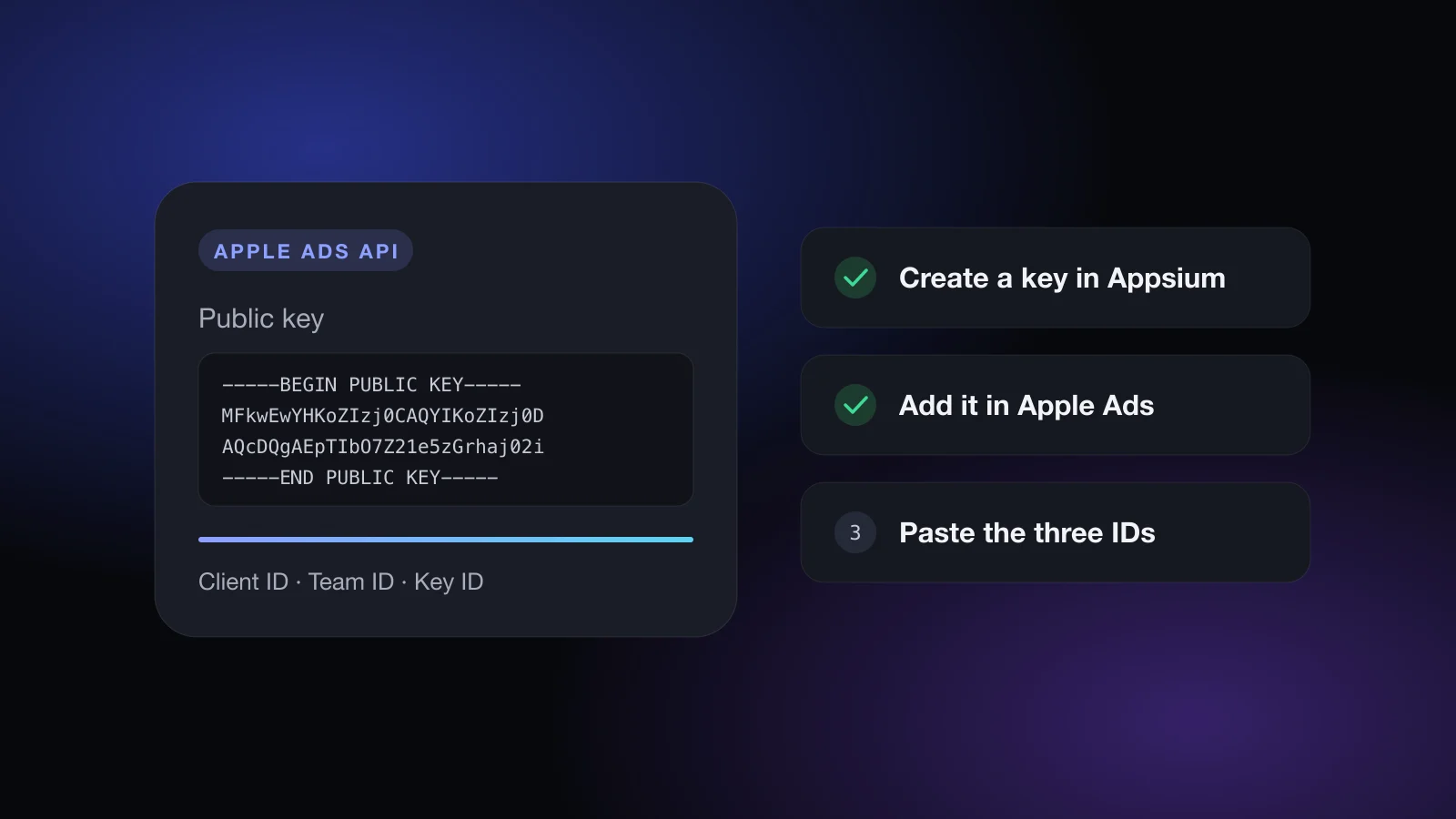
Connecting Apple Ads takes three short steps across two windows: one in Appsium, one in Apple Ads, then back to Appsium. Most of the time is spent in Apple Ads, so it helps to know exactly where each setting lives before you start.
Before you start
- An Apple Ads Advanced account. If you only use Apple Ads Basic, there is nothing for the API to manage.
- Admin access in Apple Ads, or someone who has it, to give the API user its role.
- An email address for the API user. Apple ties API access to a user in your account. Many teams create a separate user such as ads-api@yourcompany.com, so API access doesn't depend on a person's login. Your own user works too if it can be given an API role.
- The app already added in Appsium, with its App Store ID. Apple Ads data is matched to the app through it.
Step 1: Create the key in Appsium
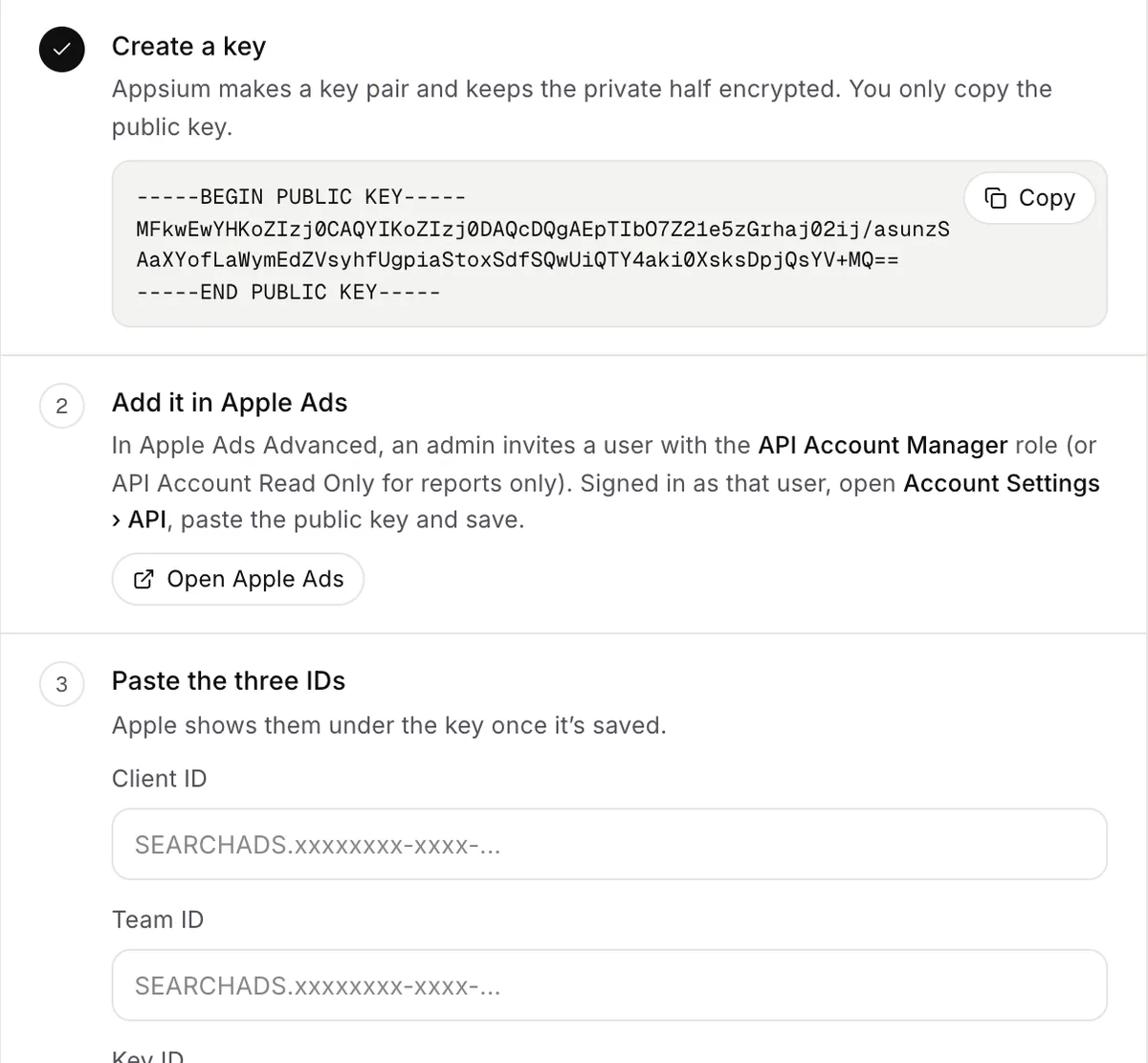
Open your app in Appsium and go to Apple Ads › Overview. Click Create key. Appsium makes a key pair, stores the private half encrypted, and shows you the public key. Click Copy. Keep this tab open: you'll come back to paste the IDs.
Step 2: Give an API user a role in Apple Ads
Sign in to Apple Ads Advanced as an account admin. If you manage several accounts, first pick the right one from the account menu at the top right.
- Open User ManagementGo to Account Settings › User Management.
- Invite the API userClick Invite Users (or edit an existing user) and enter the email address you chose.
- Pick an API roleChoose API Account Manager to let Appsium make changes you approve, or API Account Read Only for reports and suggestions only. The Limited Access API roles work too, for the campaigns they cover.
- Send the invite and activate itThe invitee opens Apple's email, signs in with the invited Apple Account and enters the code from the email. Until that's done, the user has no API access.
Step 3: Save the public key and copy the IDs
- Sign in as the API userSign in to Apple Ads with the user that has the API role, and make sure the same account is selected at the top right.
- Open the API pageGo to Account Settings › API.
- Paste the public key and savePaste the whole key from Appsium into the Public Key field, including the
-----BEGIN PUBLIC KEY-----and-----END PUBLIC KEY-----lines, then click Save. - Copy the three IDsApple then shows your credentials above the key:
clientIdandteamId(both start withSEARCHADS.) andkeyId.
Step 4: Paste the IDs in Appsium
Back in Appsium, paste the Client ID, Team ID and Key ID and click Connect. Appsium checks them with Apple right away and lists the ad accounts the user can see, with the role on each:
- With one Advanced account, it's linked to the app for you.
- With several, pick the one that runs this app's ads.
- Basic accounts are shown but can't be picked.
The first sync pulls your campaigns, keywords, search terms, negatives and a year of results. It takes a minute, and after that Appsium refreshes every few hours or whenever you click Refresh.
If something doesn't show up
How to remove access
In Appsium, open the Apple Ads menu next to the sync status and click Disconnect: the key and Appsium's copy of your ads data are deleted, and nothing changes in Apple Ads. To cut access from Apple's side as well, delete the public key under Account Settings › API or remove the API user in User Management.
Frequently asked questions
Which Apple Ads role should the API user have?
API Account Manager if you want to make changes from Appsium (bids, keywords, negatives, the campaign wizard). API Account Read Only is enough for reports, insights and suggestions. Appsium may show the role under the name Apple's API uses, such as API Campaign Manager; that's the same role.
Do I need Apple Ads Advanced?
Yes. The Apple Ads Platform API only covers Advanced accounts. Apple Ads Basic runs campaigns automatically and has no keywords or reports to manage, so Basic accounts are listed but can't be linked.
Is it safe? What can Appsium do with the key?
The private key is created on Appsium's servers, stored encrypted and never shown or downloaded. It only works together with the IDs from your Apple Ads account, and only with the role you gave the API user. You can remove it any time: disconnect in Appsium, or delete the key or the user in Apple Ads.
Can Appsium change my campaigns without asking?
No. Every change is shown first and only sent to Apple Ads when you apply it, and each one can be undone from the Changes page.
I have several ad accounts. Which one is used?
Appsium lists every ad account the API user can see and links each app to the account you pick. With a single Advanced account it's picked for you.